

| 1.3.80 (build ) | 1970-01-01 |
数据恢复助手 - Detailed Description
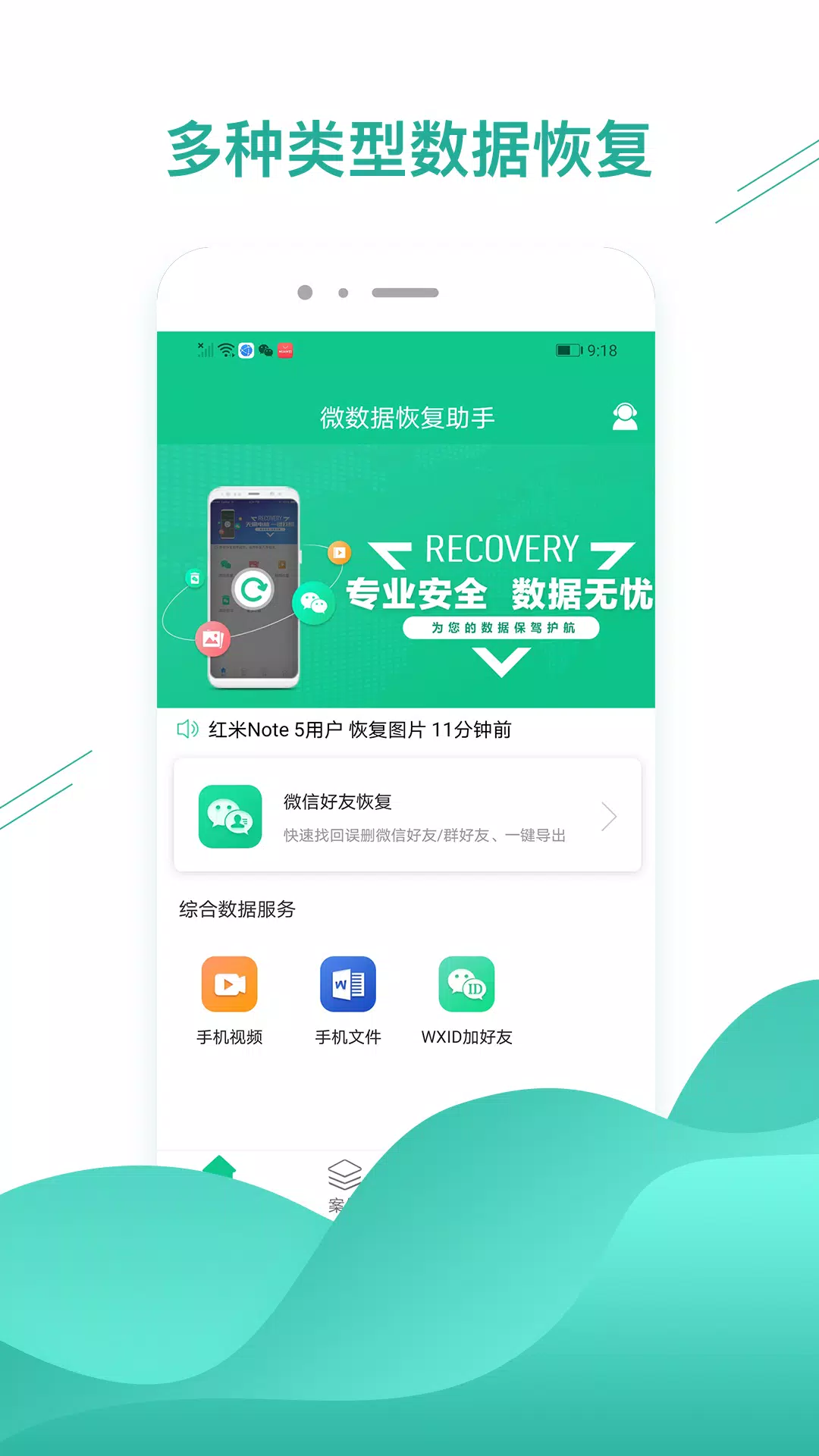
Are you worried about losing your important files, photos, or messages due to accidental deletion, formatting, or any unforeseen circumstances? Look no further! 数据恢复助手 (Data Recovery Assistant) is your comprehensive solution for recovering lost data on Android devices. Whether you've accidentally deleted cherished photos or need to retrieve critical documents, this powerful application is designed to help you recover your lost files with ease and efficiency.
Key Features:
User-Friendly Interface: 数据恢复助手 boasts an intuitive and easy-to-navigate interface, making it accessible for users of all technical levels. You don't have to be a tech expert to recover your lost data; simply follow the on-screen instructions and get your files back in just a few clicks!
Comprehensive File Recovery: The app supports the recovery of a wide array of file types, including photos, videos, documents, music, and more. Whether your files were lost during a system crash, accidental deletion, or malware attack, 数据恢复助手 is equipped to handle various data loss scenarios.
Deep Scan Technology: Leveraging advanced scanning algorithms, 数据恢复助手 performs thorough analyses of your device's storage to locate recoverable files that might be hidden deep within your storage system. This ensures a higher chance of recovery compared to simpler recovery tools.
Preview Before Recovering: One standout feature of 数据恢复助手 is its ability to let you preview files before you initiate the recovery process. This allows you to select only the files you truly want to recover, saving time and storage space while keeping your recovery organized.
Supports Various Android Devices: 数据恢复助手 is compatible with a wide range of Android devices, from smartphones to tablets. No matter what brand or model you have, the app is designed to provide reliable data recovery solutions.
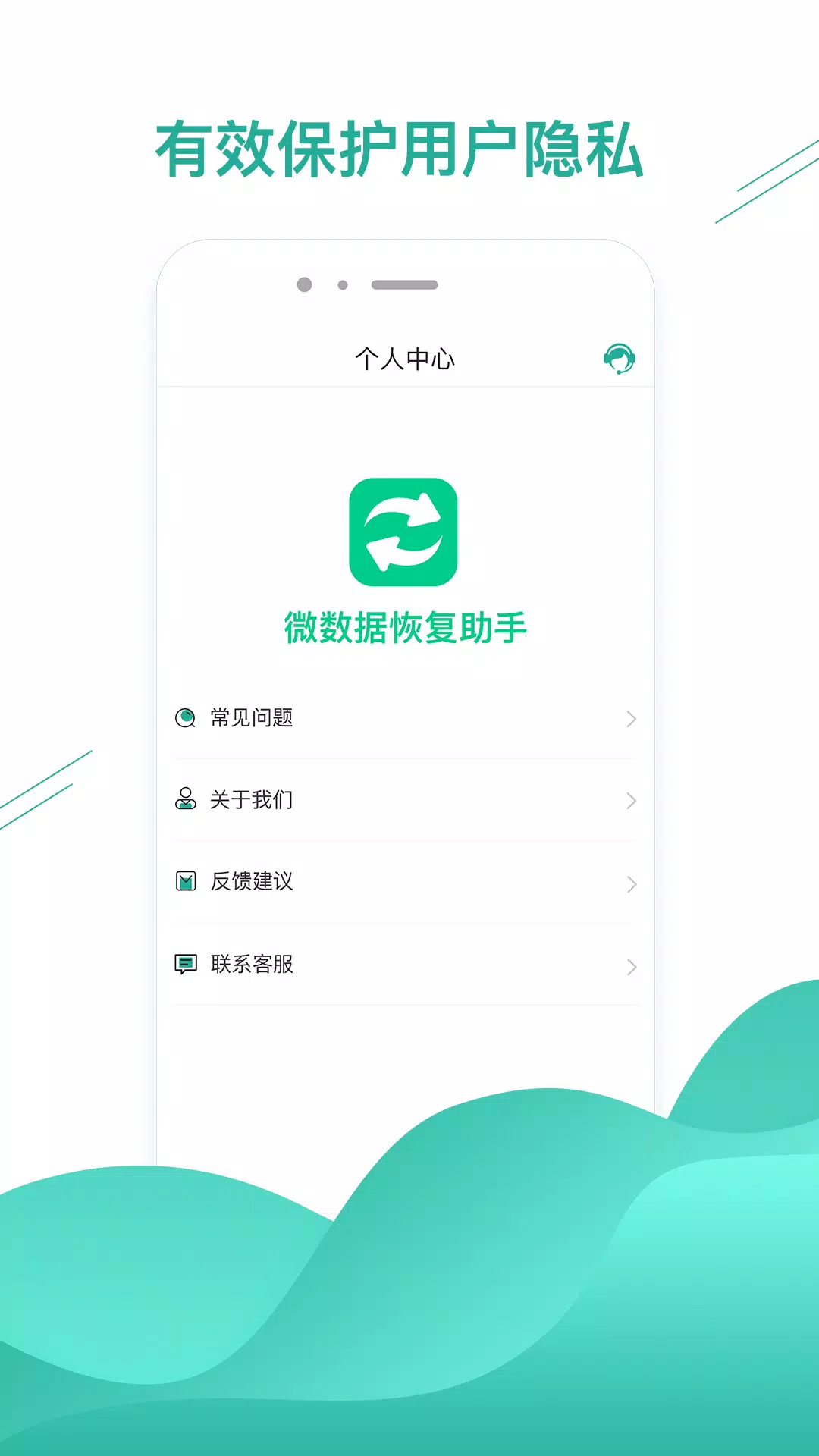
Safe and Secure Recovery: Your privacy and data security are our top priorities. 数据恢复助手 ensures that all recovery processes are conducted safely and that no additional data is lost during the recovery attempt.
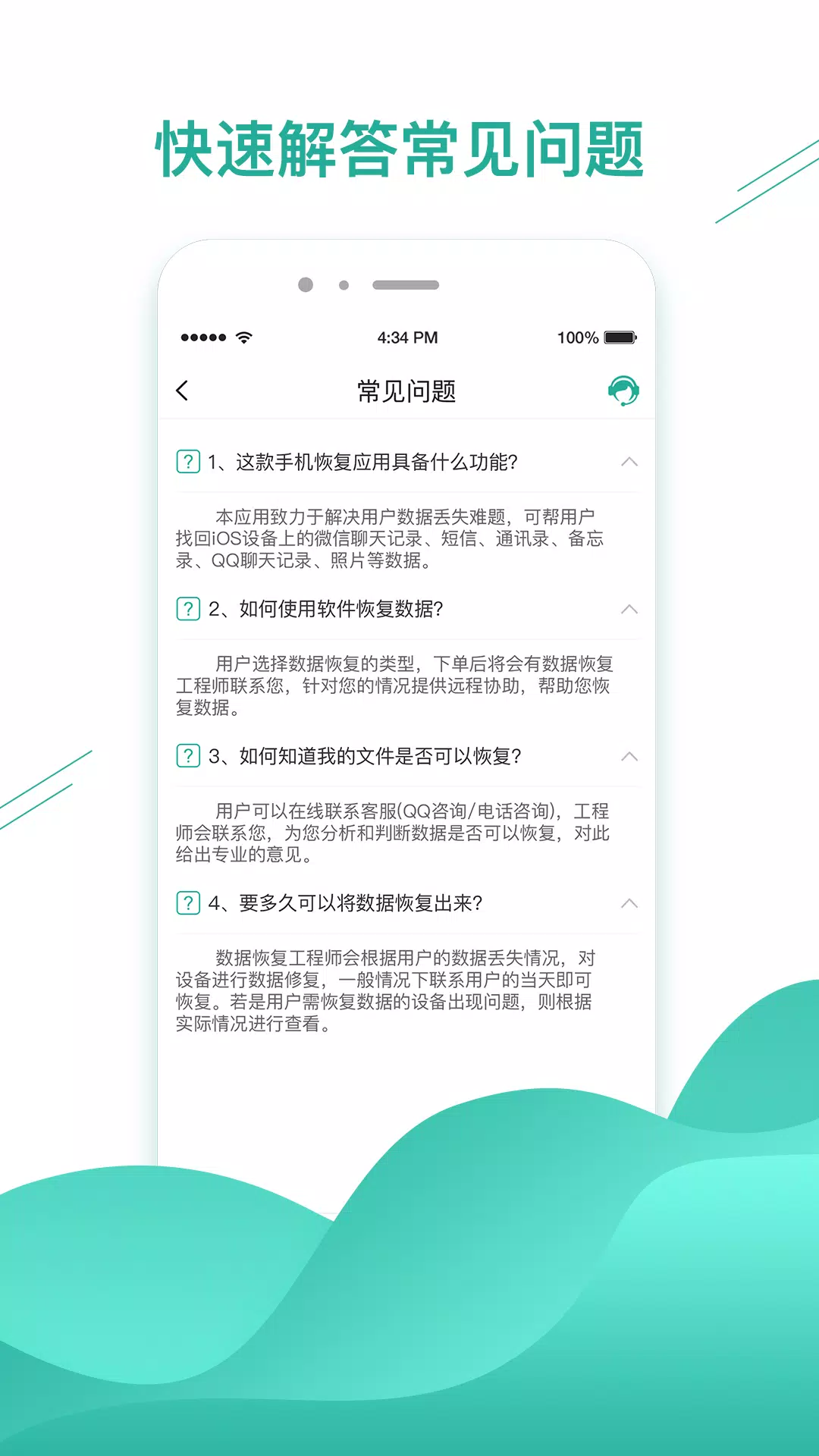
Regular Updates and Support: The development team behind 数据恢复助手 is committed to providing regular updates and improvements to enhance user experience and compatibility with the latest Android updates. Furthermore, dedicated customer support is available to assist you with any questions or issues you may encounter.
No Root Access Required: Unlike many other recovery tools, 数据恢复助手 often does not require root access to perform successful data recovery, making it a hassle-free choice for users who wish to keep their devices in a non-rooted state.
Affordable Recovery Solutions: Enjoy powerful data recovery capabilities at an affordable price. 数据恢复助手 offers various plans, including a free version that allows you to test the app's features before committing to a purchase.
Conclusion:
Don't let data loss hinder your productivity or take away your cherished memories. With 数据恢复助手, you can regain control over your lost files and ensure that your important data is safe and recoverable. Download 数据恢复助手 today and experience the peace of mind that comes with knowing your files can be restored quickly and efficiently. Whether for personal use or professional needs, this app is a must-have for anyone looking to protect their important information on their Android devices.
Visit APK Bot to download 数据恢复助手 today and start your journey towards successful data recovery!
|
|
|
Senden Sie den Entwicklern dieses Apps Probleme, die Sie während der Nutzung hatten, oder Vorschläge, um ihnen zu helfen, besser zu werden.