Übersicht von EaseUS MobiSaver-Data Recovery
The easiest Android data recovery app - EaseUS MobiSaver, is your best bet for retrieving deleted photos, videos, contacts, SMS from both the phone's internal memory and external microSD card.
Supported photo formats: JPG/JPEG, PNG, GIF, BMP, TIF/TIFF.
Supported video formats: MP4, 3GP, AVI, MOV.
Recent updates:
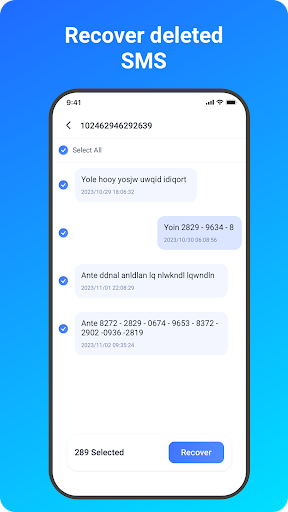
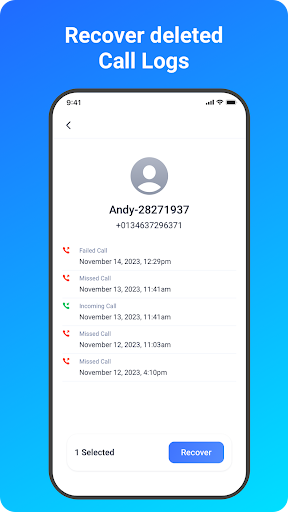
Enable messages & call logs backup and recovery.
Enable photos & videos recovery on Android SD card.
Improve the device's scan performance for lost data.
So far, EaseUS MobiSaver has been recognized as a top-ranking Android data recovery app for photos, videos, contacts. At any time, Android users removed files akin to the mentioned types, don't hesitate to let the software help! Only a few taps will do.
How to Use?
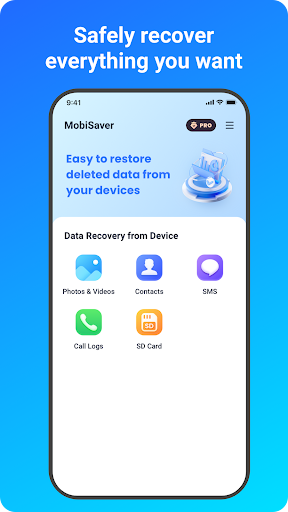
Choose a recovery mode among Photo & Video, SMS, Contacts, Call Logs, SD Card. Now, let's start.
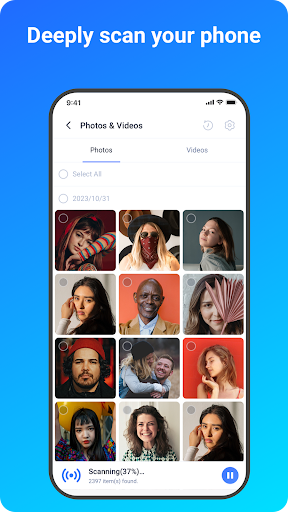
★ Scan - The app is very fast to scan your device for deleted photos, videos, contacts in a few minutes.
★ Display - Files that have been found will be listed and allow for preview during the scanning process.
Pictures and photos are shown in thumbnails with file format and file size.
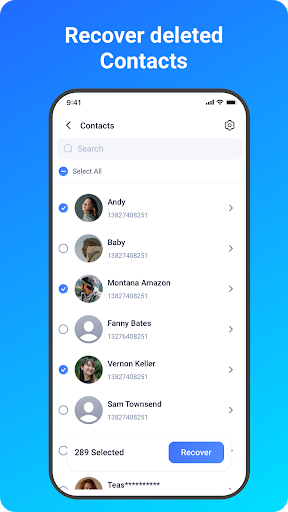
Contacts are shown in detail with the exact person name and phone number.
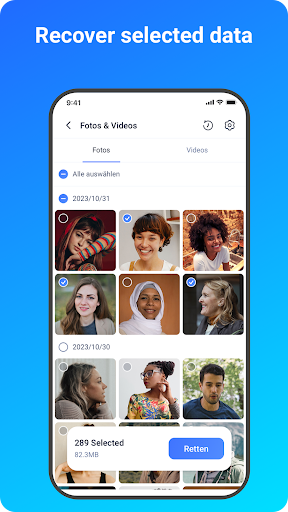
★ Filter - After the scan process or even midway, you can filter files in a straightforward way in order to find your desired data precisely.
For pictures and videos, there are 3 options available in Settings: filter the files by size, file types and date.
★ Recover - Choose files and tap on Recover.
Data Security
* We value your privacy as much as you do. Your data is encrypted from start to finish, no more worries about data recovery and data transfer from mobile devices.
* In order to recover deleted data as much as possible,please allow access to manage all files.Otherwise the App can not scan and restore any data on the device.
Requirement
* Android not root - the app will perform a quick scan for your deleted files by searching cache and thumbnails.
* Android rooted - the app will search your device memory deeply for every missing photo and video.
For more information, please visit:
https://www.easeus.com/android-data-recovery-software/app-version.html