Network MonitorSymbol

Network Monitor

Version:1.32.0 (build 13200)
Network MonitorDownload QR-Code
App-Installation läuft
Installation läuft...
Die App-Installation beginnt in Kürze. Bitte warten Sie. Wenn der Download nicht automatisch startet, klicken Sie hier, um den Download manuell zu starten
Installieren

Oder scannen Sie den QR-Code mit Ihrem Handy, um die Installation abzuschließen


Über Network Monitor

Größe
11.2 KB
Erstellungsdatum
2024-06-21
Version
1.32.0
Build
13200

Versionshistorie von Network Monitor

1.32.0 (build ) 1970-01-01

Übersicht von Network Monitor

Network Monitor - Comprehensive Network Management Tool

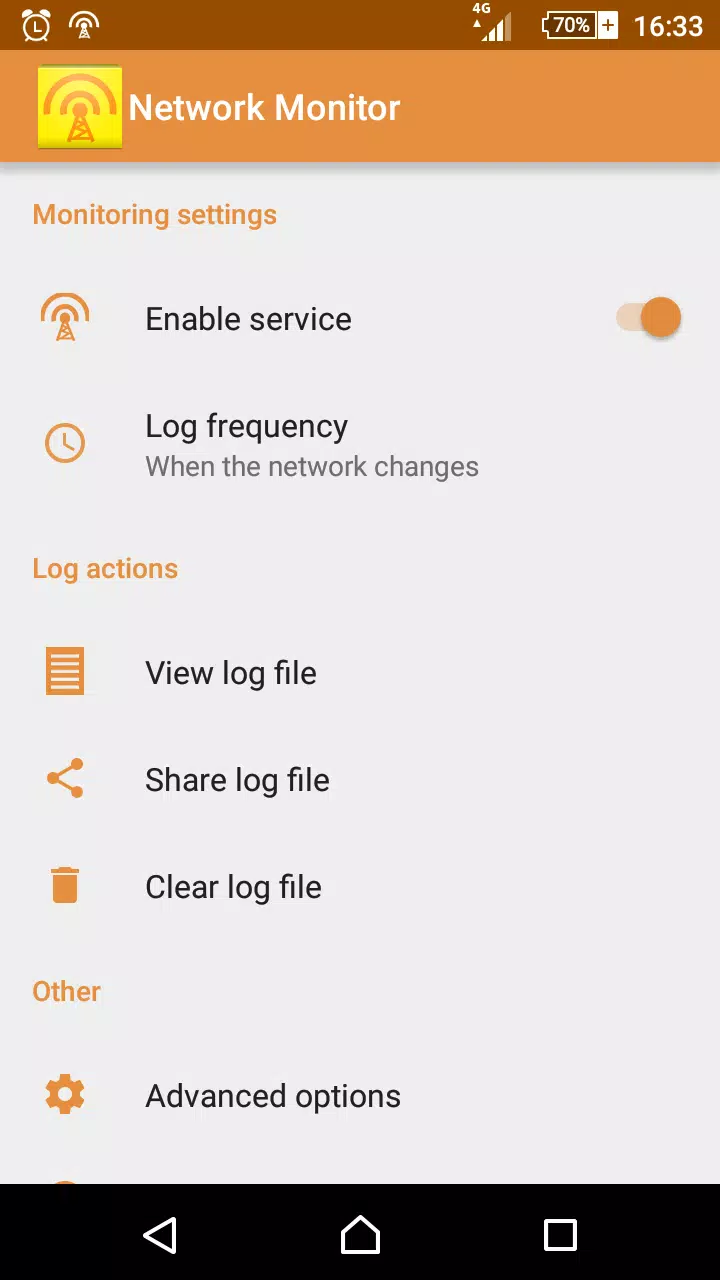
Overview: Network Monitor is a powerful application that empowers users to monitor and analyze their network connections directly from their Android devices. Designed with an intuitive interface and robust features, it provides real-time insights into your network performance, data usage, and device connectivity status, making it an essential tool for tech enthusiasts, network administrators, and casual users alike.

Key Features:

  1. Real-Time Network Monitoring:

    • Stay informed with real-time stats of your internet speed and connection stability. The app displays current upload and download speeds, allowing you to detect fluctuations and issues promptly.
  2. Detailed Data Usage Insights:

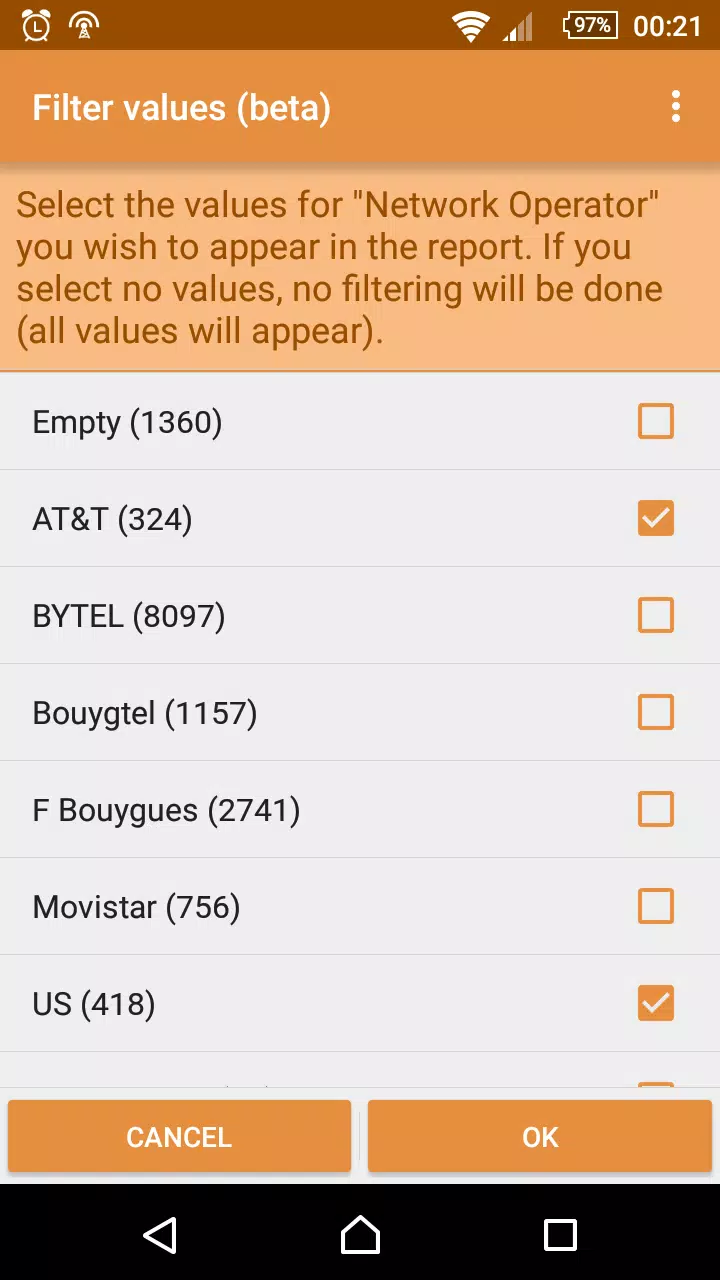
    • Network Monitor tracks your data usage across Wi-Fi and mobile networks, providing detailed statistics on how much data each application consumes. Set alerts to notify you when you are nearing your data limit to avoid extra charges.
  3. Connection Quality Analysis:

    • Analyze connection quality with metrics such as latency, ping, and packet loss. With tools to continuously monitor these variables, users can troubleshoot connectivity issues effectively.
  4. Network Usage Per App:

    • Gain visibility into which applications are using your bandwidth. This feature helps you identify any apps that may be consuming excessive data, allowing you to manage and control your usage better.
  5. IP Address and Network Information:

    • Easily view important details about your network, including IP addresses, gateway information, and DNS servers. This information can be crucial for diagnosing network problems or making configuration changes.
  6. User-Friendly Interface:

    • The app boasts a sleek, user-friendly design that makes navigating through various features a breeze. Effortlessly access charts, graphs, and metrics without extensive technical knowledge.
  7. Custom Notifications and Alerts:

    • Set up custom notifications for specific criteria, such as network downtime, abnormal speed drops, or unexpected data usage spikes. Stay ahead of potential issues with timely alerts.
  8. Historical Data and Reporting:

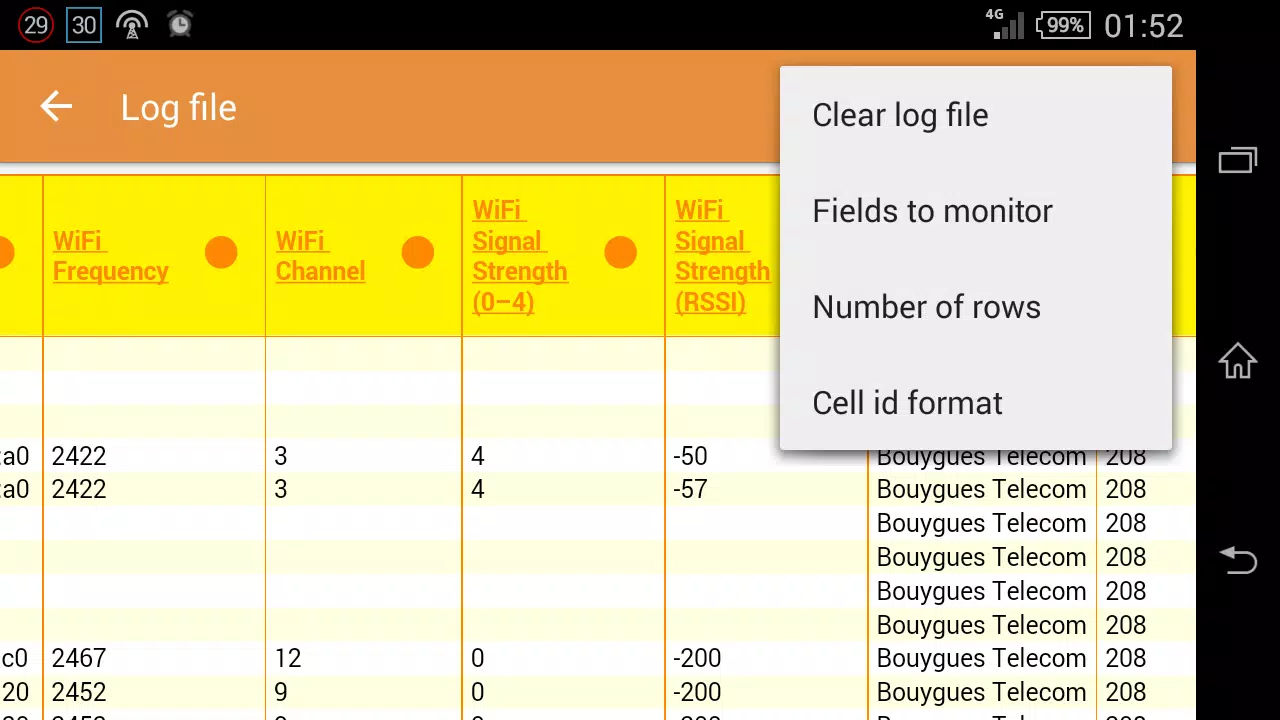
    • Analyze your network's performance over time with historical data tracking. Generate reports to identify trends, peak usage times, and possible areas for improvement in your network setup.
  9. Wi-Fi Scanner:

    • The built-in Wi-Fi scanner helps you find nearby networks, check their signal strength, and assess whether they are suitable for your connection needs. Easily switch between networks to optimize your online experience.
  10. Privacy and Security:

    • Network Monitor prioritizes user privacy. The app does not collect personal data or browsing history, ensuring your information remains secure while you monitor your network performance.

Use Cases:

  • For Home Users: Monitor your family's data usage and ensure everyone stays within limits, troubleshoot Wi-Fi issues, and optimize network performance by managing connected devices.
  • For Businesses: Keep track of company-wide data consumption, ensure all devices are secure and operating efficiently, and manage bandwidth allocation effectively.
  • For IT Professionals: Utilize detailed network stats to identify issues faster, support troubleshooting processes, and analyze network performance for optimization.

Conclusion: With its combination of functionality, detailed analytics, and user-friendly design, Network Monitor is an indispensable tool for anyone looking to take charge of their network. Whether you're striving for better performance, aiming to reduce data costs, or simply curious about your internet usage patterns, this app delivers comprehensive monitoring and management capabilities to meet your needs. Download Network Monitor today and gain greater control over your network connections!
Erweitern

Screenshots von Network Monitor

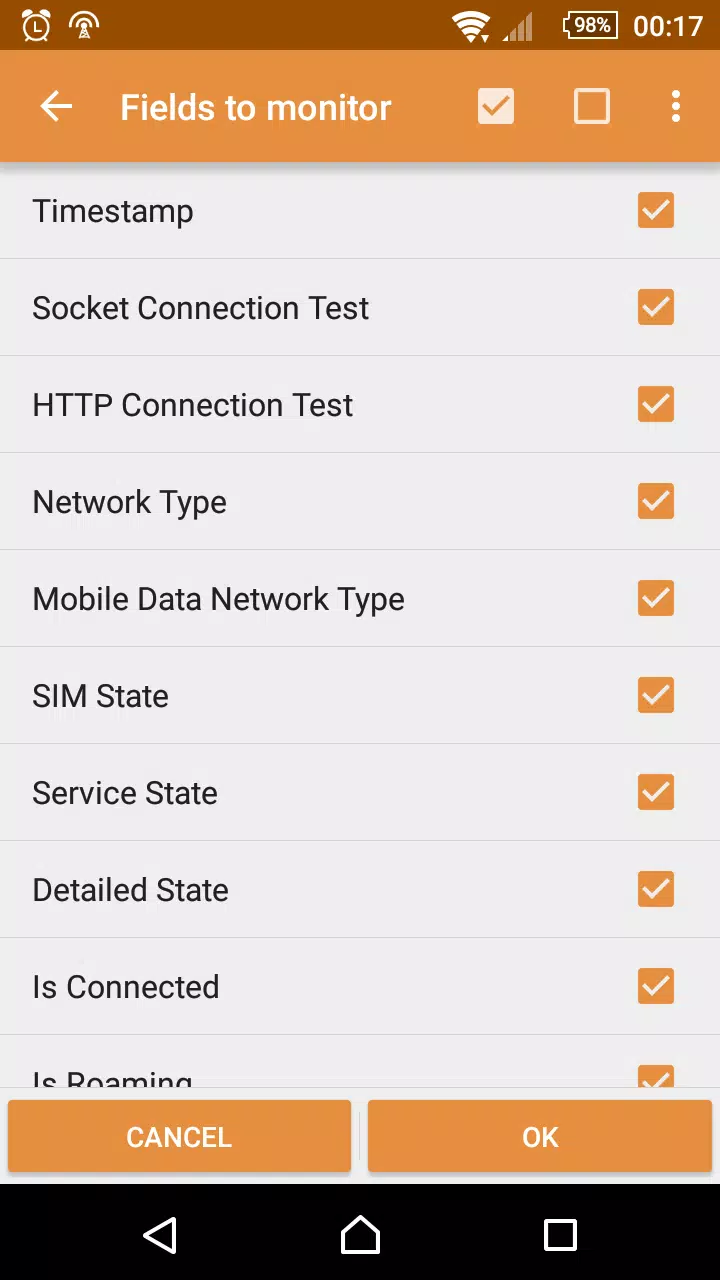
Network MonitorApp-Screenshots1
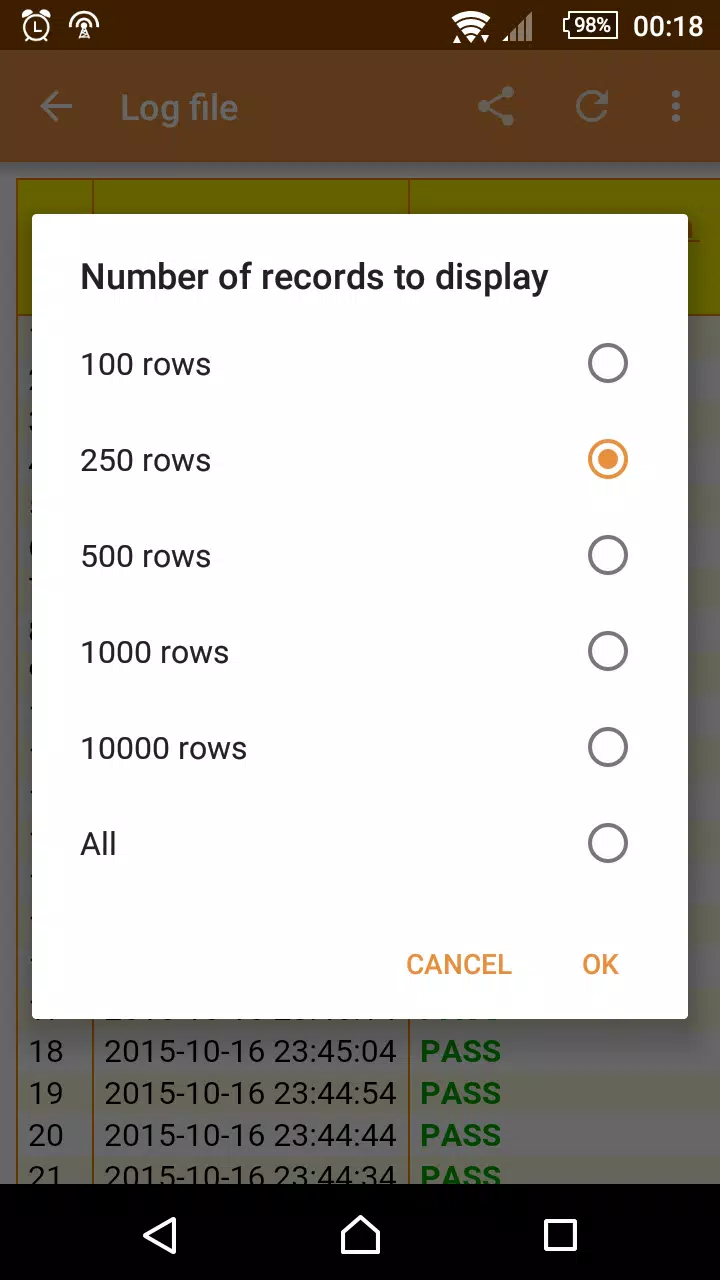
Network MonitorApp-Screenshots2
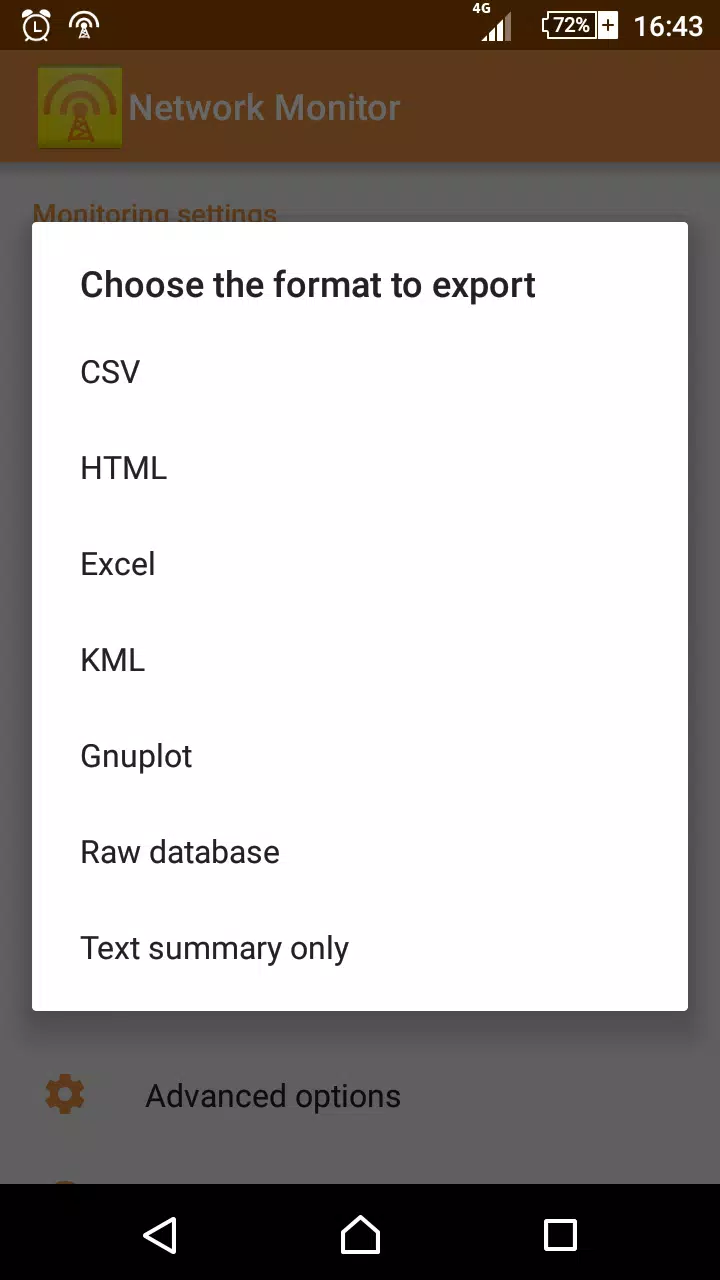
Network MonitorApp-Screenshots3
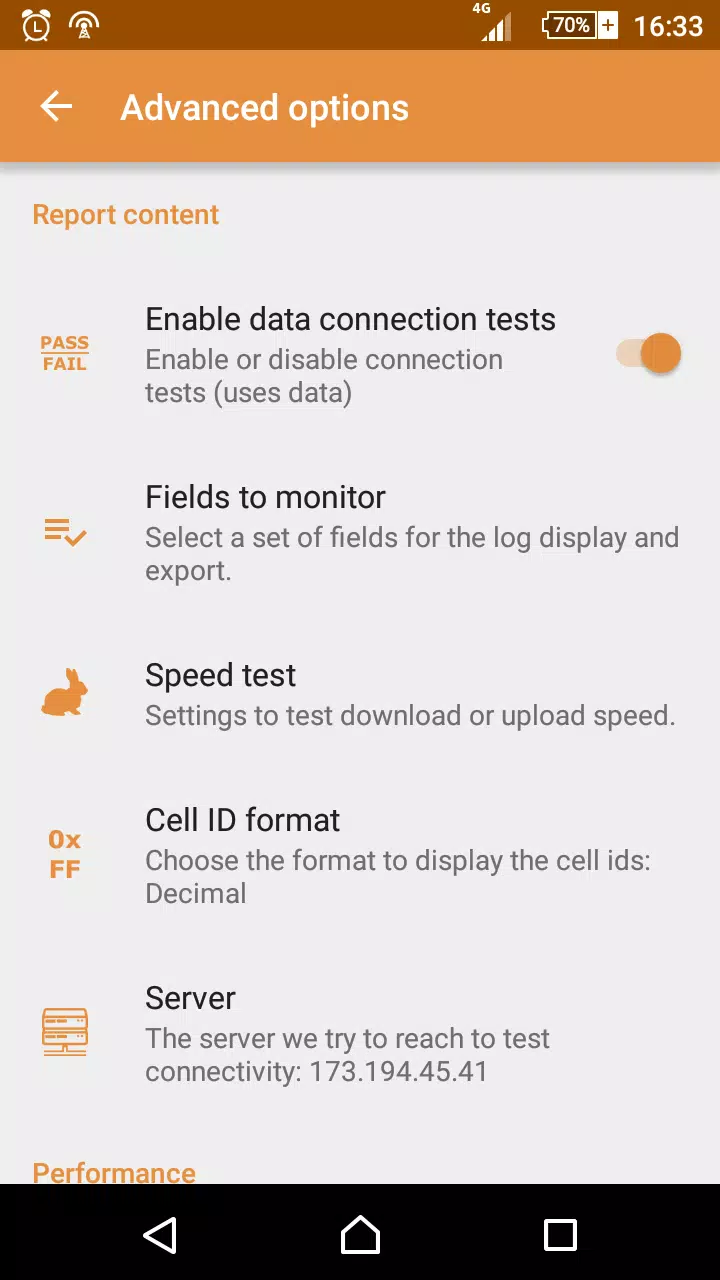
Network MonitorApp-Screenshots4
Network MonitorApp-Screenshots5
Network MonitorApp-Screenshots6
Network MonitorApp-Screenshots7
Network MonitorApp-Screenshots8

Feedback geben

Senden Sie den Entwicklern dieses Apps Probleme, die Sie während der Nutzung hatten, oder Vorschläge, um ihnen zu helfen, besser zu werden.