Übersicht von KineMaster-Video Editor&Maker
Get KineMaster and experience the best in video editing! It's easy with all the included powerful editing tools to bring your videos to life!
KineMaster is the best video editor, animation maker and video maker for video creators or vloggers, with powerful video editing features:
cut videos, merge videos, add photos, add music, and add caption(text) to make amazing videos fast.
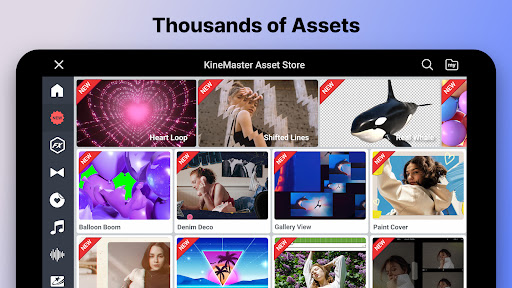
KineMaster makes it easier than ever to create vlogs, slideshows, video collages and chroma key videos. KineMaster’s Asset Store gives video editors a huge library of royalty-free music, sound effects, stickers and video templates, making success possible on YouTube (Shorts), Instagram (Reels), Whatsapp, Facebook and TikTok.
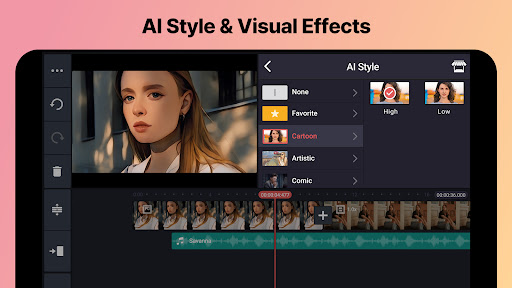
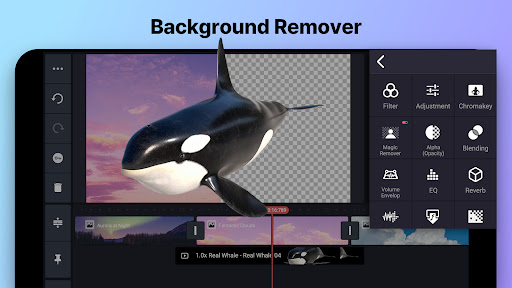
KineMaster is the right choice for video editors, music video makers, vlog editors, slideshow makers and video collage makers. It has advanced video editing tools including keyframe animation, chroma key (green screen), speed control (slow motion), stop motion, reverse video, remove background, auto captions and AI features using TF LITE!
Top-tier Video Editing Features:
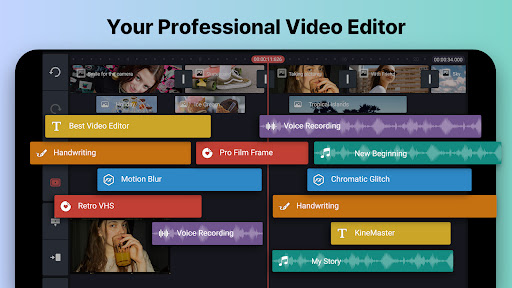
• Cut video, trim video, splice video, merge multiple videos, zoom video, etc.
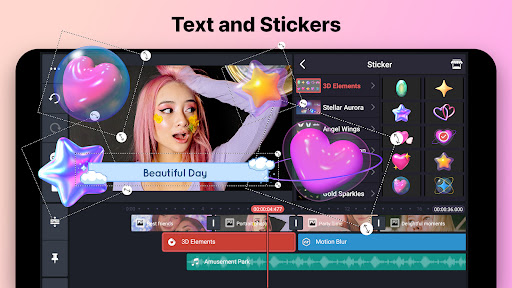
• Add photos, stickers, effects, fonts, text and 3D materials, etc.
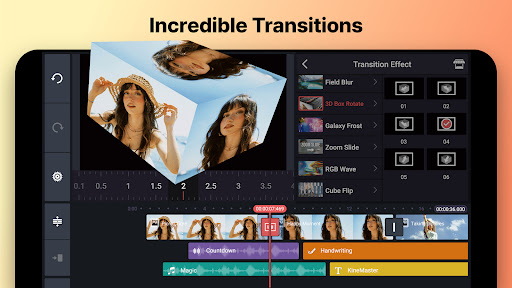
• Apply transition effects, voice changer, color filters, and color adjustments
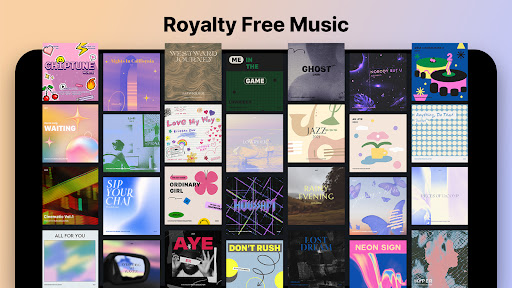
• Choose from a huge library of copyright-free music, sound effects and audio effects
• Make graphics come alive with a variety of built-in video editing animation and animation tools
• Use videos captured from various sources (screen recorders, GoPro, drones) without conversion
• Use advanced features: chroma key (green screen), speed control (slow motion), reverse video and remove background
Try KineMaster, the best video editor to make videos or animation, if you're looking for an Video editing App for Video with Music, Vlog Editor, Video Collage Maker, Slideshow Maker, Music Video Maker, or Animation Maker.
Pro Video Editing Made Fast and Easy
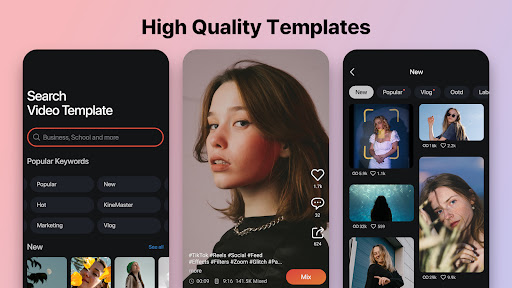
• Browse from countless, useful, high-quality video templates
• Replace media (videos, photos, sounds, and music) with your own video clips and photos
• Get a wide variety of royalty-free music to make professional quality videos
• Pick from music, songs, BGMs, and soundtracks for your videos from our library of music titles
• Share easily with music that’s copyright-free on YouTube, Instagram, Facebook, Whatsapp, TikTok, or any other social media service
• Make great (short-form) videos with sound effects, video effects, stickers, text titles, clip graphics, chroma key videos, audio effects and alpha photos.
Share Videos and Share Editing Expertise
• Save your edits as videos, up to 4K and 60FPS and Share them on YouTube, Instagram, Facebook, Whatsapp, TikTok, or any other social media service
For more information about KineMaster (Vlog & Video Editing), visit https://kinemaster.com.
Disclaimer: KineMaster has no official connection with YouTube, Instagram, Facebook, Whatsapp, or TikTok and is not affiliated, associated, sponsored, or endorsed by any of these companies.
KineMaster and KineMaster Asset Store Terms of Service: https://redirect.kinemasters.com/tos/android/