Introduzione di JotNot Pro - PDF Scanner App
JotNot is the quickest and easiest way to save a digital version of your paper documents. With JotNot's advanced image processing algorithms, your scans come out crisp, clear, and suitable for printing every time.
JotNot is the original document scanner app, trusted by millions of people in over 150 countries. It is recommended by The New York Times, TechCrunch, and MacWorld UK.
ELIMINATE PAPER WITH JOTNOT
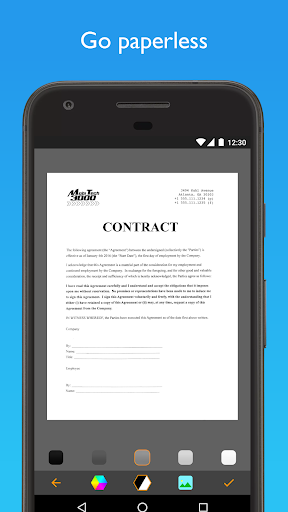
With a PDF scanner in your pocket, there is no need to ever keep receipts in your wallet, tax records in your filing cabinet, or notes scattered across your desk. Scan and archive digital copies, and simplify your life.
SCAN ANYTHING
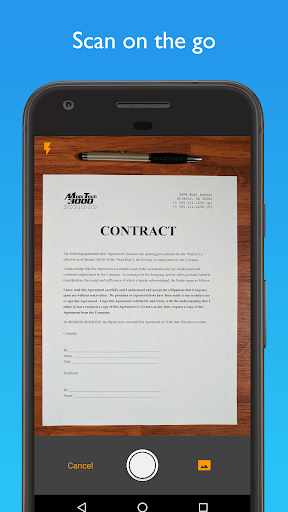
* Digitize contracts, receipts, expense forms, or business cards
* Save notes, recipes, or photos in cloud storage
* Scan and export sheet music to a music app like ForScore, or sketches to a drawing app
* Scan whiteboards or presentations to take notes in class or during meetings
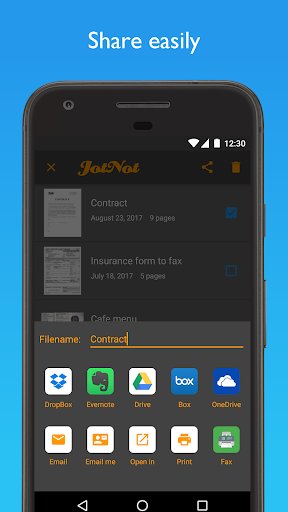
EASILY SHARE YOUR SCANS
* Email your scans as PDFs
* Automatically upload all of your files to Dropbox, Google Drive with OCR, and OneNote
* Upload individual documents to even more cloud services, including Box and Evernote
* Fax reliably to 50 countries (requires the separate JotNot Fax app)
* Share documents with a computer via WiFi
ADVANCED AND EFFICIENT SCANNING
* JotNot automatically detects edges and processes images to remove shadows, correct contrast, and adjust white balance
* Scan in full color, black-and-white, and other modes
* Convert scans to PDF
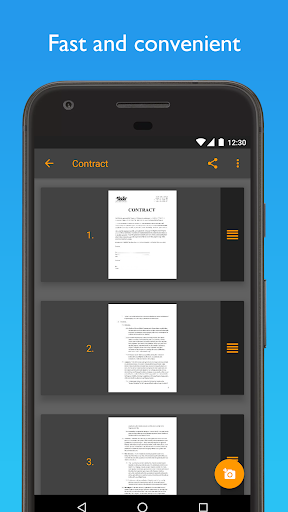
* Efficiently scan multi-page documents
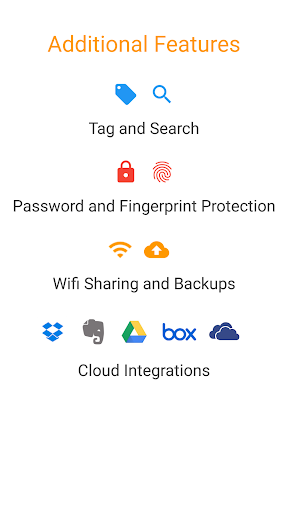
ADDITIONAL FEATURES
* Password-protect sensitive files
* Lock the app with a password
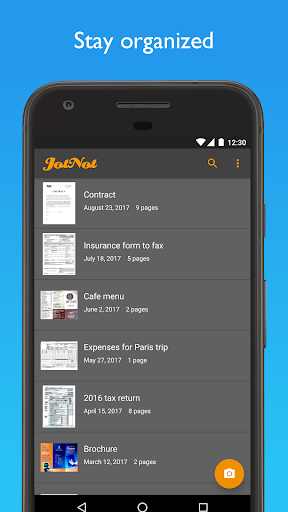
* Tag documents and search by tag or name
* Sort by name or date
* Rename or delete files to stay organized
COST
JotNot Pro is a one-time purchase. Faxing requires credits, which you can buy via an in-app purchase. There are no automatically recurring charges or subscriptions.
QUESTIONS OR PROBLEMS?
We aim to provide the best possible user experience and service. Please contact us at support@jotnot.com for personal help from the developers to resolve any issue.
JotNot is made in the USA.