Introduzione di My Backup Pro
MyBackup Pro is the easiest, most reliable, and feature packed Android backup solution available.
Supporting the most content, and the most Android devices.
Find out why over 5 million people have chosen MyBackup as their secure source for a Backup Solution.
FEATURES:
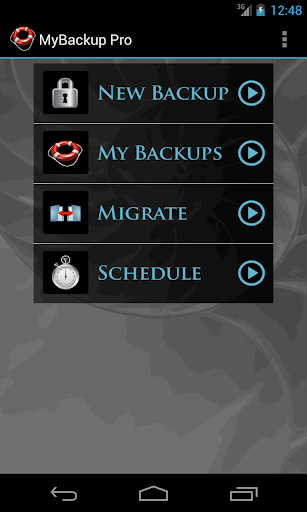
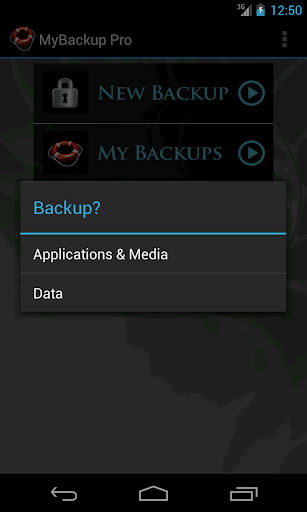
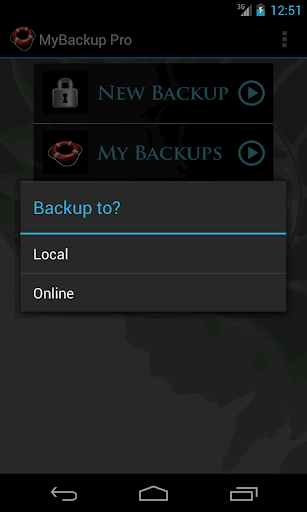
- Backup and Restore using your local device or SD card
* Backup and Restore using an On The Go (OTG) USB card
- Cloud backup to our online secure servers, or use your Dropbox account
- Cloud backup to your personal Google Drive Cloud account
- Migrate information directly between 2 devices
- Backup directly to your computer over the Internet!
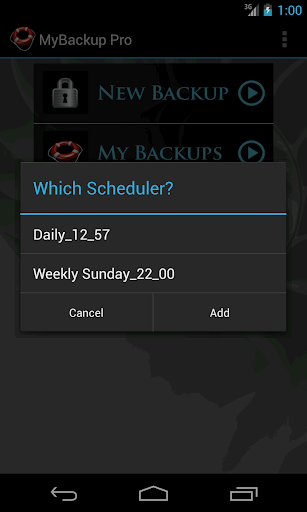
- Schedule multiple different backups to multiple locations
- Restore to an existing or new Android device
- View the backup in detail without having to restore
- All Android 1.6+ devices supported!
- Available in 16 languages
- Super easy backup with advanced features and settings
- BETA: Trigger a backup to begin on your device remotely from our website
SUPPORTED CONTENT:
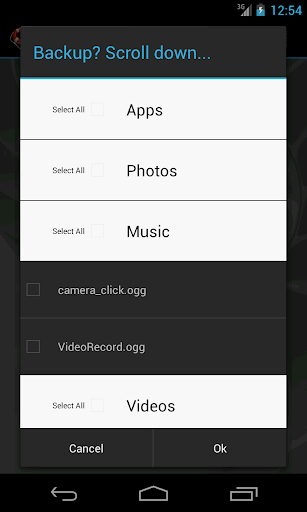
- Applications (Including Data if Rooted)
- Photos
- Music
- Videos
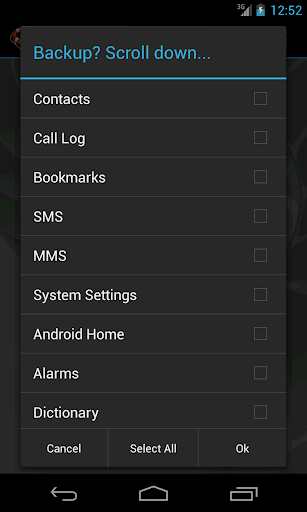
- Contacts
- Call log
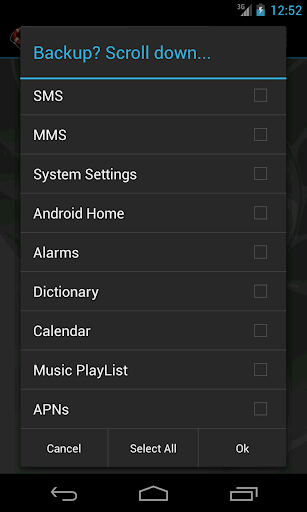
- Text messages (SMS)
- Message attachments (MMS)
- Browser Bookmarks
- Home Screen Shortcuts and Wallpaper (Pre Android 4.4 KitKat)
- System Settings
- Calendar events
- Alarms
- Dictionary
- Music Playlists
- APN settings
- And much more...
NEWS AND REVIEWS:
CNET TV recommends Android users to use MyBackup Pro to backup their personal data.
T-Mobile highlights MyBackup Pro in their quarterly magazine as "an application to have For the Security Minded."
TechHive (PCWorld) gives MyBackup Pro 4.5 stars and recommends Android users to use MyBackup Pro to backup and secure their phones.
HIGHLIGHTS:
Cloud Backup (RerWare Cloud, Dropbox, Google Drive) or local backups to your device/SD card.
Supporting the most content including your Applications, Photos, Music, Videos, Contacts, Call log, Browser Bookmarks, SMS (text messages), MMS (message attachments), Calendar, System Settings, Home Screens (including shortcut positions), Alarms, Dictionary, Music Playlists, APNs, and more...
Restore your backup onto the same or new Android device.
Migrate feature allows you to move any and all supported content directly from one Device to another over WiFi.
View your Data, Apps and Media backups online by logging into the Web Viewer at the RerWare website.
MyBackup Pro will work on all Android mobile devices, regardless if they have root access or not.
Users who have a rooted phone can backup APK and the Data/Setting of all applications
__ ROOT ONLY PHONE FEATURES BELOW __
MyBackup Pro now comes with all MyToolbox features for Free.
This application will allow Root users to select multiple applications and perform the following functions with batch operations:
- Freeze bloatware and system apps
- Defrost frozen applications
- Wipe Cache of applications
- Wipe Data of applications
- Uninstall applications
- Break the Link to Apps
- Link Apps
- Force Close applications
_______________________________
If you should have any questions or support needs, please do not hesitate to contact us using the support Email provided. We will get back to you as soon as we can.
We appreciate your business.