Introduzione di File Manager - File Explorer
Features List:
* File Manager
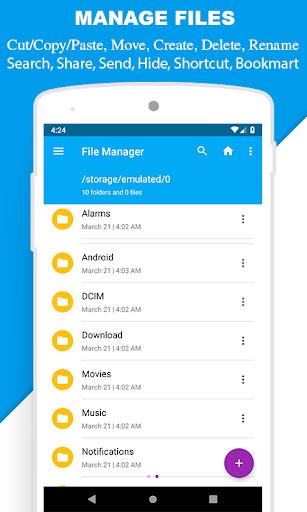
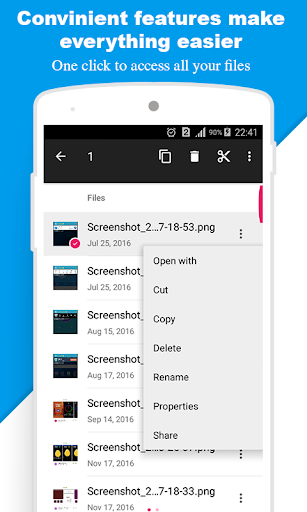
Manage your files (file explorer) like you do on your desktop or laptop using Multiple Select, Cut/Copy/Paste, Move, Create, Delete, Rename, Search, Share, Send, Hide, Create Shortcut, and Bookmark;
* Application Manager – categorize, uninstall, backup, and create shortcuts to your apps
* 3 sets of commercial icons for 80+ different file types, toolbar and menu items
* Multiple resolutions support
* Support 19 languages
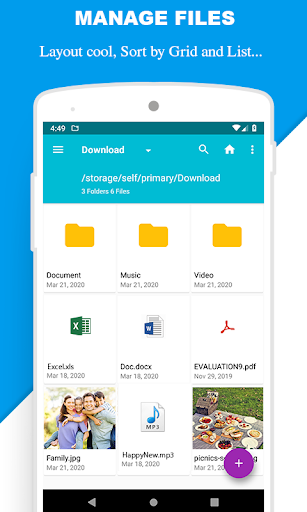
* List and grid view for file explorer
* Compress and decompress support
* Search and share files
* Multiple selection and various sorting support
* Thumbnail for photo, video and apk files
* Support file shortcut on Home screen for easily access
* Basic features like cut, copy, delete, compress, extract etc. easily accessible
- Work on multiple tabs at same time
- SMB(windows) file sharing
- Multiple themes with cool icons
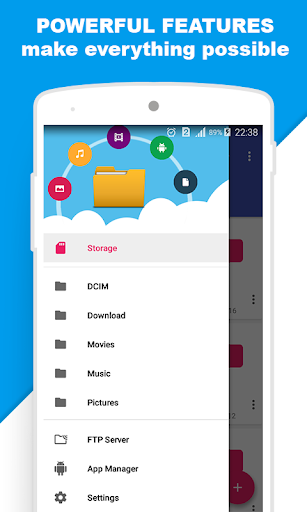
- Navigation drawer for quick navigation
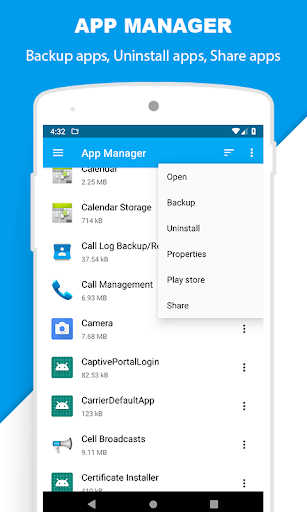
- App Manager to open, backup, or directly uninstall any app
- Quickly access history, access bookmarks or search for any file
- Root explorer for advanced users
- and the list goes on...
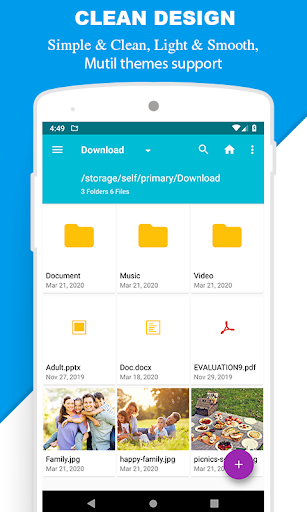
* Attractive material Design UI/UX
Light & smooth
Simple & clean
Multi themes support
* App Manager
Backup apps
Unistall apps
Share apps
Play store app link
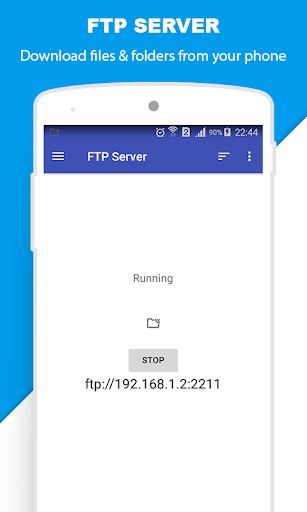
* FTP Server
Download files and folders from your phone
* Hidden Files
Hide any file on you device
Note:
Basic read/write operations might not work on external memory on KitKat devices. Don't use cut/paste from or to external SD Card. You might loose your files.
Feedbacks and suggestions
We’d love to hear from you!
Send us your feedbacks via: mobilecleansystemlab@gmail.com