Introduzione di Pulsar Music Player
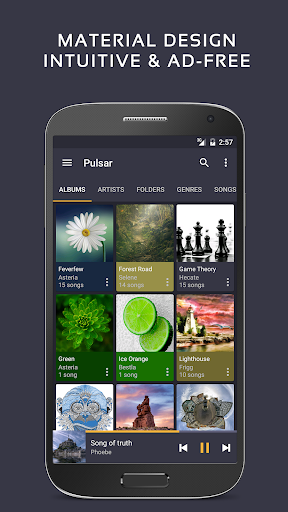
Pulsar Music Player has long been one of the best music players on Android. It is an offline audio player without advertisements. Its gorgeous user interface matches every single detail of the material design guidelines.
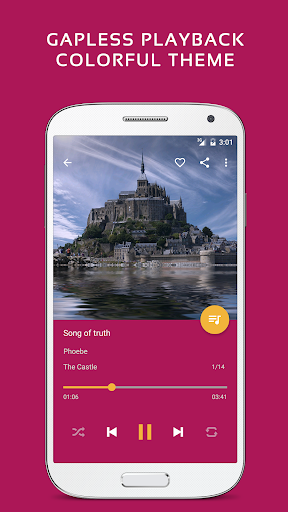
Pulsar contains almost every necessary feature to fulfill all of your musical needs including: gapless playback, lyrics display, crossfade, play speed adjustment, tag editing, last.fm scrobbling, Chromecast, voice command, Android Auto, equalizer, music visualizer, audio balance, ReplayGain, sleep timer, etc.
Pulsar is the ultimate audio player on Android, with millions of downloads. It has been translated into 36 different languages.
Key Features:
✓ Gorgeous user interface and animation with material design.
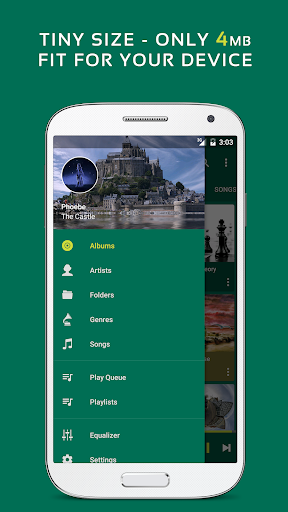
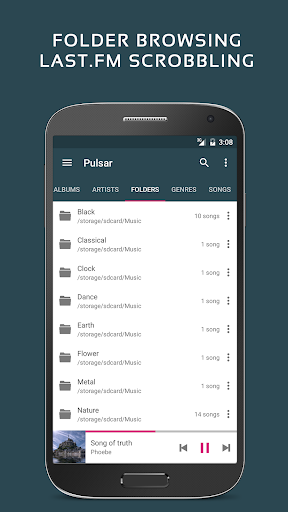
✓ Manage and play music by album, artist, folder, and genre.
✓ Smart playlists with most played, recently played, and newly added tracks.
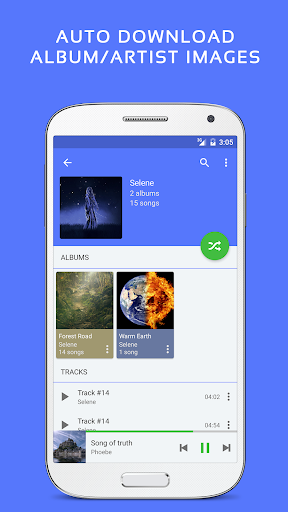
✓ Automatic sync missing album/artist images.
✓ Fast search across albums, artists, and songs.
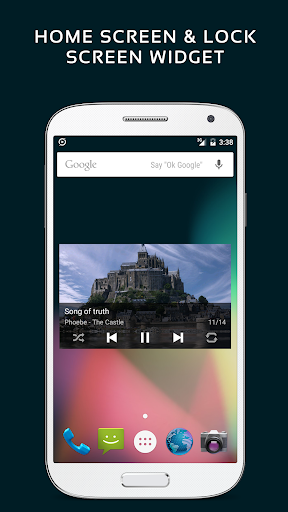
✓ Resizable home screen widget.
✓ Gapless playback support.
✓ Play speed adjustment.
✓ Crossfade support.
✓ Replay gain volume normalization.
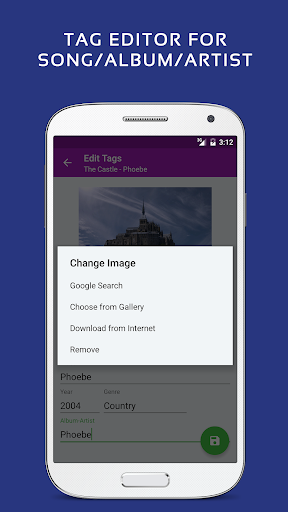
✓ Built-in metadata tag editor (mp3 and more).
✓ Display lyrics (embedded and lrc file).
✓ Sava/restore playback position (useful for podcast and audiobook).
✓ Music visualizer rendering.
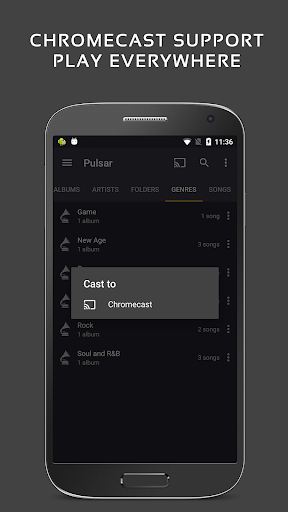
✓ Chromecast (Google Cast) support.
✓ Google voice commands support.
✓ Android Auto support.
✓ Disable car auto play on Bluetooth.
✓ Sound balance adjustment.
✓ Last.fm scrobbling.
✓ Various colorful themes.
✓ Free of advertisements.
✓ Sleep timer.
Pulsar supports standard music file types including mp3, aac, flac, ogg, wav and etc.
If you cannot find your music in Pulsar, please click the “rescan library” menu item from the action bar to rescan your device.
Pulsar audio player has a complete online user manual, click here:
https://rhmsoft.com/pulsar/help/help.html
If you can help to translate this mp3 player to your native language, or there is any mistake in current translation, please contact our email: support@rhmsoft.com.
If you run into any issues or have any suggestions while using this mp3 player, please feel free to contact us: support@rhmsoft.com.
You can also share your comments to the Pulsar audio player thread on xda-developers:
http://forum.xda-developers.com/android/apps-games/app-pulsar-music-player-t3197336
Thanks for using Pulsar Music Player!
Album and artist images used in the screenshots are licensed under Public Domain License:
https://creativecommons.org/publicdomain/zero/1.0/