

| V6.0.6 (build ) | 1970-01-01 |
连点器 (Auto Clicker)
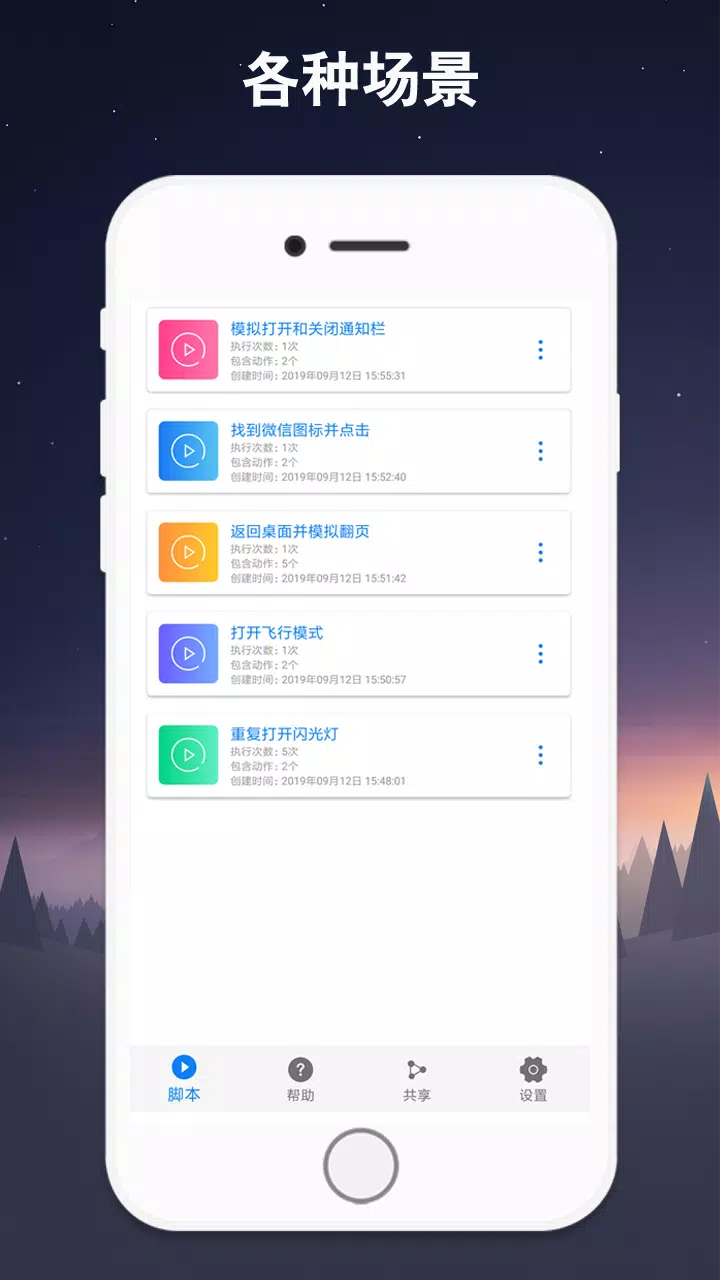
Overview: 连点器, or Auto Clicker, is a versatile and powerful tool designed for Android users seeking to automate repetitive tasks with ease and efficiency. This application simplifies the process of clicking by allowing users to set predetermined clicking patterns, intervals, and durations, enabling a seamless experience in various tasks such as mobile gaming, data-entry, and app navigation.
Features:
User-Friendly Interface: The application boasts an intuitive interface that makes it easy for users of all skill levels to navigate and customize their settings effortlessly. A clean design ensures that all functionalities are just a few taps away, making it accessible for beginners while still offering depth for advanced users.
Customizable Clicking Options: Users can personalize their clicking experience by adjusting the click speed, intervals, and the number of clicks. Whether you require fast-paced clicking for competitive gaming or slower, deliberate clicks for detail-oriented tasks, 连点器 caters to every need.
Multiple Click Modes: The app provides a range of click modes to accommodate different use cases:
Floating Control Panel: The floating control panel allows users to start or stop the clicking process without needing to switch back to the app. This feature ensures that you have seamless control over your automation, aiding multitasking, and enhancing user convenience.
Persistent Background Service: 连点器 runs in the background without draining battery life, allowing users to continue with other applications while the clicking process occurs. This background functionality is crucial for users who engage in long gaming sessions or who need to complete tasks without interruption.
Game-Specific Optimization: The app is specifically optimized for gaming purposes, providing pre-configured settings for popular games. However, its flexibility allows it to be used in various non-gaming applications as well.
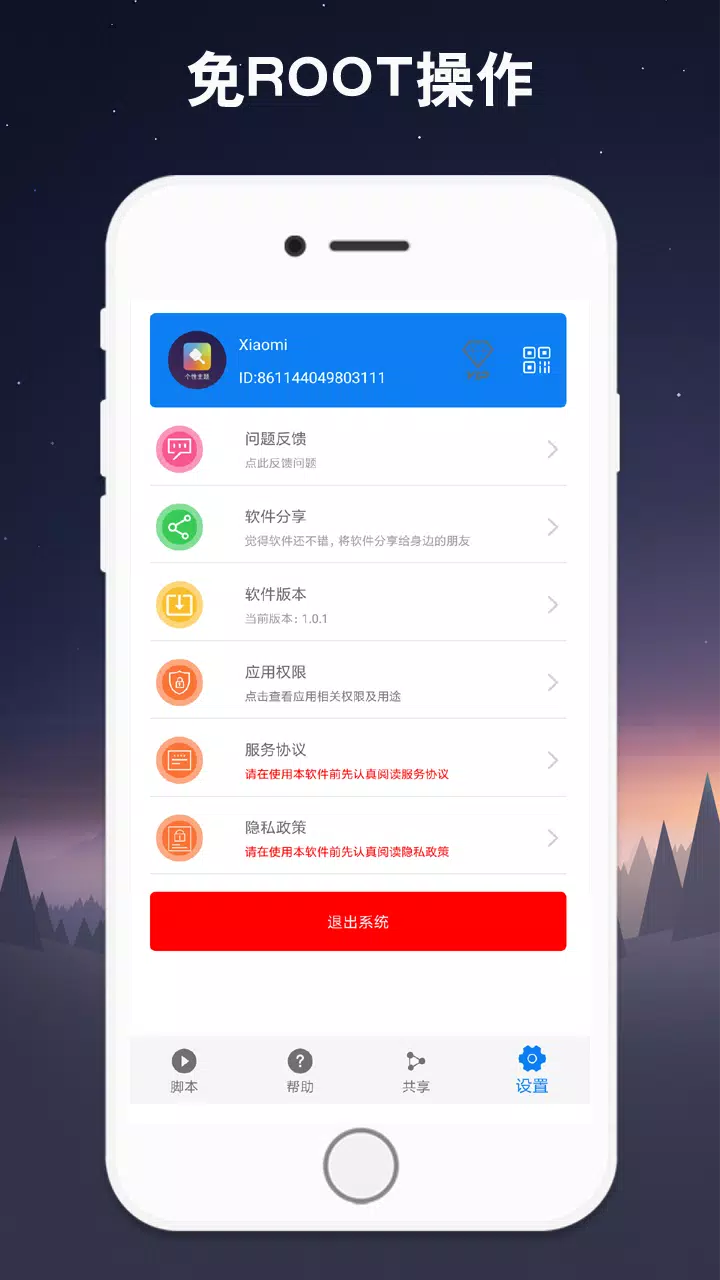
Safety and Security: The application is designed with user security in mind. It does not require rooting your device, ensuring your Android’s integrity while granting users the power to automate clicks. Moreover, it is free from ads and unwanted malware, providing a safe environment for your data.
Use Cases:
Conclusion: In conclusion, 连点器 is an essential tool for anyone looking to enhance their efficiency in tasks requiring repetitive clicking. Its wide array of customization options, user-friendly interface, and game optimization make it a valuable addition to any Android device. Download 连点器 today and experience the convenience of automated clicking - whether for gaming, productivity, or casual use!
Discover a smarter way to interact with your device and unleash your potential with 连点器, the ultimate Auto Clicker for Android!

|

|

|
|
|
Prześlij deweloperom tej aplikacji problemy, z którymi się spotkałeś podczas korzystania z aplikacji lub sugestie dotyczące aplikacji, aby pomóc im w jej ulepszeniu.