คำอธิบาย PDF Reader: Ebook PDFs Reader
"? PDF reader - SMART choice for office productivity!
Open and read PDF easiler than ever!
? Main features of PDF reader Ebook app:
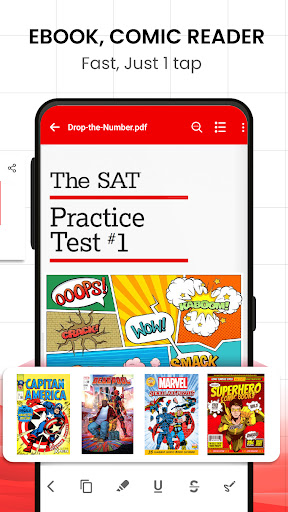
⚡ PDF viewer, Ebook reader
✔ Quickly open and view PDF document from the file manager
✔ Open, view PDF files directly from other apps, read PDF on your mobile
✔ Quickly find a PDFs files with the simple search option.
✔ PDFs reader offline: Easily read a variety of files without any extra operations
✔ PDF book reader with smooth scroll and tons of innovation.
✔ Read comics offline
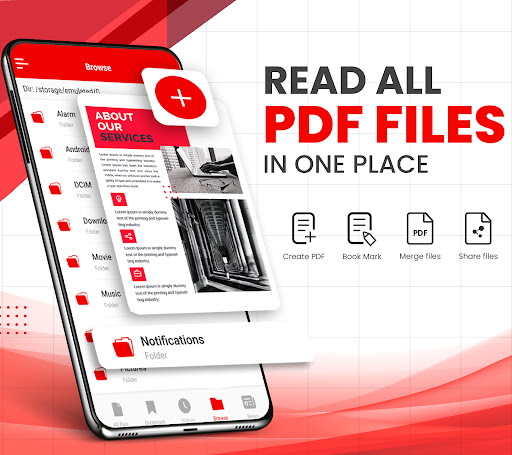
PDF Reader: PDF Viewer & Ebook app helps you to read all PDF files, supports ultra-fast reading PDF files, read books & read documents.
With intelligent features, the PDF document opener and PDF reader app will help maximize your productivity in both work and life.
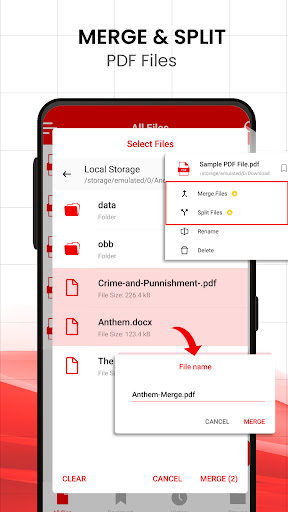
⚡ PDFs file management
✔ Manage and organize your PDF files in a single place ?
✔ A simple list of PDF files, view PDF files
✔ PDF document opener app provides a smooth reading experience.
⚡ Essential options
✔ Scroll, and zoom in and out, open file PDF
✔ Choose a single page or continuous scroll mode
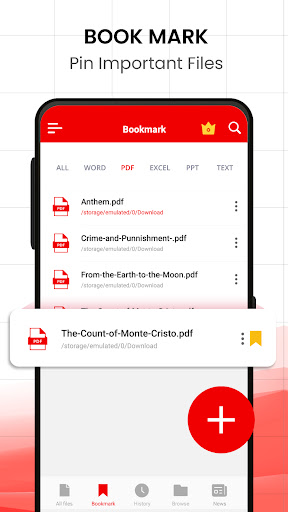
✔ Bookmark PDF pages for future reference
✔ Go to the page number directly and see the page count and total pages PDF file.
✔ Scroll PDF documents page by page
✔ Rename, delete files, and view details of your PDF files with simple operations.
✔ Share PDF files through other applications you want with one click
✔ Horizontal / Vertical scrolling mode.
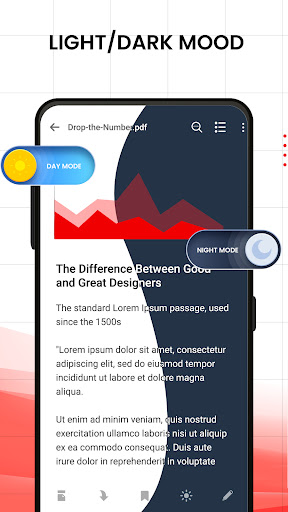
✔ PDF reading modes: light mode / PDF reader dark mode
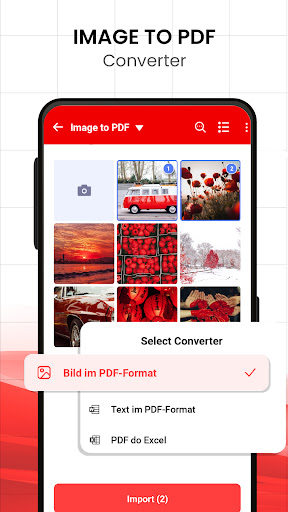
✔ PDF scanner: convert image to PDF, PDF converter
✔ Sign PDF: add signature to PDF file
✔ PDF editor: add filter to file
⚡ Other features of PDF opener file app
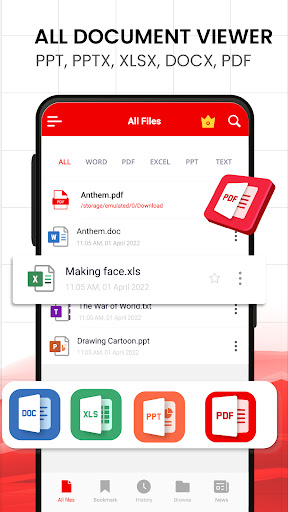
✔ Read all documents, PDF files, docx files, XLS, PPT, TXT from internal storage, emails, cloud, web and external storage very easily.
✔ PDF book opener
A professional PDF file manager
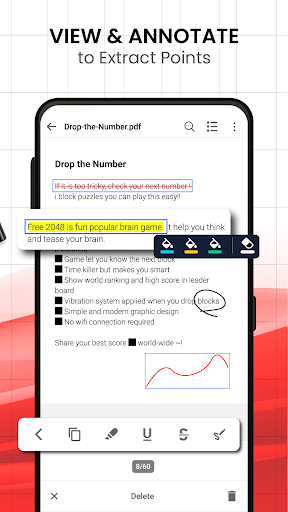
Get all the PDF features you need in a PDF document app! With all the features you need, we will provide you with a smart PDF reader. This professional document reader app allows you to open PDF files, search and print files, read books, read documents on the go. Support for documentation zooming, bookmarks, and the option to display the screen for the perfect experience.
? Use it as your default PDF reader and directly view PDF files from file manager, email, cloud or web without having to open the app. This PDF file opener app is definitely an efficient office tool for reading PDF files.
Hopefully you will enjoy our amazing PDF viewer and PDF reader app to view files and read books, display PDF. Our document opener app is still in development so your feedback is welcome.
Thank you for using our pdf reader app. Have a nice day ❤️
"