
| 1.1 (build ) | 1970-01-01 |
GSMTRONIK - Your Ultimate Mobile Assistance Tool
Description:
Introducing GSMTRONIK, the innovative mobile application designed to simplify and enhance your mobile experience. Tailored for both tech-savvy users and those needing occasional assistance, GSMTRONIK is your go-to solution for a myriad of mobile-related tasks, ensuring you get the most out of your device.
Key Features:
Comprehensive Device Management: GSMTRONIK offers a centralized platform to manage your mobile device efficiently. Get in-depth insights about your device's performance, battery health, and storage capacity, enabling you to make informed decisions and optimize usage.
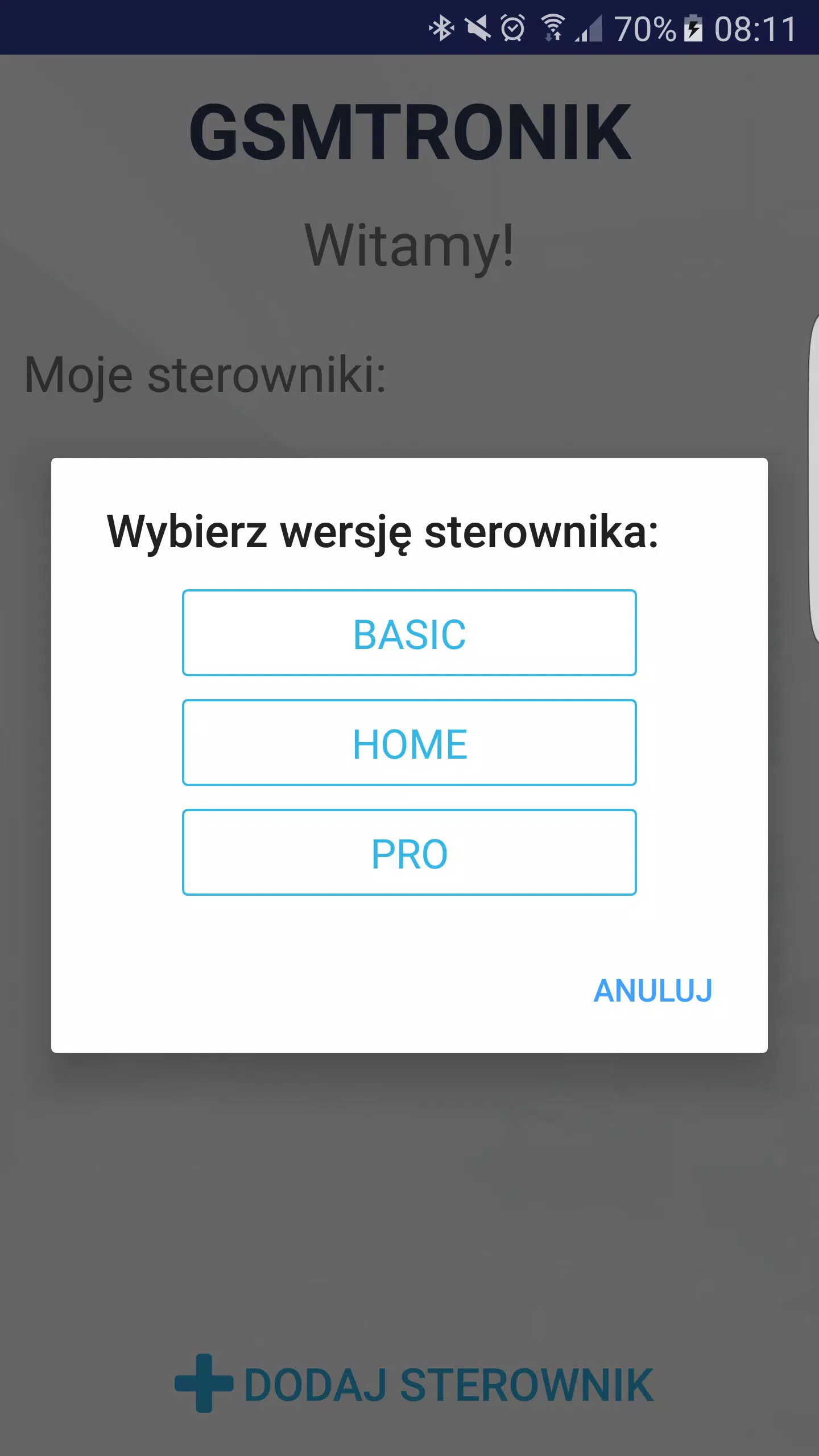
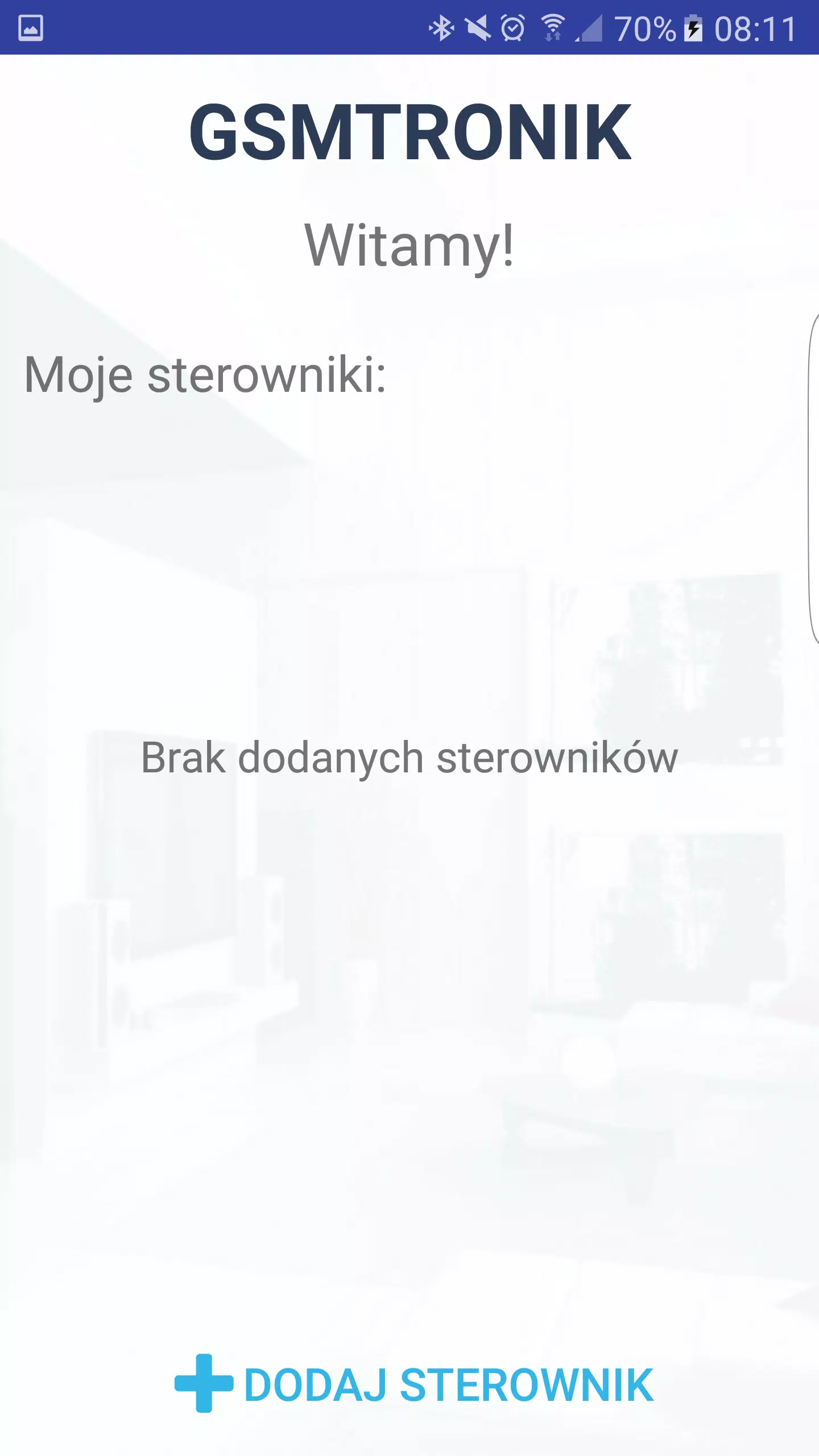
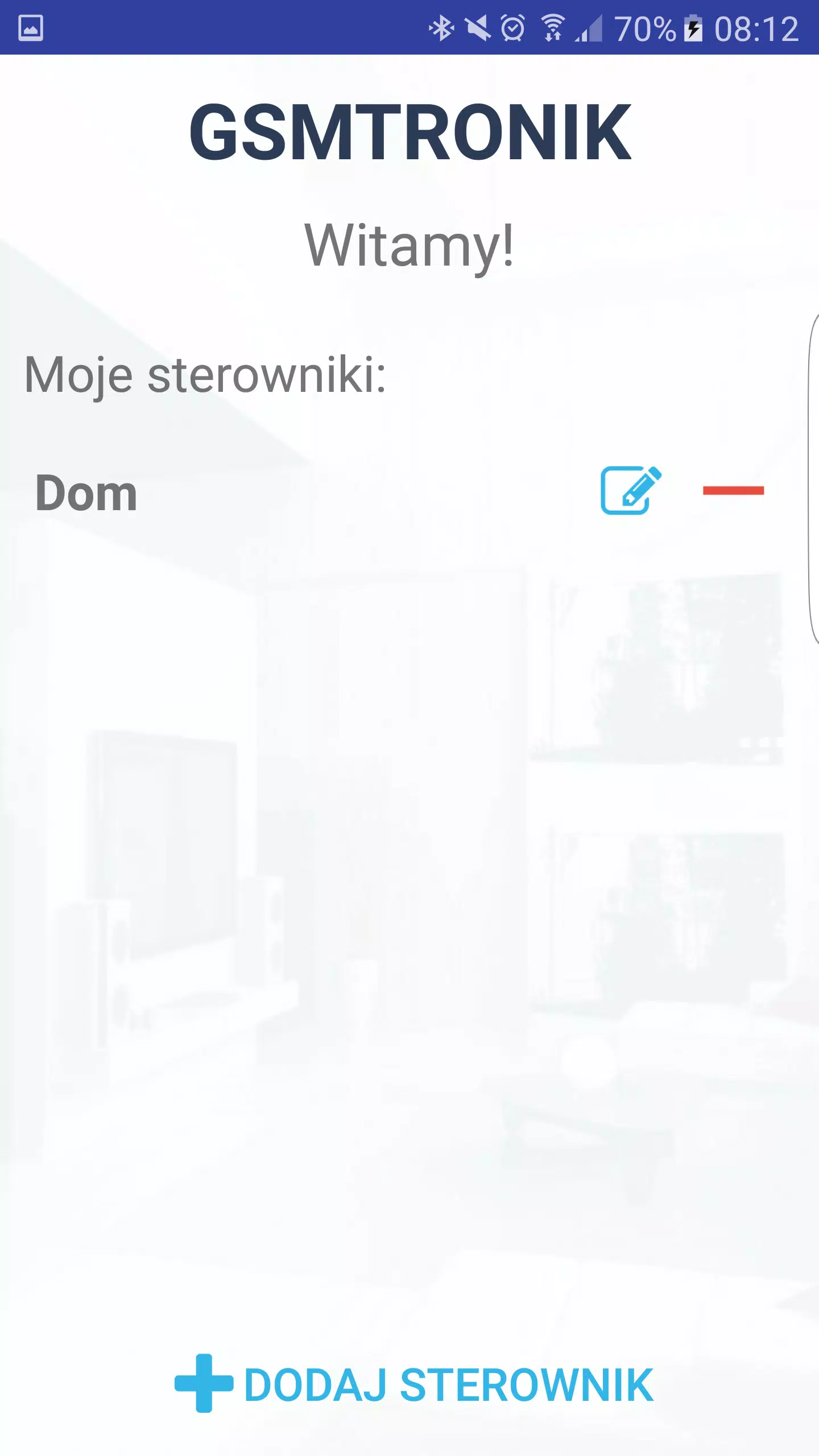
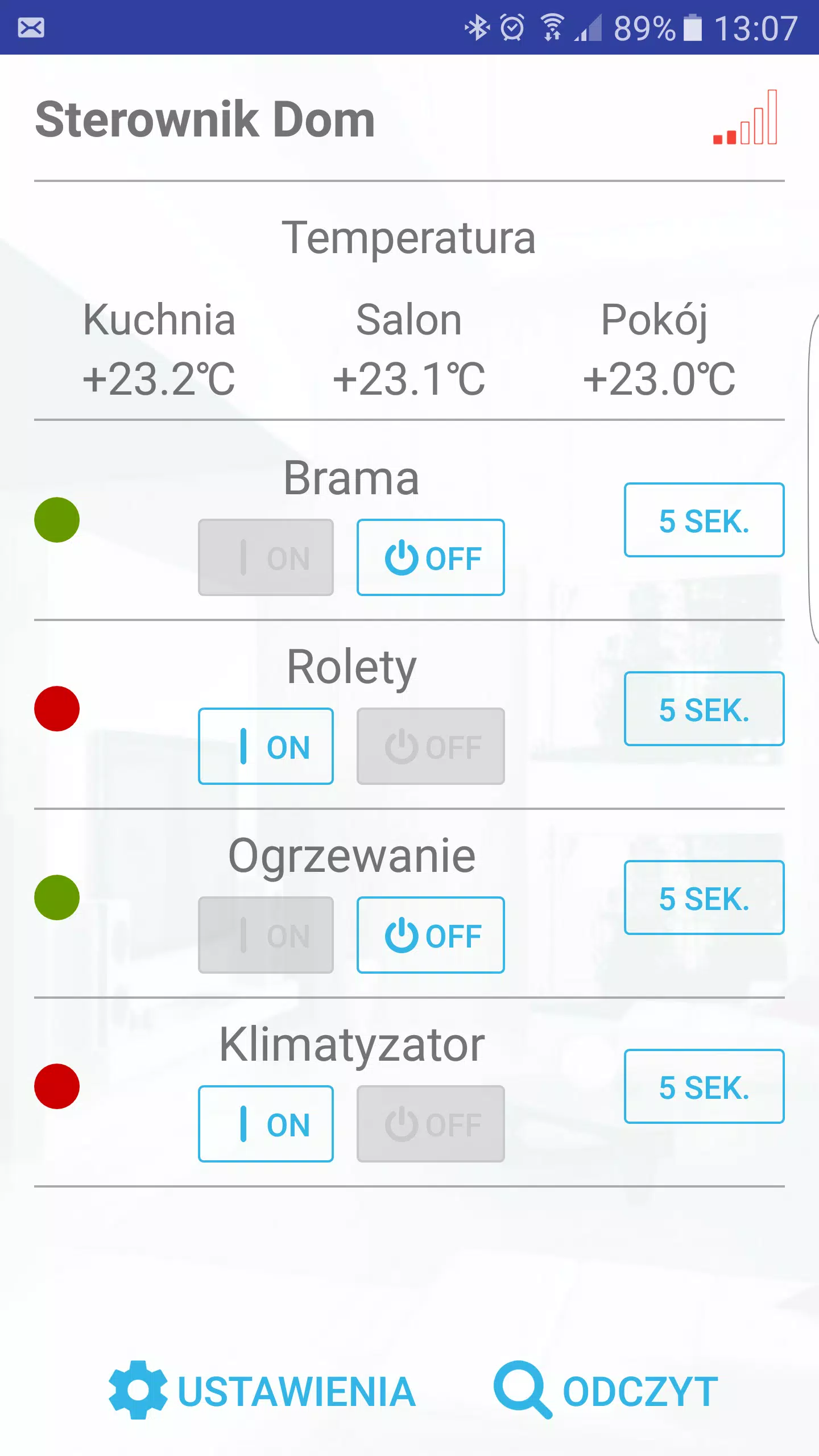
User-Friendly Interface: With a sleek and intuitive design, navigating through GSMTRONIK is a breeze. Whether you're checking your device's specifications or troubleshooting issues, the app's user-friendly interface makes it accessible for everyone.
Real-Time Monitoring: Keep track of your device’s health in real time. GSMTRONIK provides notifications and alerts for critical warnings, ensuring you can address issues before they escalate.
Data Backup and Recovery: Safeguard your important data with GSMTRONIK’s secure backup options. Easily back up contacts, photos, and important files, and restore them with a single click whenever necessary.
Network and Connectivity Tools: Troubleshoot connectivity issues with built-in tools that analyze your network performance. Tests for Wi-Fi and cellular connections help you identify weaknesses and improve your mobile experience.
Security Features: Your mobile security is paramount. GSMTRONIK offers privacy protection tools, including app lock and device tracking to keep your personal information secure and provide peace of mind.
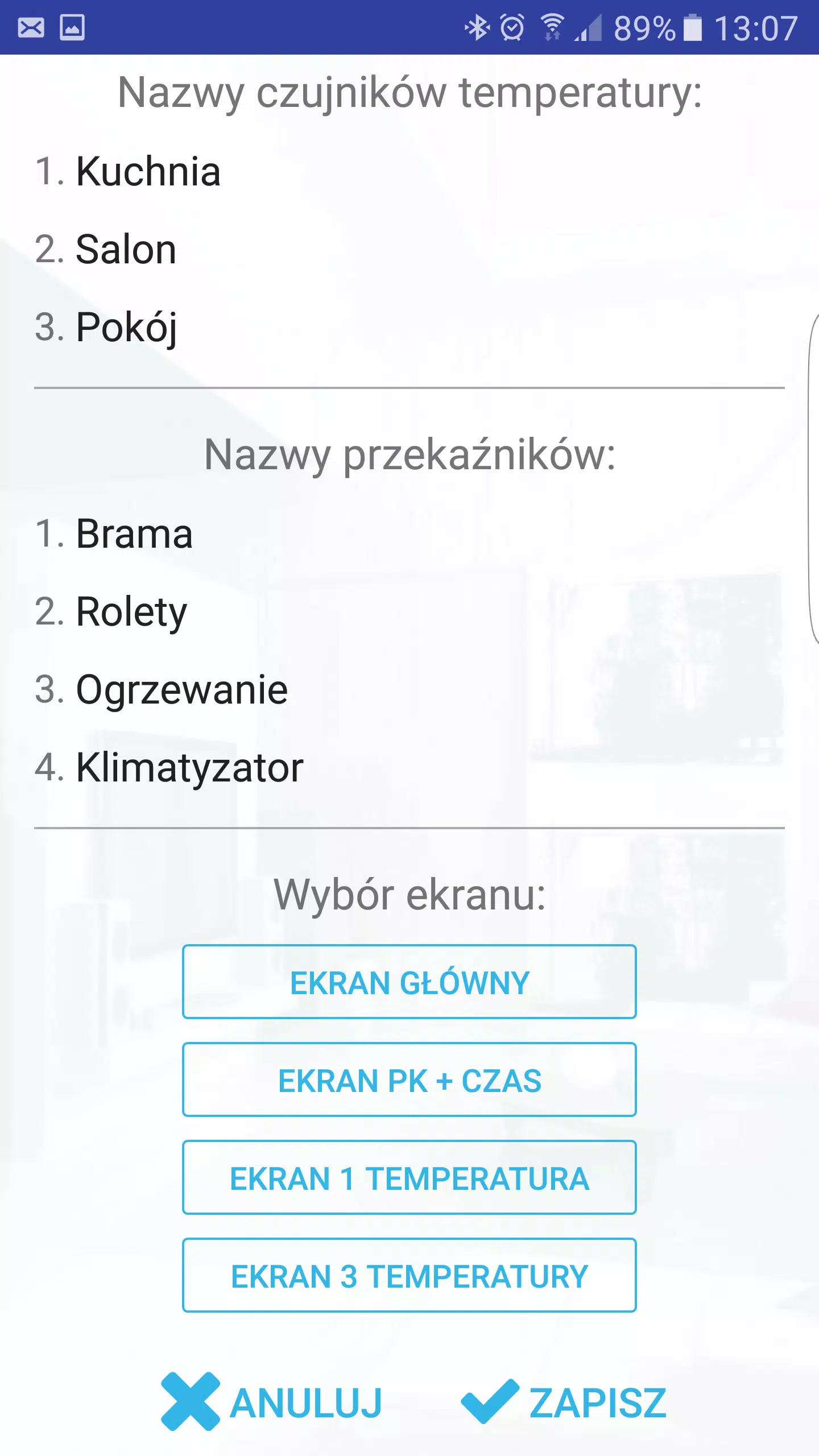
Customizable Settings: Personalize your app experience with customizable settings. Tailor the functionalities according to your preferences, enhancing usability and efficiency like never before.
Regular Updates and Support: Benefit from continuous improvements and new features with regular app updates. Our dedicated support team is always ready to assist you with any queries or concerns.
Multi-Device Compatibility: Whether you’re using an Android smartphone or a tablet, GSMTRONIK is designed to work seamlessly across multiple devices, making it the perfect companion for all your mobile needs.
Community and Resources: Join our community of GSMTRONIK users! Access tutorials, tips, and tricks to maximize your app usage, ensuring you get the best out of your mobile device.
How to Get Started:
Conclusion:
Transform the way you interact with your mobile device with GSMTRONIK. Whether you're looking to optimize performance, secure your data, or simply manage your mobile tasks more effectively, GSMTRONIK is here to help. Download the GSMTRONIK apk today, and take the first step towards a smarter, more efficient mobile experience.
Keywords: GSMTRONIK, mobile assistance, device management, data backup, security, Android, optimization, connectivity, user-friendly, multi-device compatibility.
|
|
|
|
|
|
向該應用的開發者提交您在使用過程中遇到的問題或對應用的建議,幫助他們做的更好。