

| 1.2.0.0 (build ) | 1970-01-01 |
Office Remote APK - Transform Your Mobile Device into an Empowering Office Tool
Description:
Unlock the full potential of your office productivity with the Office Remote APK, a unique application designed by Microsoft to enhance your experience with Microsoft Office applications on your PC. This innovative remote control solution is perfect for professionals, students, and anyone who relies on Microsoft Office for their everyday tasks. With Office Remote, your Android device becomes a powerful ally, enabling you to manage and control your presentations, documents, and spreadsheets from anywhere in the room, making meetings and collaborations smoother and more efficient.
Key Features:
Seamless Connectivity: The Office Remote app connects effortlessly with Microsoft Office on your PC. Once paired via Bluetooth or Wi-Fi, you can control your Office applications within seconds, giving you the freedom to move around without being tethered to your computer.
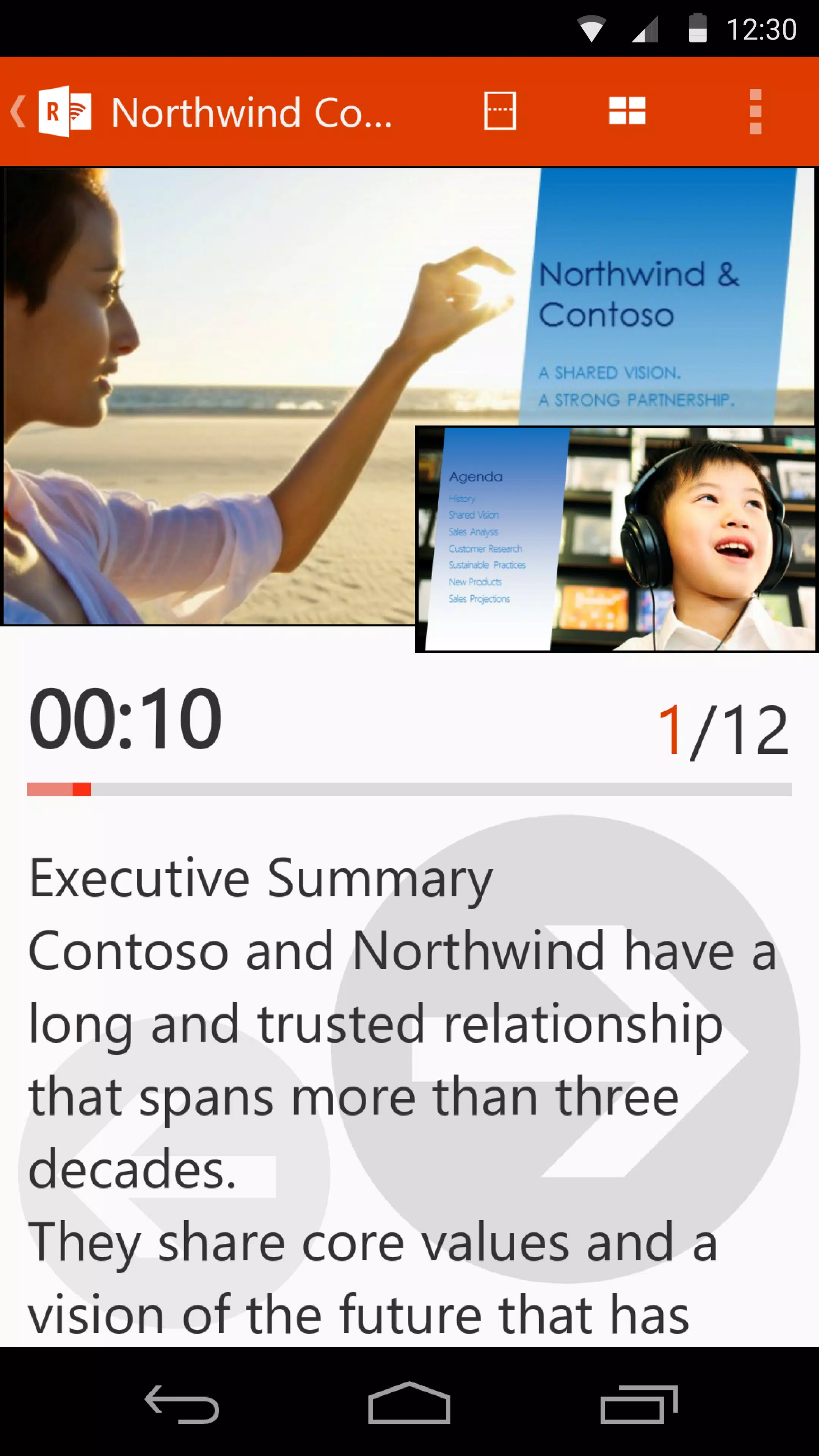
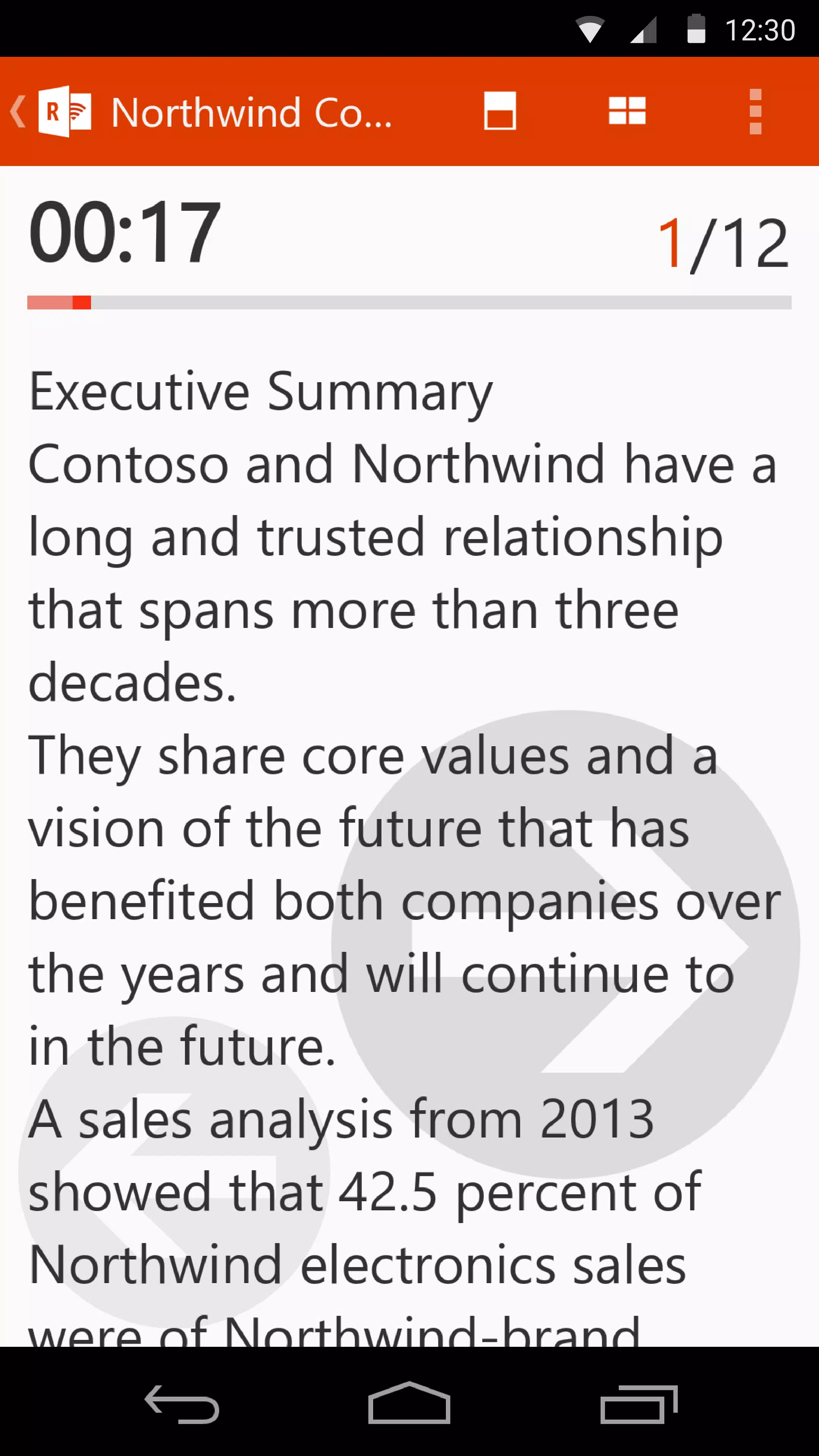
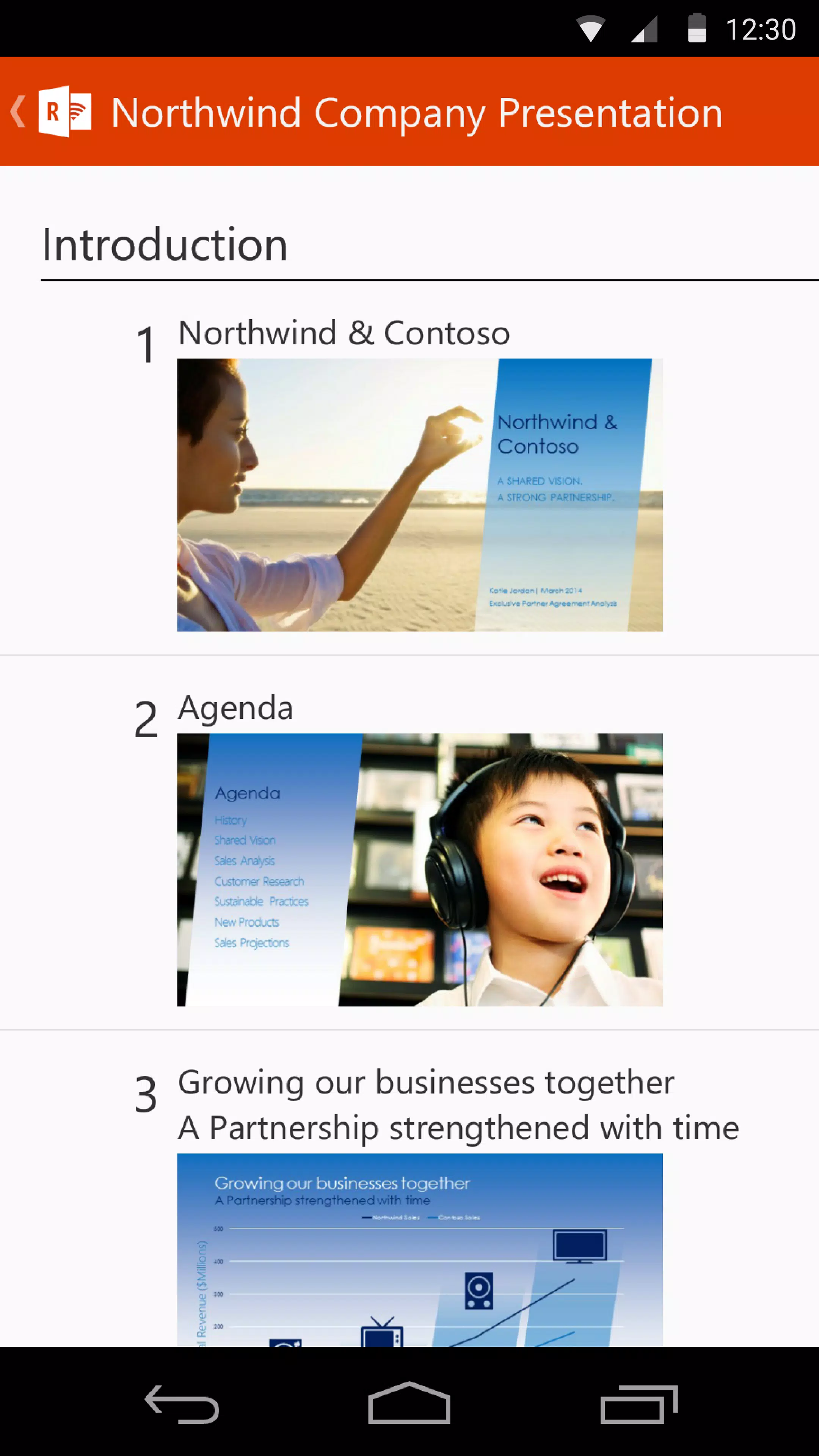
Presentation Control: Whether you’re delivering a pitch, presenting a project, or teaching a class, Office Remote allows you to manage your presentations with ease. Advance slides, navigate through content, and access a timer and notes directly from your mobile device, ensuring you stay on track and engaged with your audience.
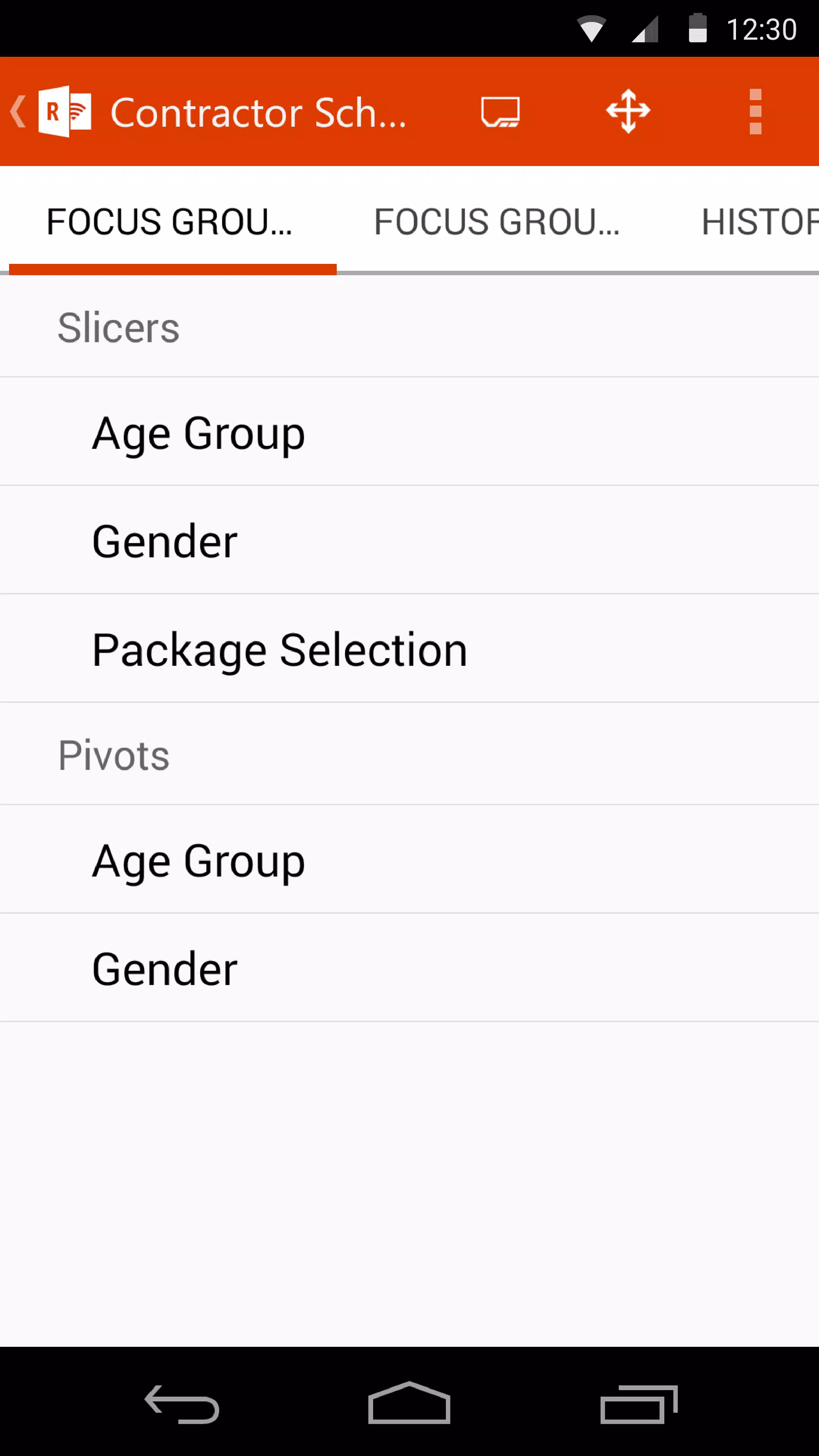
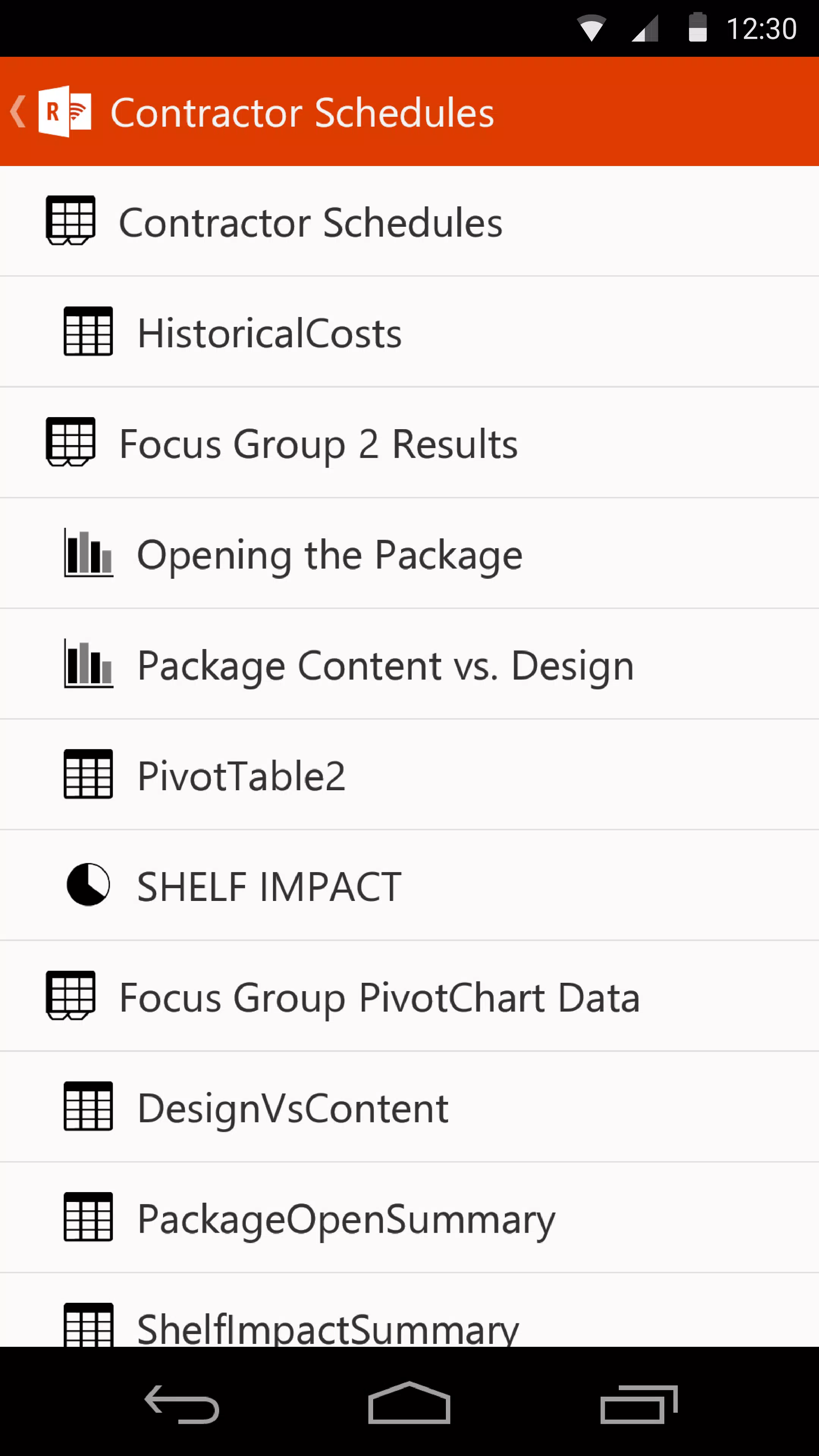
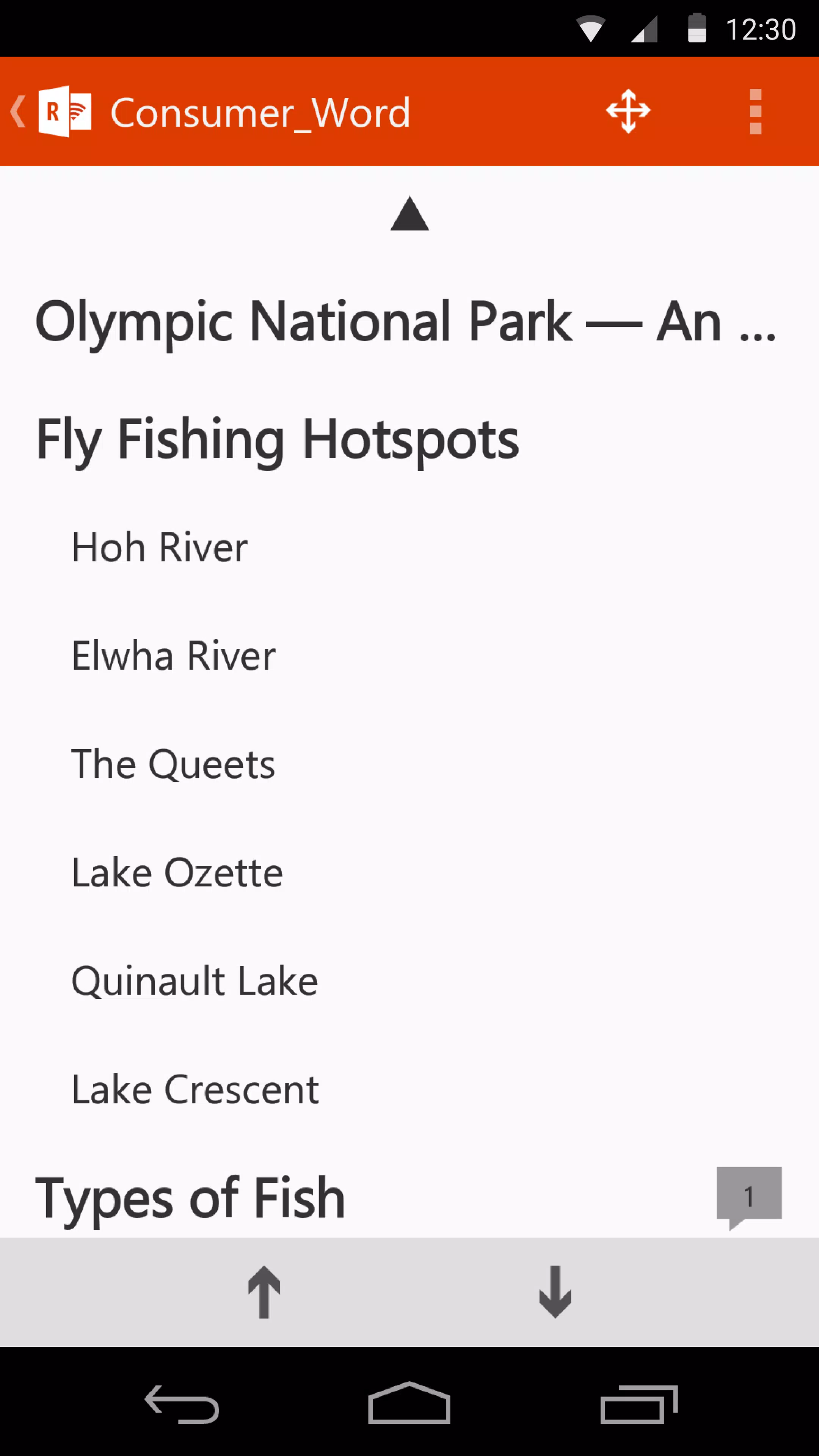
Document and Spreadsheet Navigation: With the Office Remote app, you can browse and edit Word documents and Excel spreadsheets from your smartphone. View your documents, scroll through pages, and find specific content without needing to return to your computer. This feature is incredibly useful for reviewing materials during meetings or making last-minute changes on the fly.
Intuitive User Interface: The app boasts a clean and user-friendly interface, designed to offer an unparalleled experience. The layout is intuitive, ensuring that users can navigate through options and functionalities with minimal learning curve, making it accessible for all skill levels.
Support for Multiple File Formats: Office Remote supports a wide range of file formats compatible with Microsoft Office, enabling you to manage various documents, presentations, and spreadsheets easily. This ensures that you can work with your favorite files without worrying about compatibility issues.
Enhanced Collaboration: Facilitating seamless teamwork is at the heart of Office Remote. As part of an integrated Office experience, the app supports real-time collaboration. You can make changes to shared documents and presentations while on the move, ensuring your input is always included, regardless of your location.
Regular Updates and Improvements: Microsoft continuously works to improve the Office Remote app, with regular updates to enhance functionality and user experience. Users can expect new features and improvements that keep the app up-to-date with the latest technological advancements and user needs.
Cross-Platform Compatibility: Although primarily designed for Android devices, Office Remote integrates well with the Microsoft Office ecosystem, allowing a broader range of users to benefit from the app's capabilities. Whether you're on a tablet or smartphone, you can enjoy a robust remote control experience.
Use Cases:
Conclusion:
The Office Remote APK is a must-have tool for anyone looking to maximize their productivity and enhance their Microsoft Office experience on the go. With its easy connectivity, intuitive interface, and powerful features, it elevates the way you work with documents, presentations, and spreadsheets. Download the Office Remote app today and revolutionize how you control and interact with your Office files – redefine productivity at your fingertips!
Note: Ensure that Microsoft Office (2013 or later) is installed on your desktop for the best compatibility and functionality with the Office Remote app.
|
|
|
|
|
|
向該應用的開發者提交您在使用過程中遇到的問題或對應用的建議,幫助他們做的更好。