

| 4.1.0 (build ) | 1970-01-01 |
Video Eraser is a powerful watermark remover. It helps you remove text/picture logo from your videos, clean background from images. For video creator, it also enables to add texts, watermarks, icons, or your drawings to the videos simply. In the new version, you can crop video size, capture video. With one Video Eraser, you can edit your videos or images, add or remove watermark with simple taps conveniently.
Features:
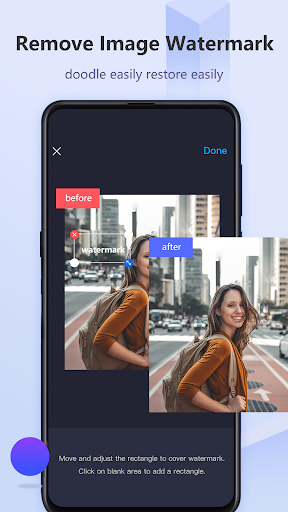
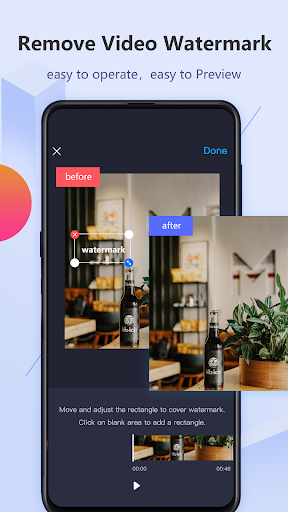
• Remove watermark from video/image
As an effective watermark cleaner, this Video Eraser app can fulfill your dream of removing watermarks from your videos or images. With the help of the advanced image/text recognition technology, it will automatically recognize the logo. So, you can remove it and make the background clear.
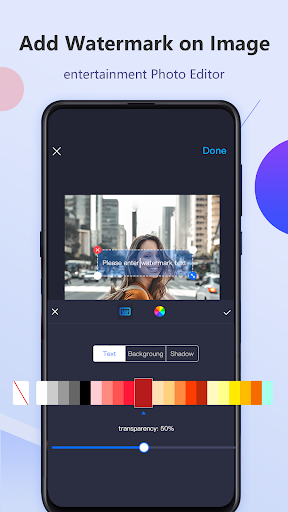
• Add watermark to video/image
For video editors or vloggers, it is very easy to add their own logo or icon to the videos or photos. Just select the function "Watermark Video" or "Watermark image". Then you are able to edit the text, import an image, or draw a picture as the logo. And you can freely move or rotate it above the picture.
• Edit videos
In the latest version, this watermark remover app also provides you practical video editing functions. You can crop the video size for a proper aspect ratio, or record a screen video. Then you can also upload it to your video album for adding watermark.
|
|
|

|

|
|
向該應用的開發者提交您在使用過程中遇到的問題或對應用的建議,幫助他們做的更好。