VLLO, My First Video Editor的介紹
Anyone can make videos anywhere.
#Intuitive #Professional
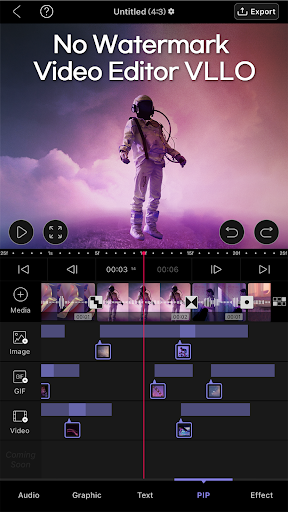
VLLO is an easy yet professional video editor without watermark for everyone. If it’s your first time to make a daily vlog or YouTube video, VLLO is the perfect app for you with its remarkable intuitive look.
#All-in-one #Copyright-free
VLLO is an all-in-one mobile video editor. It has not only powerful features but also tons of trendy assets and copyright-free BGM & SFX. Experience seamless video creation with everything you need to make contents on VLLO.
VLLO is a super easy video editor for you. Beginners and casual users will enjoy editing video with its intuitive but precise control abled split, text, BGM and transition. For the pro editors, premium paid features are also ready with Chroma-key, PIP, mosaic and keyframe animations.
Download VLLO now and start creating videos real quick and simple.
Edit on mobile device a decent video with VLLO.
+ [Zoom in&out] Video zoom in and out with two fingers right on the screen. You can customize the color of your background or add animation effects. Add a sense of immersion to a still video by using the keyframe animations.
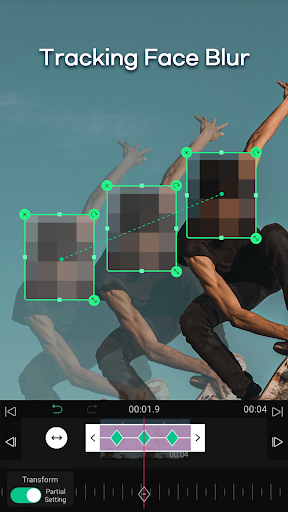
+ [Mosaic Keyframe] You can set a keyframe of blur or pixel mosaic to have them move as you please
+ [AI Face-Tracking] You can make the objects like mosaic, stickers, and texts automatically follow the faces on the media as they move from one frame to another.
+ [Easy Clip Edit] Clip edits like trim, split, speed, reverse, rearrangement and adding additional images or videos are all easy to handle.
+ [Various Video Ratios] You can create your video in a variety of ratios: Instagram, YouTube, square, or several other common video ratios.
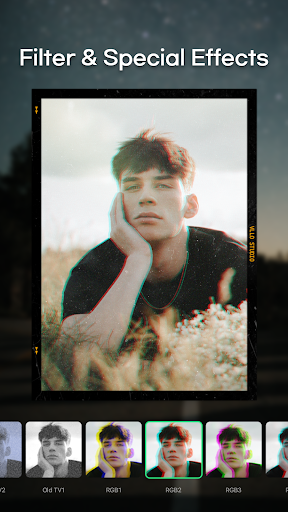
+ [Filters and Color Correction] Create a more refined video with the various filters and color correction. Adjust brightness, contrast, hue/saturation and shadows.
+ [Professional Transitions] Apply seamless transitions from dissolve, swipe, and fade to trendy pop art inspired graphic.
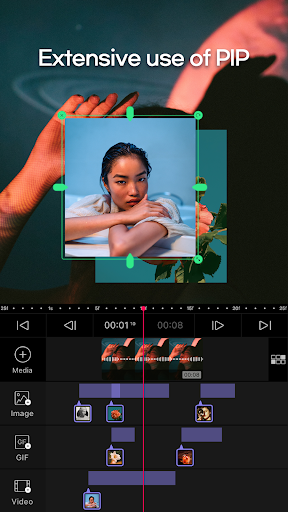
+ [PIP] Add a layer of a video, image or GIF on your video by PIP(Picture in Picture).
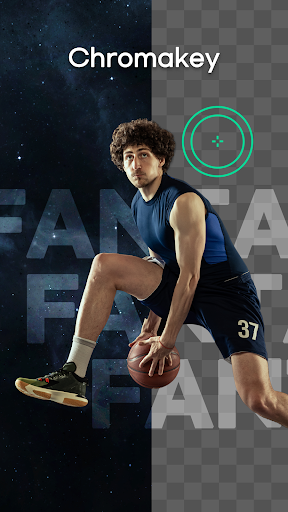
+ [Chroma-Key] Use chroma-key to remove the background with just one tap!
+ [4K Resolution] Make a high-resolution 4K video.
BGM / SFX / Voiceover
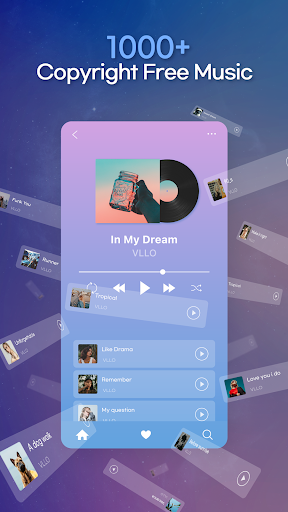
+ There are 1,000+ royalty-free background music with different tones ready for use.
+ You may import music stored on your device.
+ Add a professional touch with the audio fade in/out.
+ You can produce richer sound with 700+ various sound effects
+ Record a voice-over during editing with a single touch!
Sticker & Frame / Caption / Stock Video
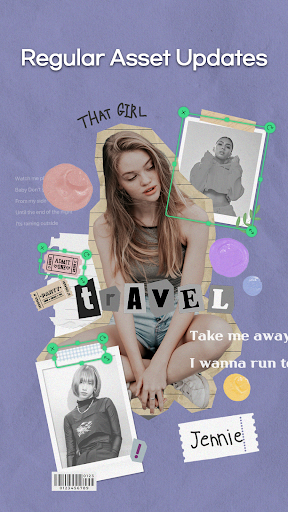
+ 5,000+ categorized trendy stickers and moving texts are updated every season
+ Stickers and texts are in vector format so you won't lose quality when they're expanded
+ You can set a keyframe of stickers and texts to have them move as you please.
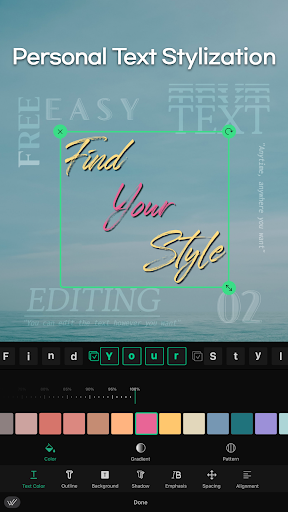
+ You can make your own text style using animation, individual character coloring, shadows, and outline properties editing.
And one more thing!
+ No watermark left even if you do not pay.
+ All videos you edit are automatically saved in'My Project'.
+ Unlimited undo/redo function allows easy restoration/re-application.
+ You can preview the video you are working on in full screen.
+ There is a grid so you can check the ratio within the video more easily.
+ Automatic position setting according to the grid is possible with the magnetic function.
Download VLLO now and encounter wholly new video editing experience!
If you have any problems or suggestions using our app, please contact us at vllo.support@vimosoft.com.
If you have any copyright issues, you can email us at copyright@vimosoft.com.
VLLO Terms of Use : https://www.vllo.io/vllo-terms-of-use