EyeFilterSymbol

EyeFilter

Version:2.2.2 (build 20191213)
EyeFilterDownload QR-Code
App-Installation läuft
Installation läuft...
Die App-Installation beginnt in Kürze. Bitte warten Sie. Wenn der Download nicht automatisch startet, klicken Sie hier, um den Download manuell zu starten
Installieren

Oder scannen Sie den QR-Code mit Ihrem Handy, um die Installation abzuschließen


Über EyeFilter

Größe
7.9 KB
Erstellungsdatum
2024-07-23
Version
2.2.2
Build
20191213

Versionshistorie von EyeFilter

2.2.2 (build ) 1970-01-01

Übersicht von EyeFilter

EyeFilter APK - Your Essential Screen Protector for Eye Comfort

Are you tired of straining your eyes while using your smartphone or tablet for extended periods? Do you wish you could ease the stress on your eyes and enhance your visual experience? Look no further than EyeFilter, the ultimate eye care companion designed to protect your vision and provide unparalleled comfort during screen time.

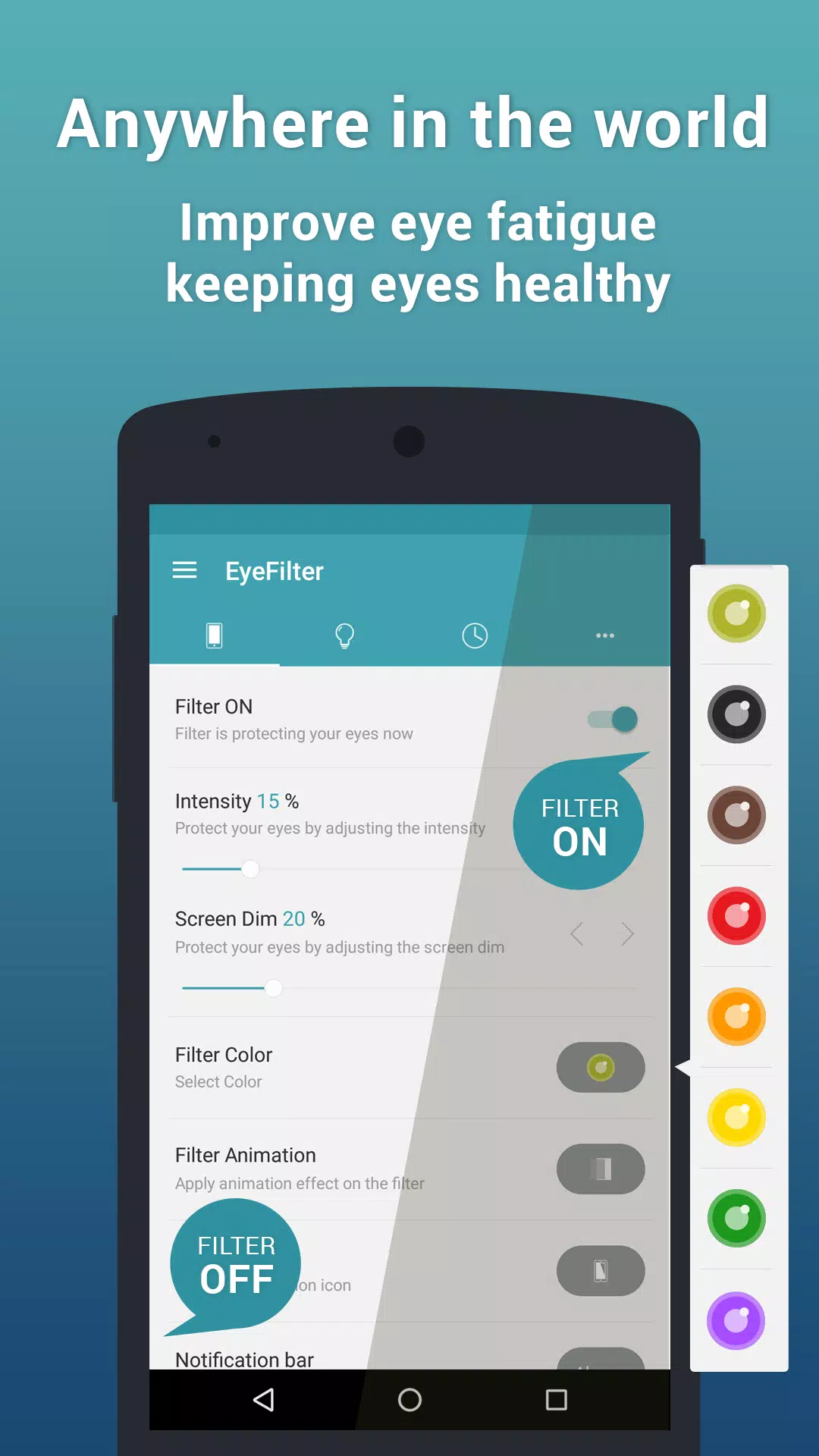
Overview: EyeFilter is a feature-rich application that empowers users to customize their screen to safeguard their eyesight and improve their overall digital experience. With its unique filter settings and intuitive interface, EyeFilter allows you to adjust your screen's brightness, contrast, and color temperature, ensuring that your eyes are shielded from harmful blue light and harsh glare.

Key Features:

  1. Customizable Filters:

    • Tailor your screen to suit your specific needs with various adjustable filters. Whether you need a warm filter for reading at night or a cooler filter for working during the day, EyeFilter has you covered.
  2. Blue Light Reduction:

    • Reduce the amount of harmful blue light emitted by your device, which can lead to digital eye strain and interfere with your sleep patterns. EyeFilter promotes better eye health and improves melatonin production for a more restful night.
  3. Brightness Control:

    • Easily adjust the brightness of your screen to match your environment. Whether you're in a dimly lit room or outside in bright sunlight, EyeFilter helps you find the perfect balance for optimal visibility and comfort.
  4. Easy to Use:

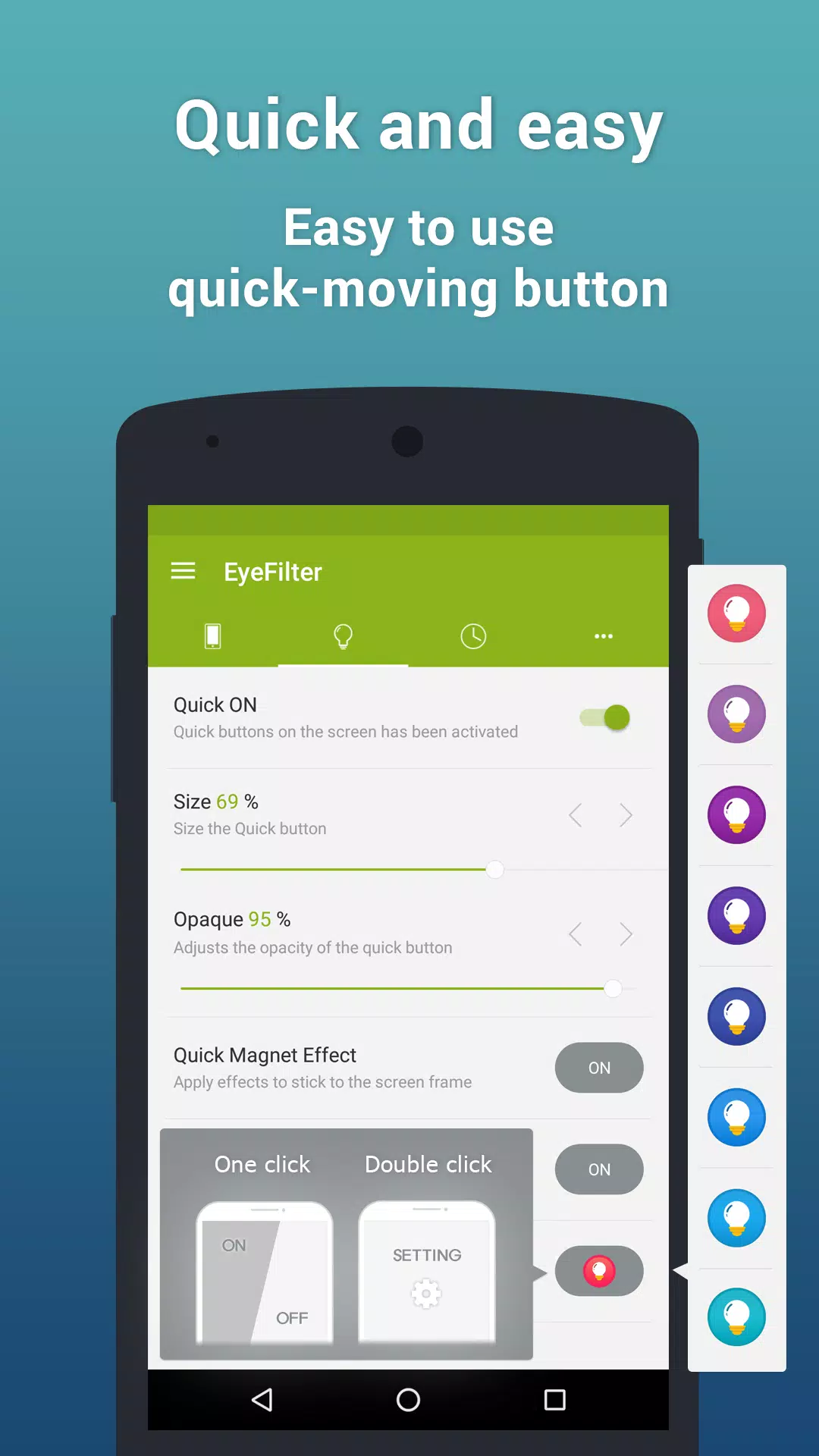
    • With its user-friendly interface, navigating through EyeFilter's settings is a breeze. Simply download the app, choose your preferred filter, and enjoy a more comfortable viewing experience.
  5. Pre-set Modes:

    • EyeFilter offers several pre-set modes tailored for different activities, such as reading, browsing, gaming, or working. Quickly switch between modes to unlock enhanced comfort based on what you are doing.
  6. Night Mode:

    • A dedicated night mode that drastically reduces blue light emission, making it an ideal choice for late-night browsing or reading.
  7. Eye Care Reminders:

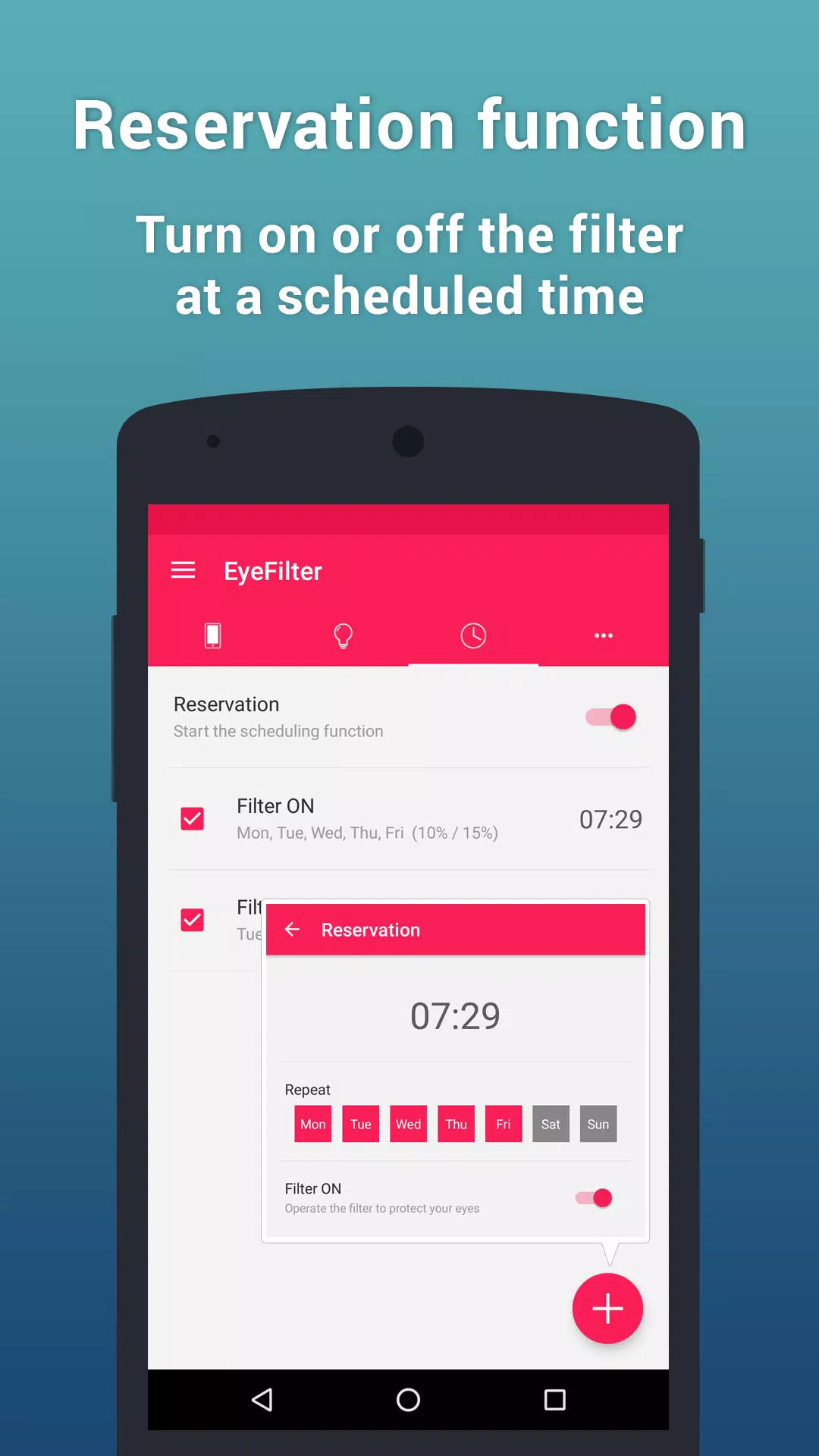
    • The app features reminders to take regular breaks and exercise your eyes, promoting healthy screen habits and reducing the risk of digital eye strain.
  8. Performance Optimization:

    • EyeFilter is designed to minimize battery consumption while providing effective screen filtering, allowing you to enjoy long usage without the worry of draining your battery quickly.

Why Choose EyeFilter? In today's digital age, prolonged exposure to screens has become inevitable. EyeFilter stands out as a must-have tool for anyone who prioritizes their eye health and wants to enhance their screen experience. With the power to customize your screen settings, EyeFilter allows you to enjoy your favorite activities—be it reading, gaming, or working—without putting undue stress on your eyes.

Compatibility: EyeFilter is compatible with a wide range of Android devices, ensuring you can enjoy its benefits regardless of your smartphone or tablet model.

Download EyeFilter Today! Don’t wait any longer to give your eyes the relief they deserve. Download the EyeFilter APK now and start your journey towards a more comfortable and healthy screen experience. Your eyes will thank you!

Visit EyeFilter on APK.BOT to download the app and take the first step in protecting your vision in our digital world.
Erweitern

Screenshots von EyeFilter

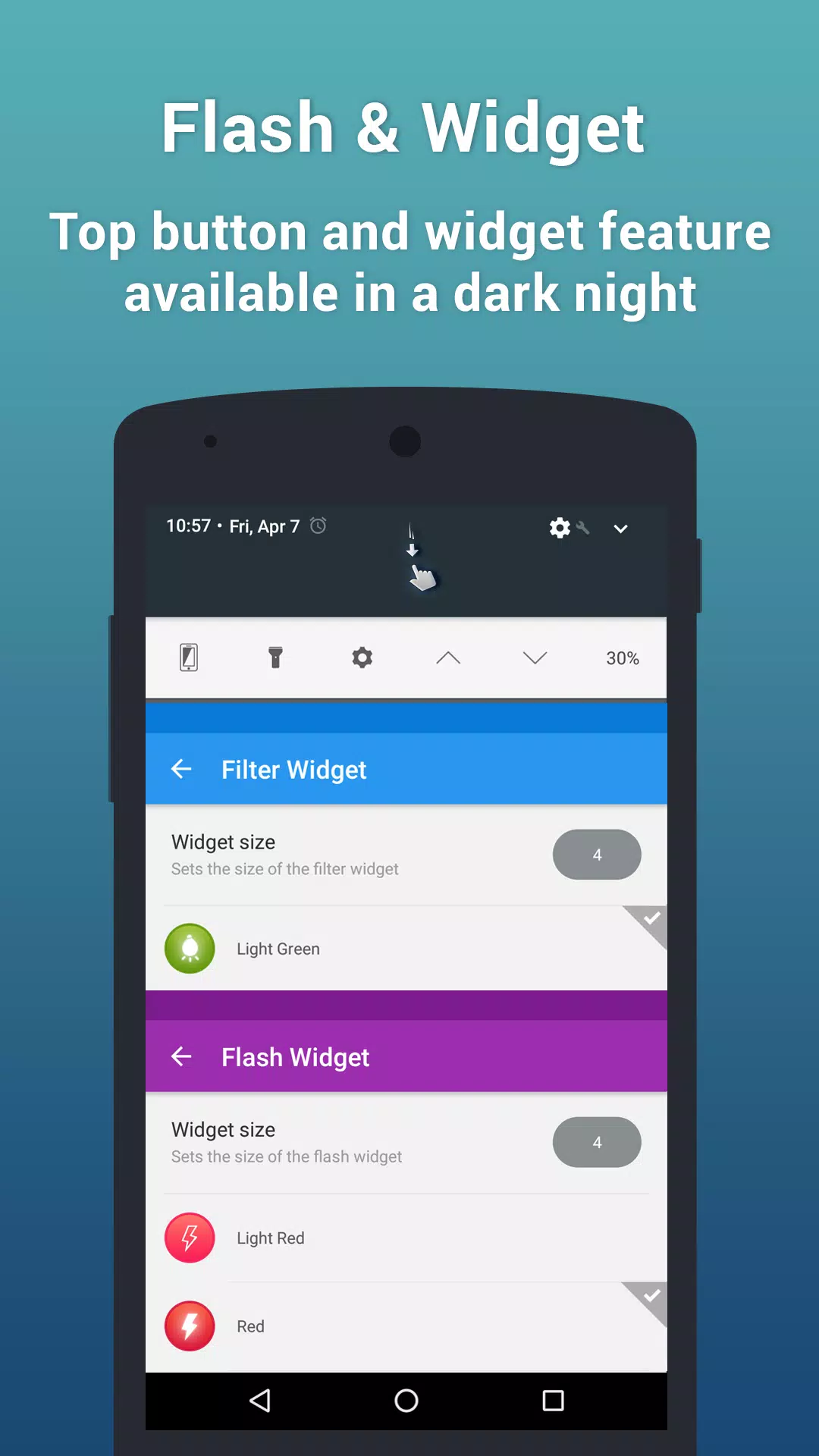
EyeFilterApp-Screenshots1
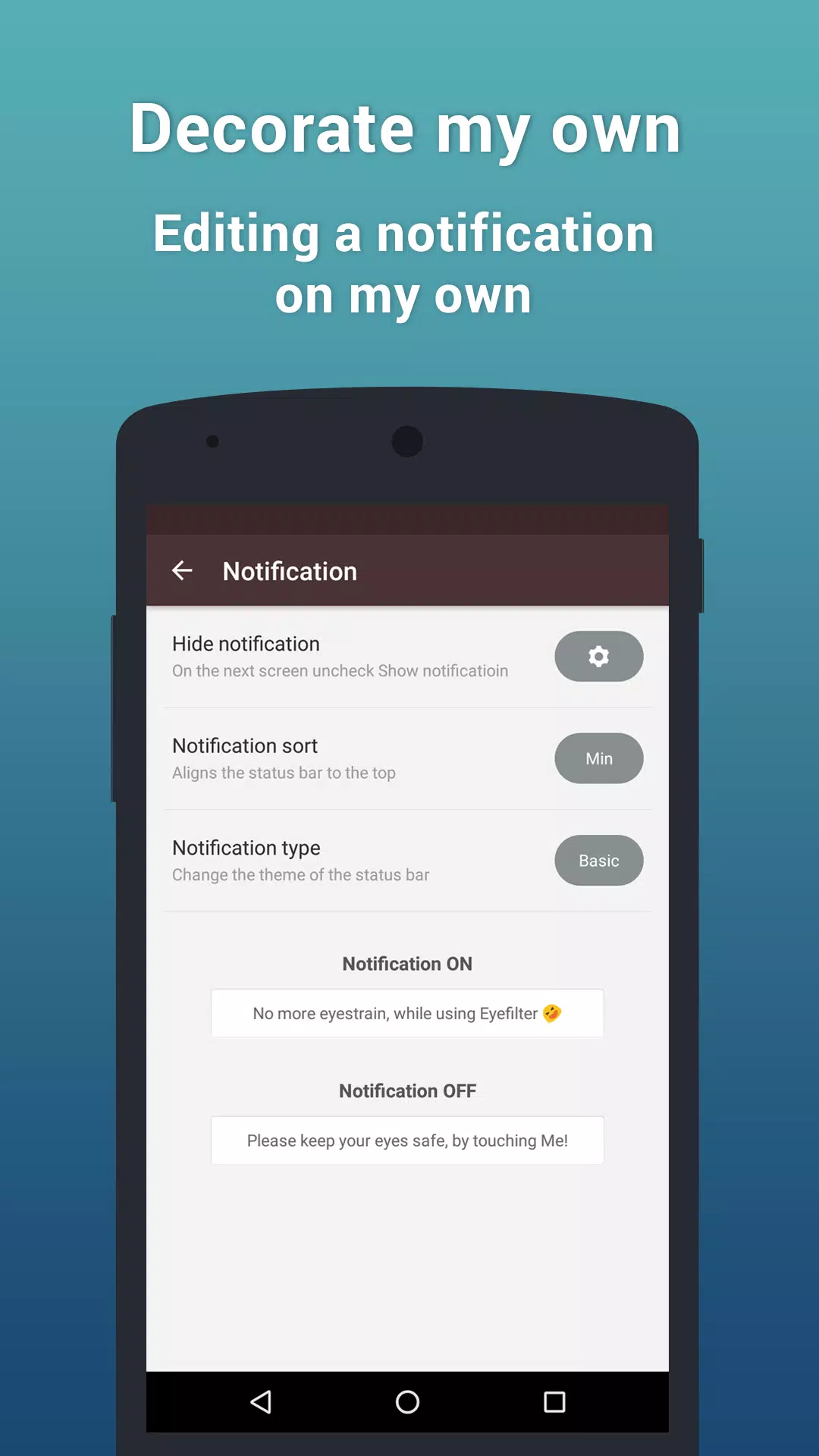
EyeFilterApp-Screenshots2
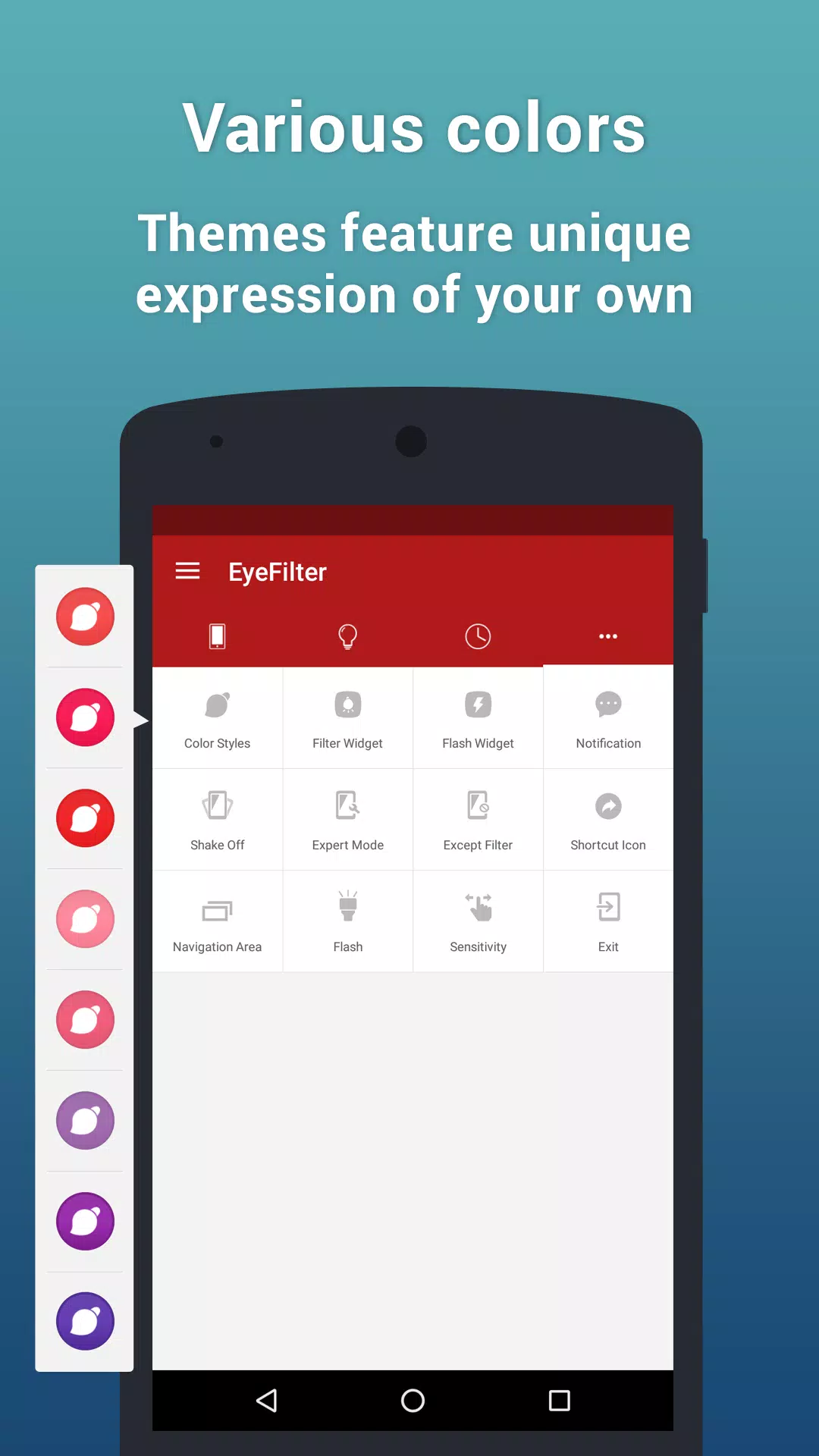
EyeFilterApp-Screenshots3
EyeFilterApp-Screenshots4
EyeFilterApp-Screenshots5
EyeFilterApp-Screenshots6
EyeFilterApp-Screenshots7
EyeFilterApp-Screenshots8

Feedback geben

Senden Sie den Entwicklern dieses Apps Probleme, die Sie während der Nutzung hatten, oder Vorschläge, um ihnen zu helfen, besser zu werden.