アプリ紹介
Hyper — Capture, communicate, and act seamlessly.
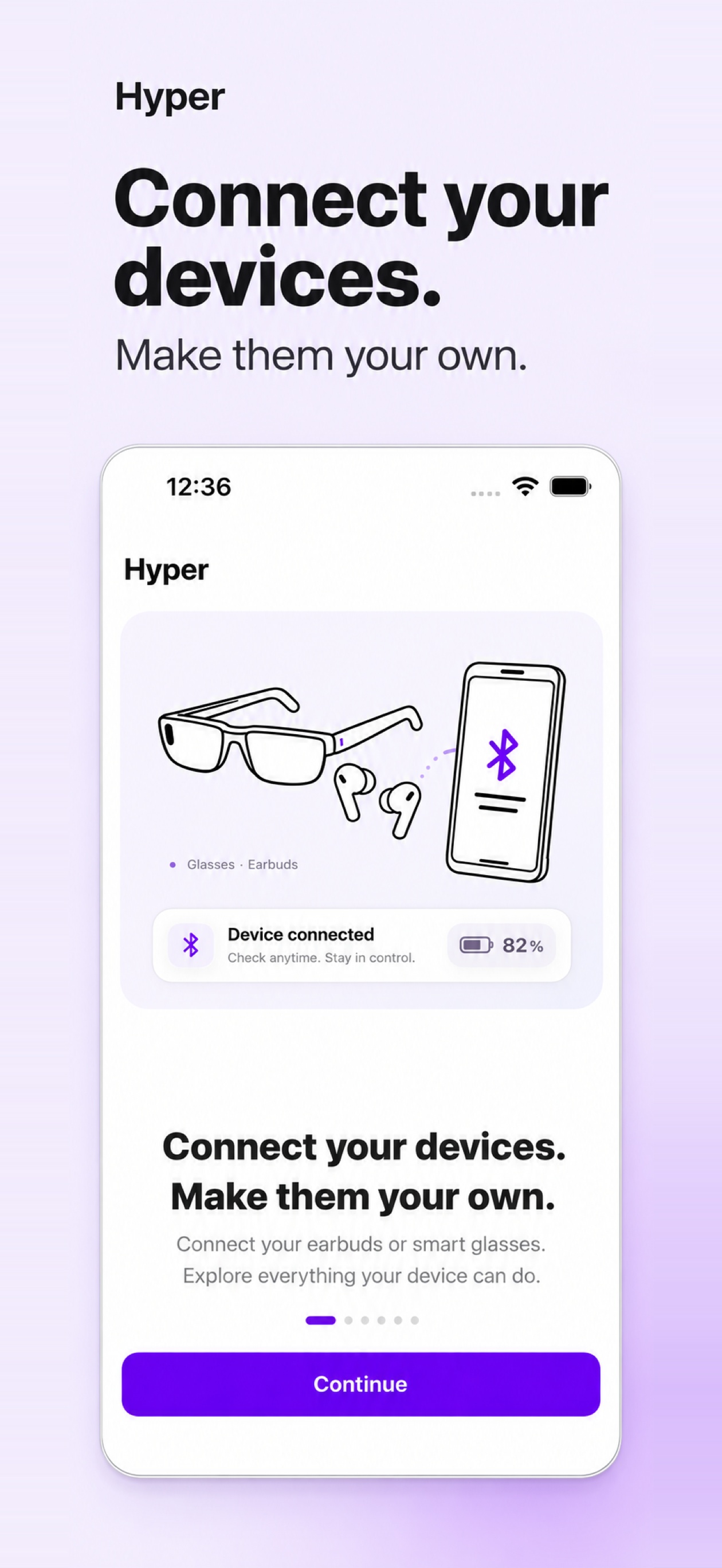
Hyper brings smart device connectivity, AI audio transcription, multi-mode translation, smart scheduling, and sound tools together in one app. You can use features directly on your phone, or connect compatible smart glasses, recording devices, Bluetooth headphones, or speakers for content capture, information organization, cross-language communication, and daily planning.
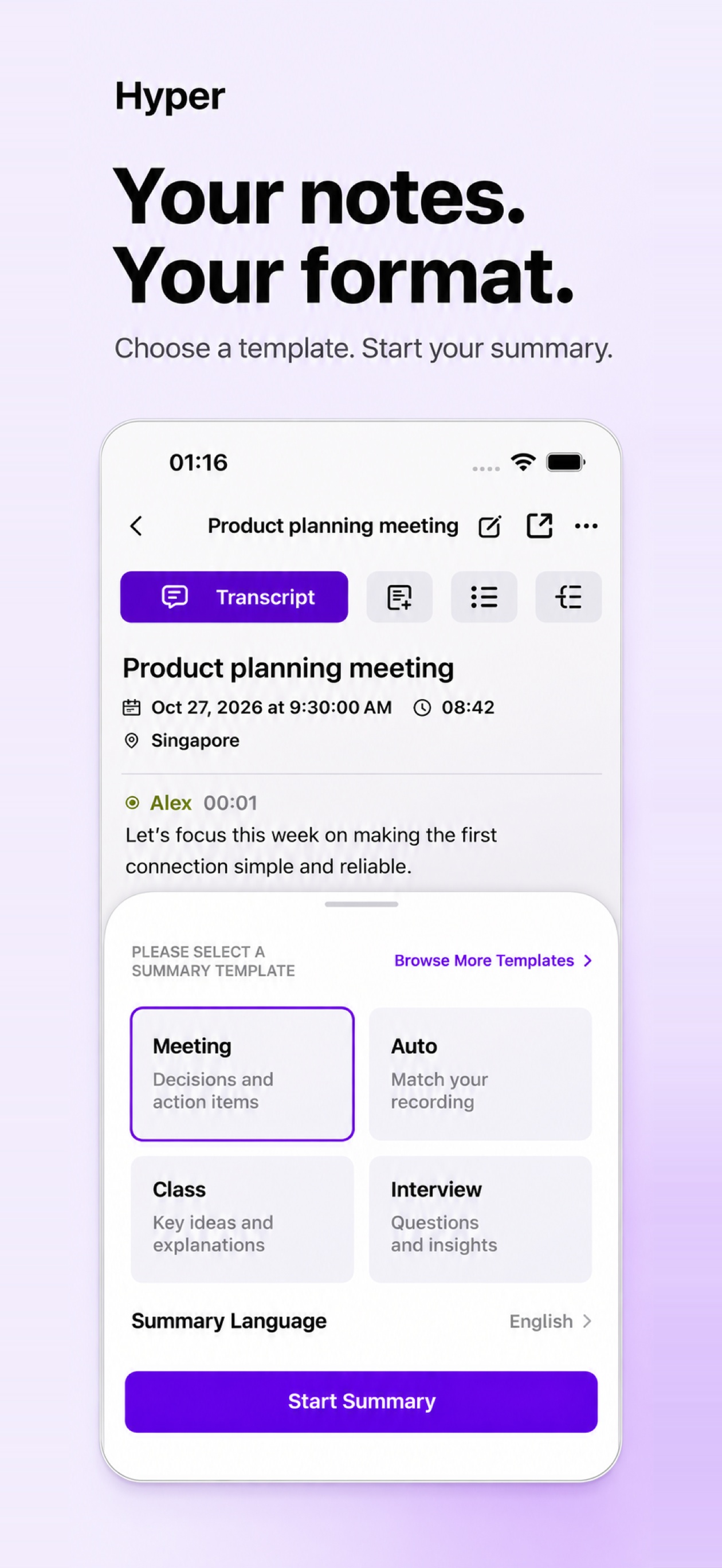
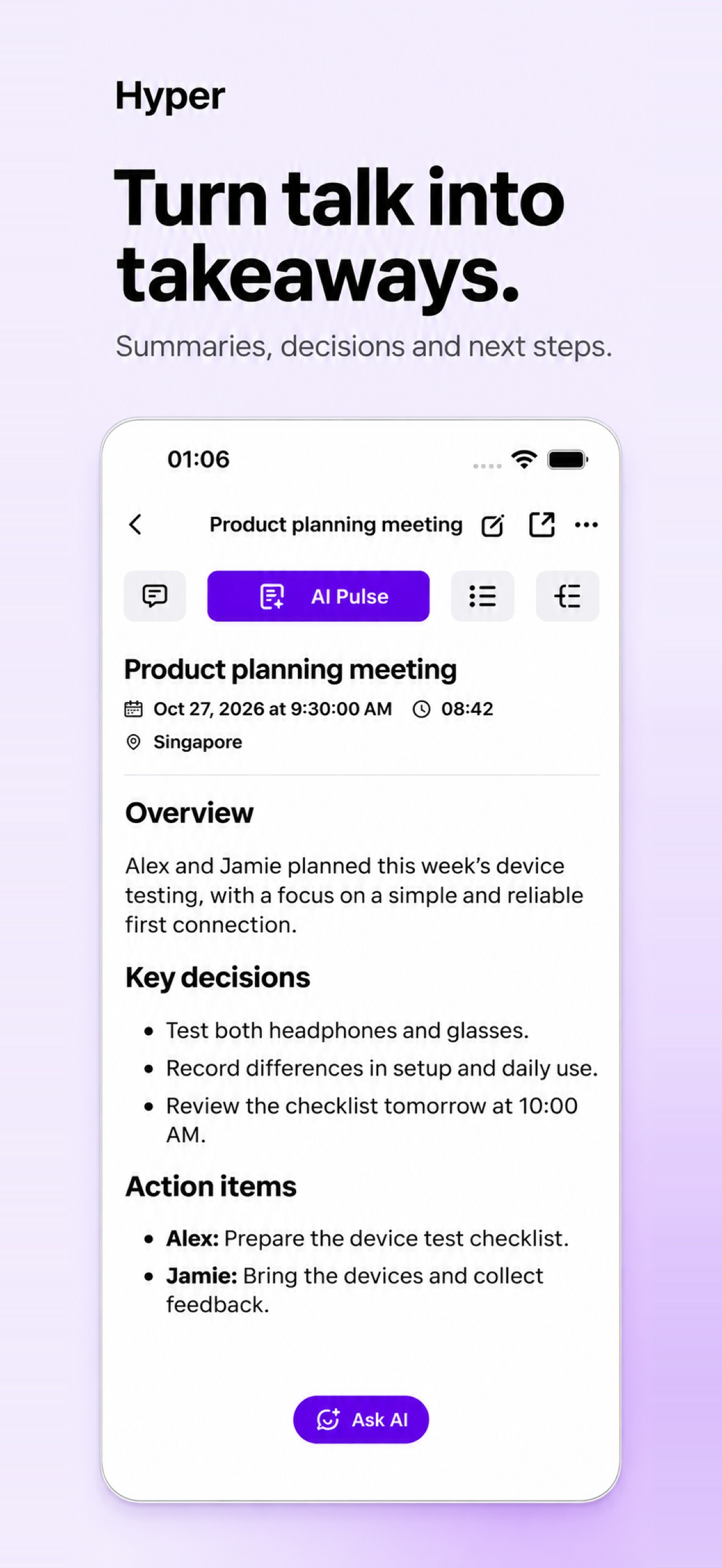
1. AI Recording & Note Organization
Record or import audio, convert speech into text, and select summary templates for scenarios such as meetings and interviews. View AI summaries, structured outlines, and mind maps, organize clips with custom folders, merge recordings, proofread transcripts, generate structured notes under AI Pulse, and easily share or export your content.
2. Multi-Mode AI Translation
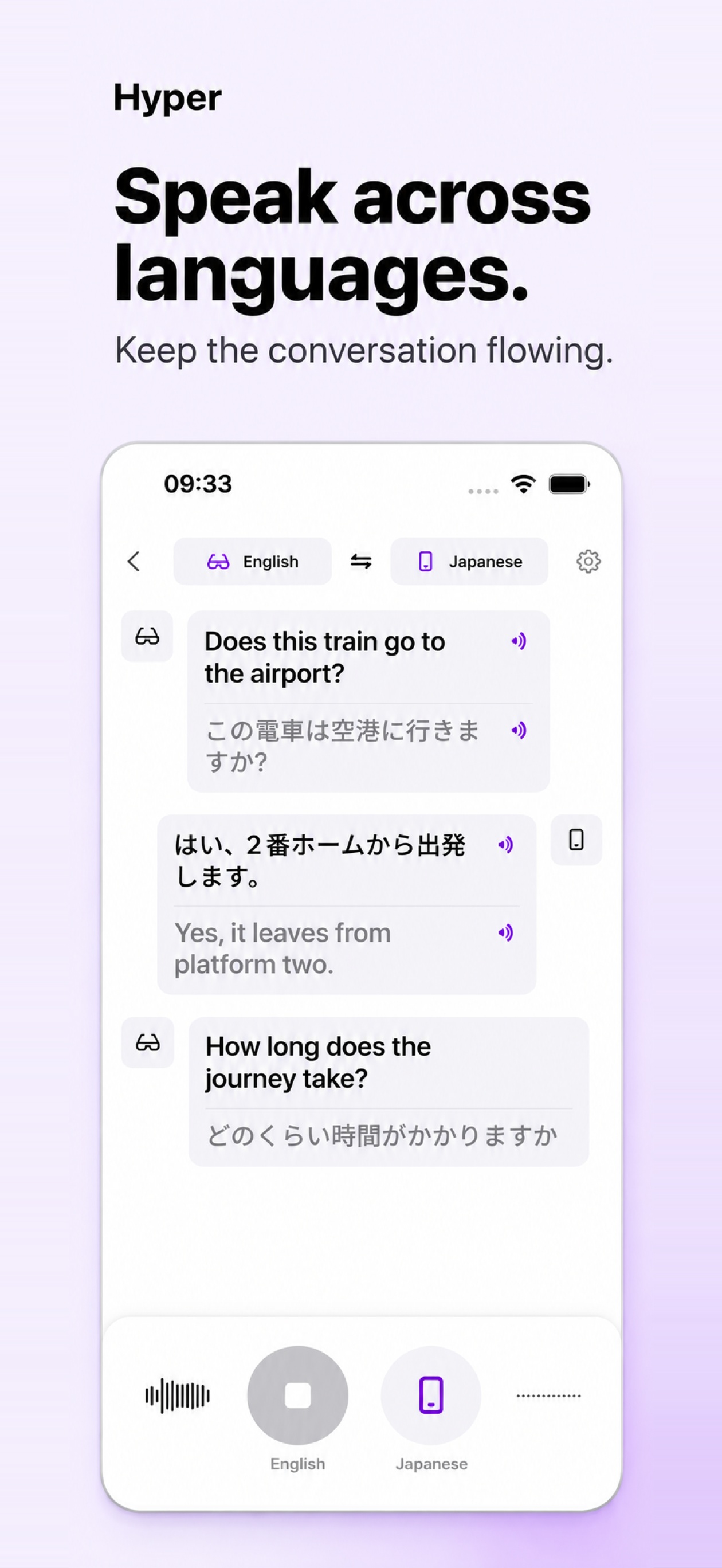
Offers Real-Time Translation, Simultaneous Interpretation, and Two-Way Mode for face-to-face conversations, listening to translations via Bluetooth devices, and turn-based push-to-talk translation. Select languages for both parties and check audio pickup and playback settings as needed; supported languages follow the current list in the app.
3. Ask AI Assistant
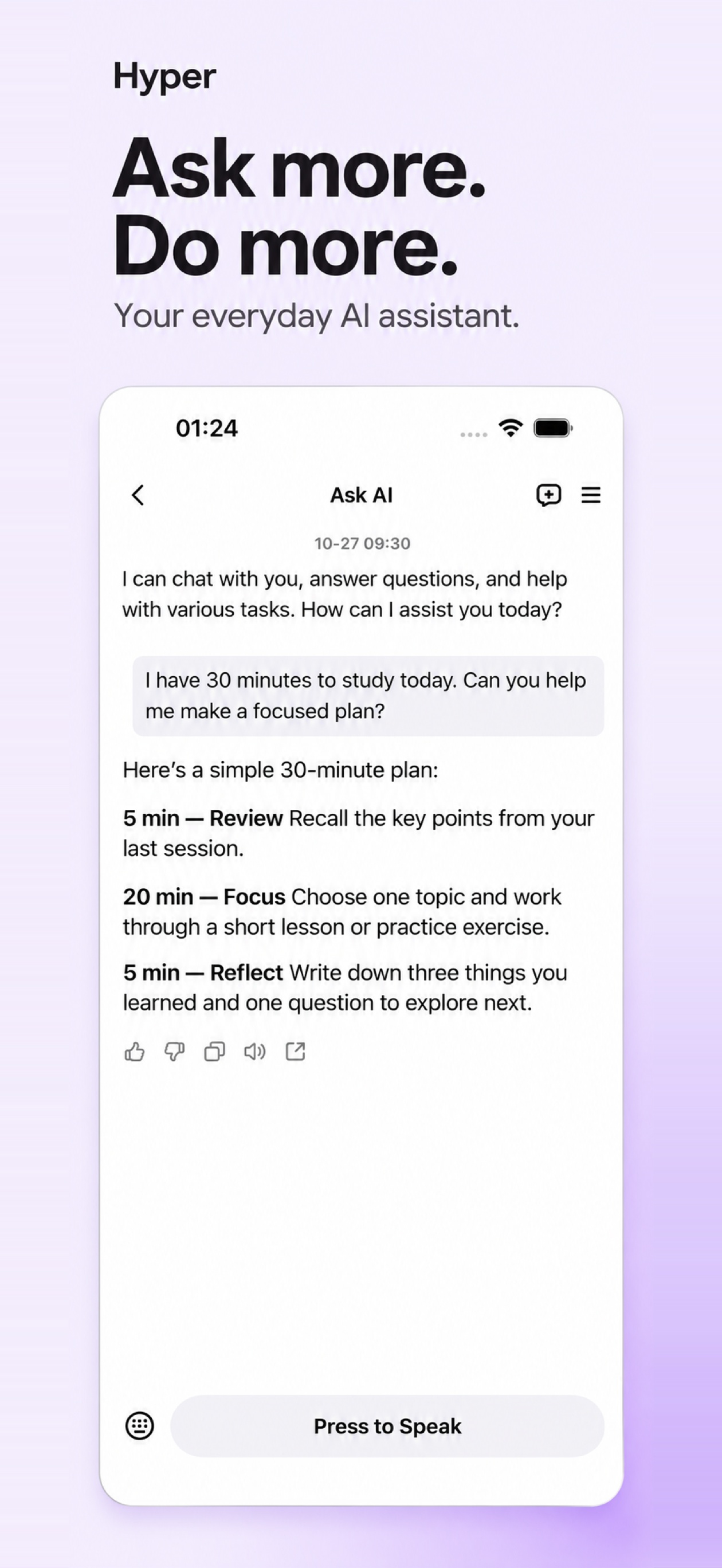
Ask questions via text or voice for everyday Q&A and task assistance, or ask follow-up questions around your recordings to further understand and organize information.
4. Flow Agent Smart Scheduling & To-Dos
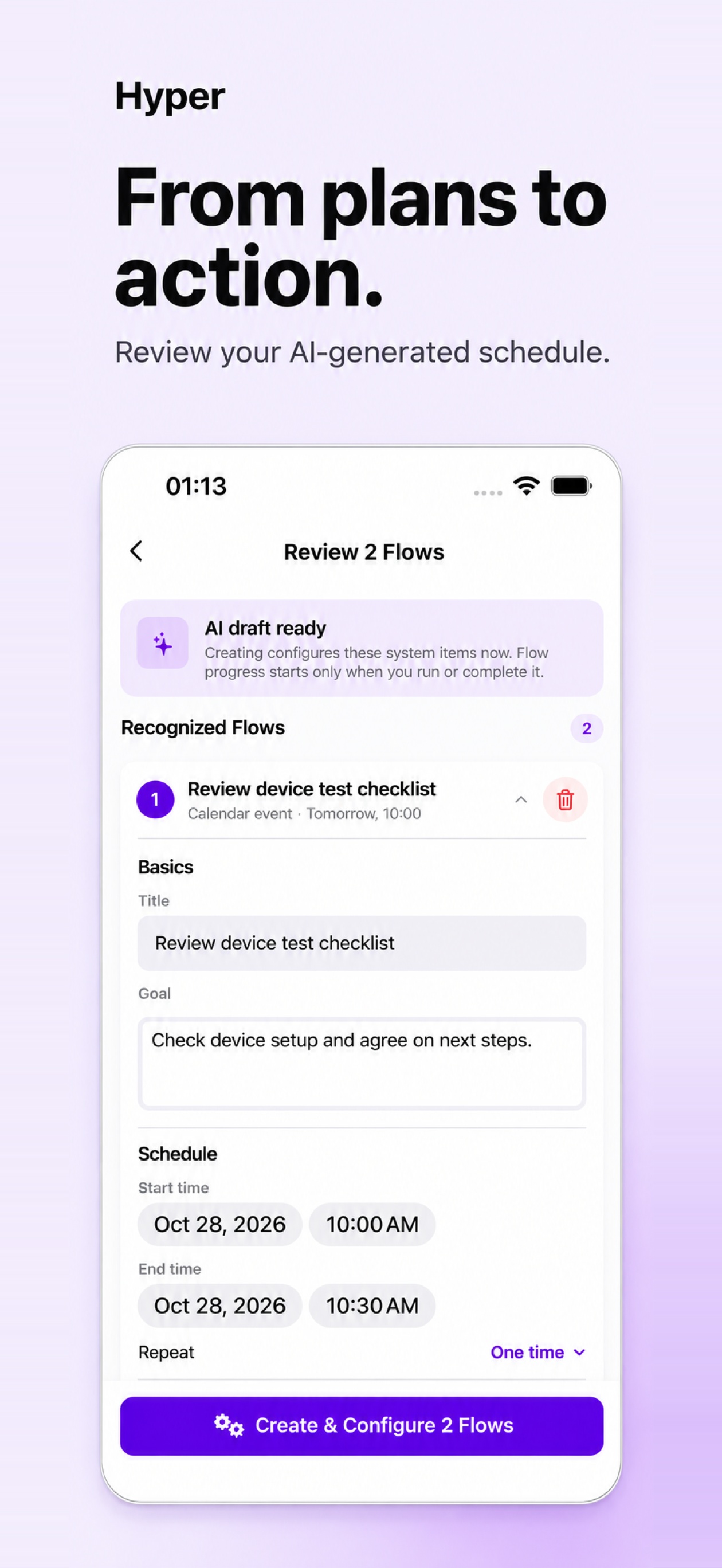
Describe your plans via text or voice to generate reviewable, editable drafts. Verify the title, date, time, and recurrence settings before confirming to create system Calendar events or Reminders. Supports manual creation, Batch Plan, and importing existing system Calendar events and Reminders.
5. Capture Items from Photos, Business Cards & Files
Take or select photos, or import supported files such as PDF, TXT, CSV, and JSON to extract schedules, to-dos, or contact details. Extracted results are displayed as drafts first so you can verify them before saving to Calendar, Reminders, or Contacts.
6. Smart Device Controls & Media Sync
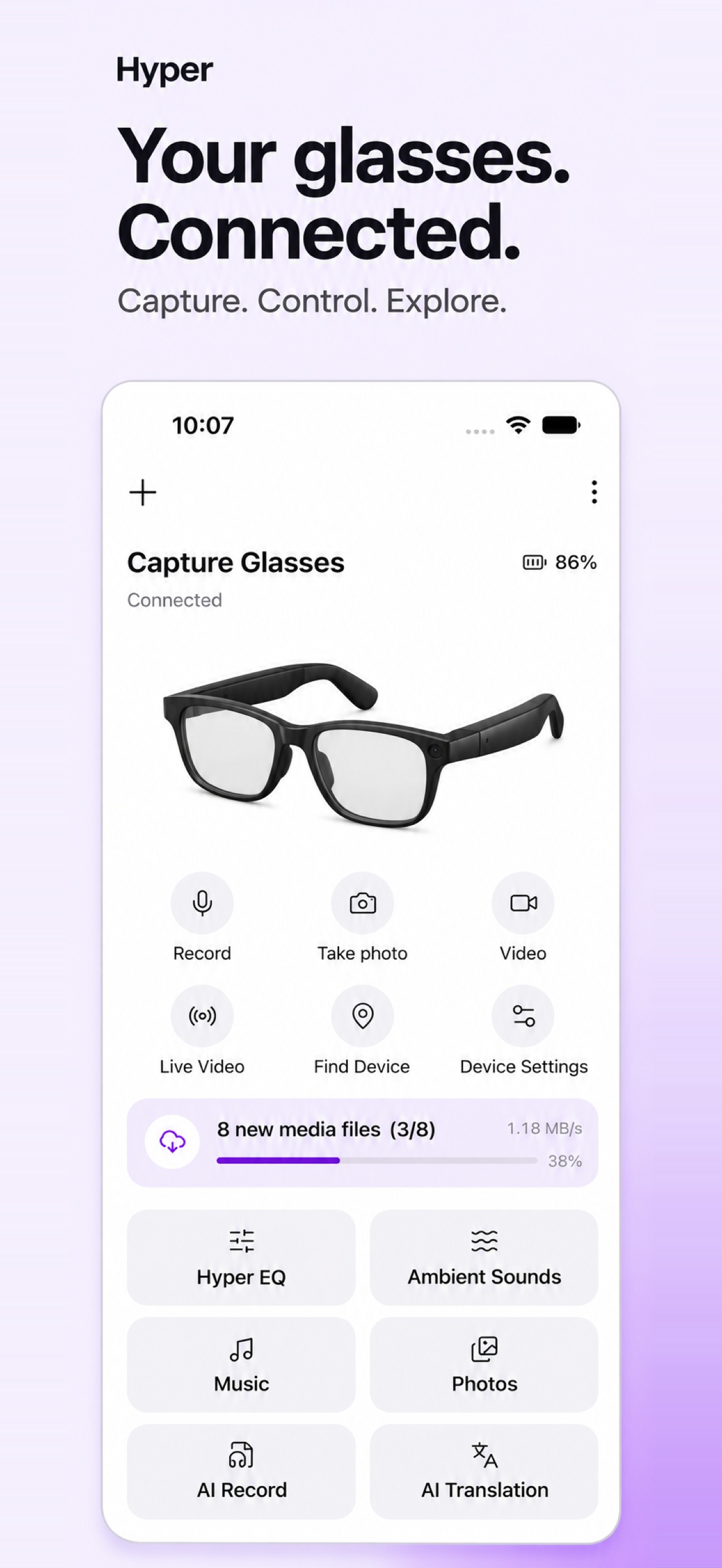
Sync recordings, photos, and videos from paired hardware, and access Live Video preview, video resolution settings, stabilization, and gyroscope calibration on supported smart glasses.
7. Music, Hyper EQ & Speaker Care
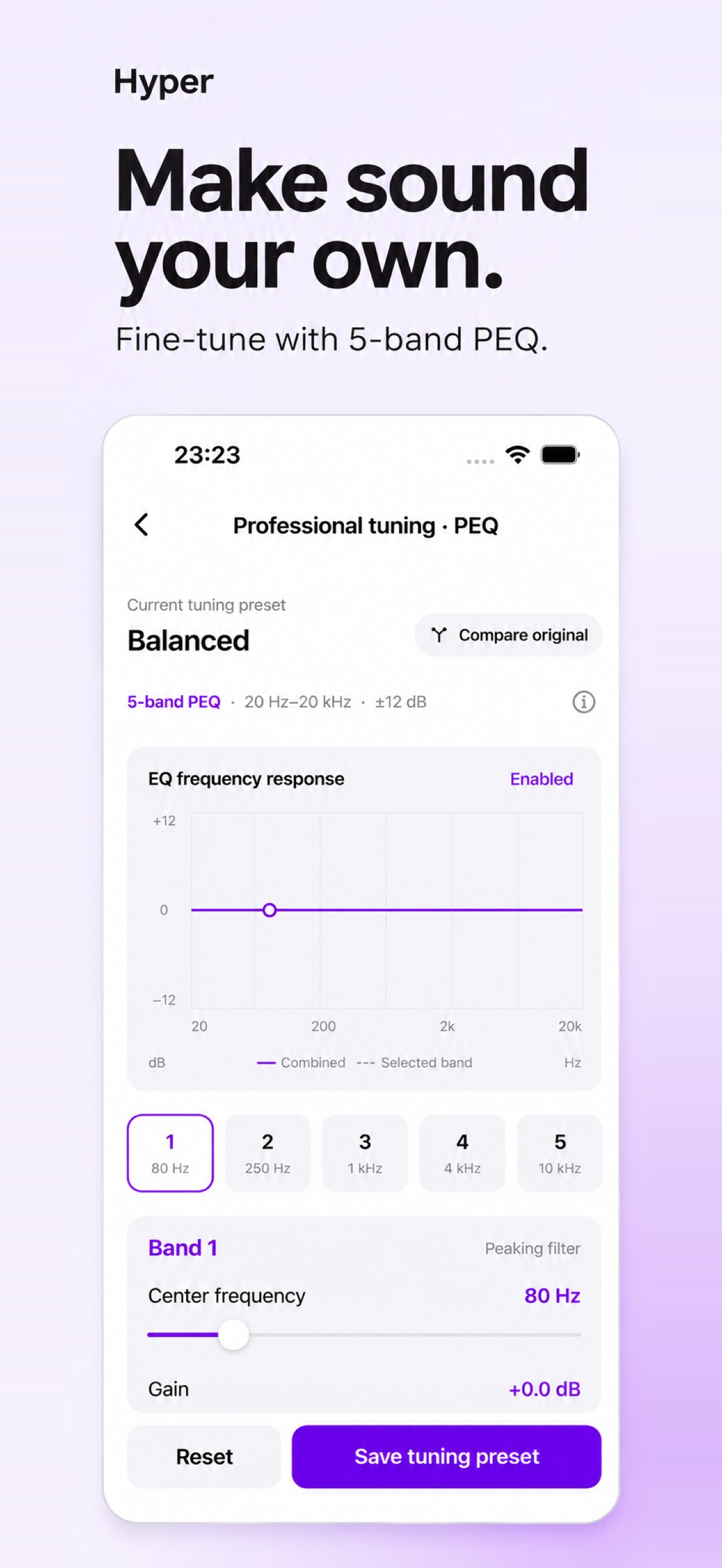
Import and play local music with a full player, customize sound via Hyper EQ with Harman reference presets and 5-band Professional Tuning (PEQ), and maintain speakers with Clean & Eject Water care.
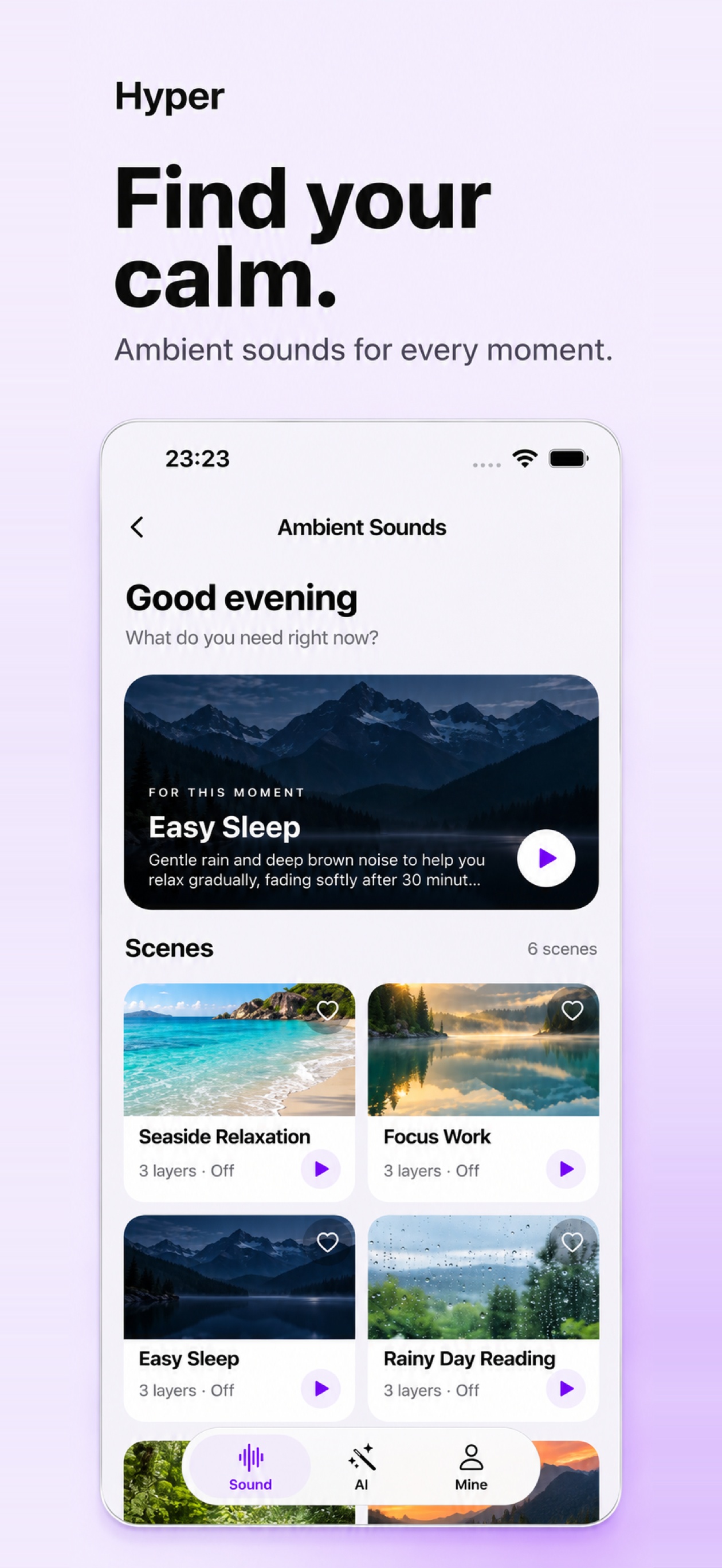
8. Ambient Sounds & AI Mixes
Unwind or focus with ambient soundscapes and customizable multi-layer AI mixes equipped with a sleep timer.
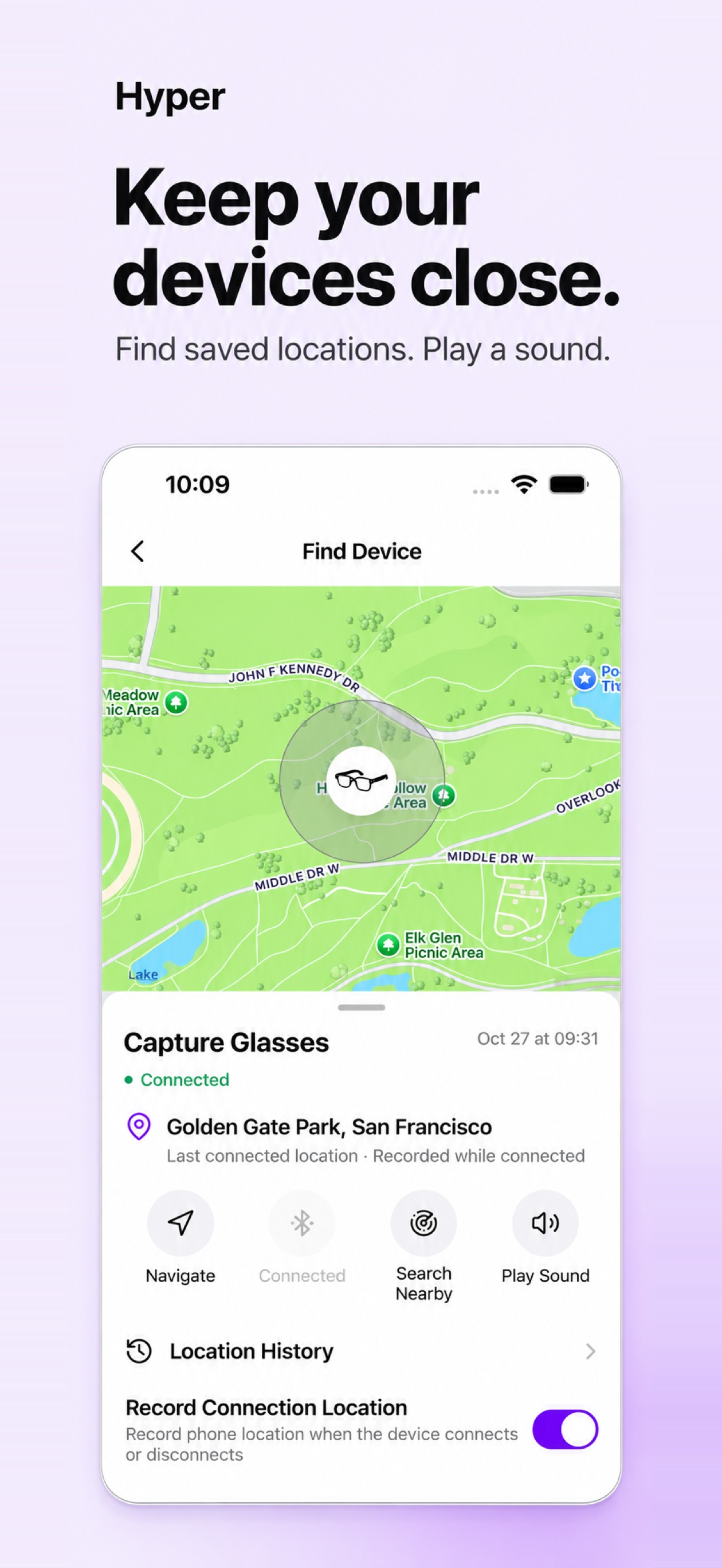
9. Find Device
Track paired devices using connection location history, map navigation, and a 15-second sound alert.