Сканируйте QR-код на телефоне для установки


Приложение App Store Версия:3.0.0 Размер:201.7 MB
Версия:1.1.155 (build 83) Размер:85.5 MB Дата обновления:2026-11-03

Works with smart hardware

Hyper · Smart Wearables & Recording Devices

Hyper Wearable
Compatible models
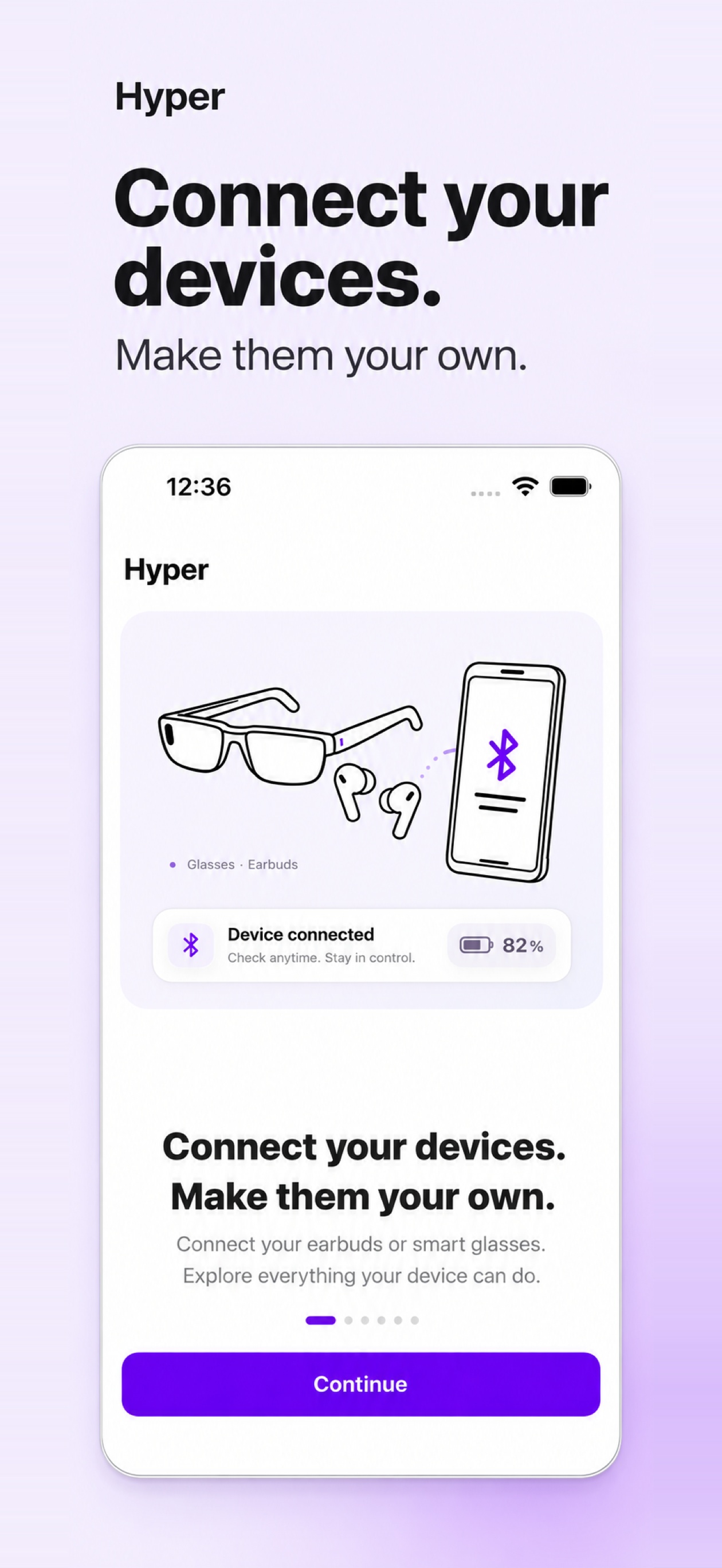
Capture Smart Glasses Hyper Note Recording Card Bluetooth-enabled headphonesspeakers audio glasses
Main capabilities
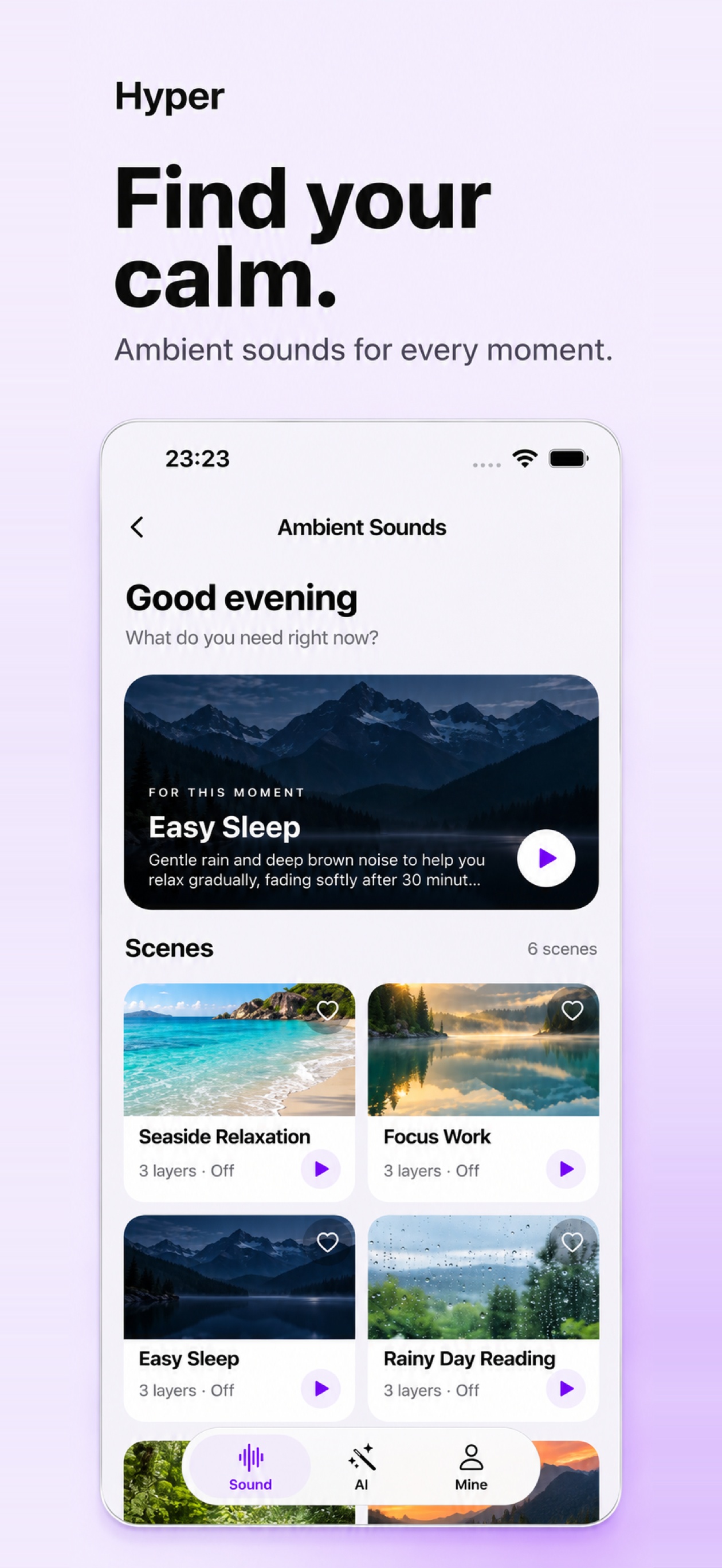
AI audio recording, transcription, audio import, and recording management AI summaries, structured outlines, and mind maps Real-time translation, simultaneous interpretation, and two-way translation Ask AI assistant for text and voice Q&A Flow Agent smart calendar scheduling and to-do management Schedule, to-do, and contact extraction from photos, business cards, and files Smart device controls and audio, photo, and video sync Local music playback, Hyper EQ, and professional tuning Ambient sounds, AI mixes, and sleep timer Device connection location history and sound alert for finding devices
Connection methods
BluetoothCellularWi-FiDevice hotspot
Usage requirements
Sign in to an account or try as a guest after installing Hyper. Selected features work directly on your phone; hardware features require pairing a compatible device. Grant Bluetooth, Microphone, Photos, Location, Calendar, Reminders, or Contacts permissions as needed; online features require an internet connection. Feature availability and usage quotas depend on account benefits and in-app prompts.
Compatible platforms or protocols
Android iOS


Описание обновления

Новый Flow Agent для умного планирования и захвата данных: преобразуйте голосовые/текстовые планы, фотографии, визитки и файлы (PDF/TXT/CSV/JSON) в проверенные события календаря, напоминания и контакты; поддерживает пакетное планирование и синхронизацию существующих элементов системы (Руководство по Flow Agent, Руководство по захвату данных).

Совершенно новый музыкальный и звуковой комплекс: добавлен импорт локальной музыки и полноценный плеер, Hyper EQ с эталонными пресетами Harman и 5-полосной профессиональной настройкой (PEQ), фоновые звуки и AI-миксы с многослойными регуляторами и таймером сна, а также функции очистки и удаления воды из динамиков (Руководство по музыке, Руководство по Hyper EQ, Руководство по фоновым звукам).

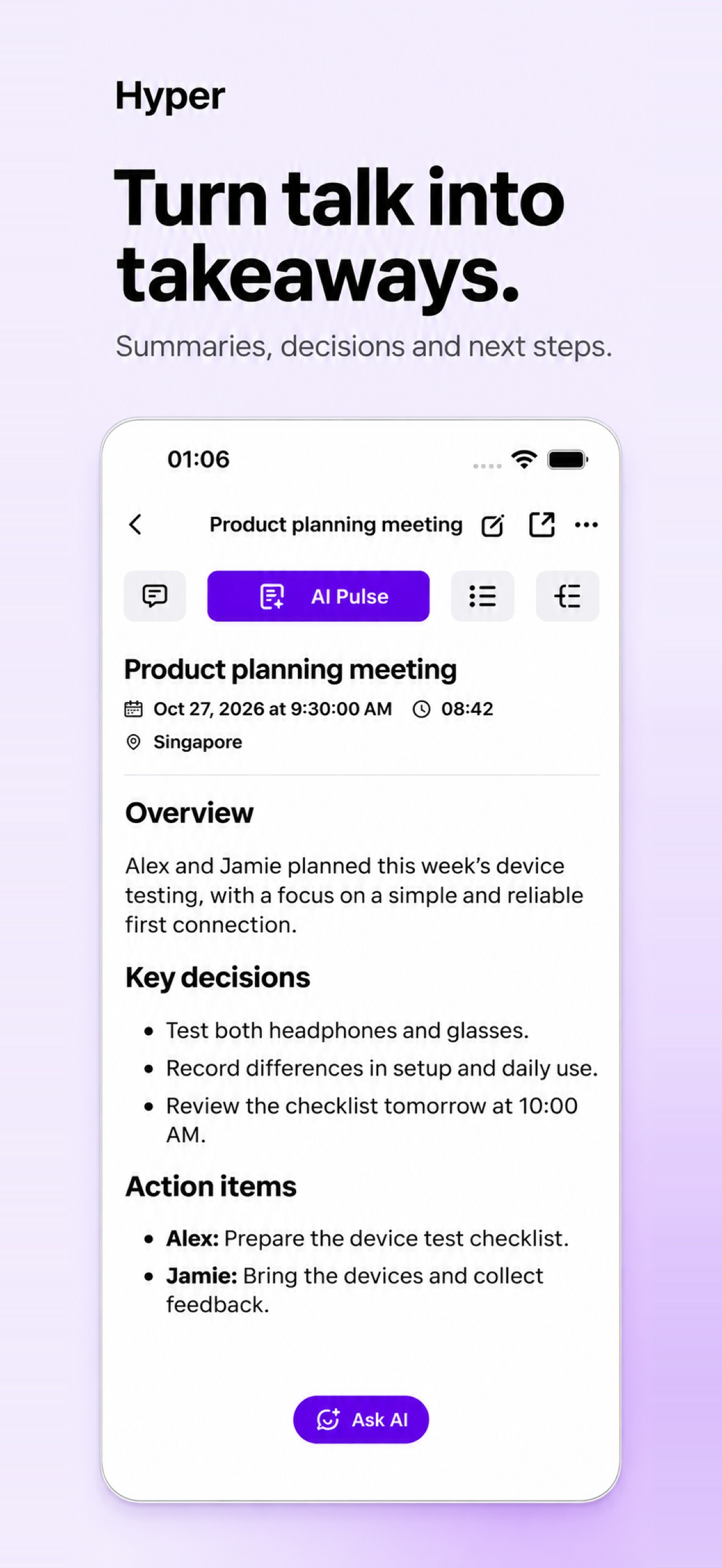
Улучшенные AI-записи и заметки: импорт существующих аудиофайлов с устройств или оборудования, организация по пользовательским папкам, объединение нескольких аудиоклипов, воспроизведение фрагментов аудио по нажатию на соответствующие участки транскрипта, редактирование спикеров и текста, а также генерация структурированных заметок в рамках AI Pulse (Руководство по управлению записями, Руководство по просмотру транскрипта).

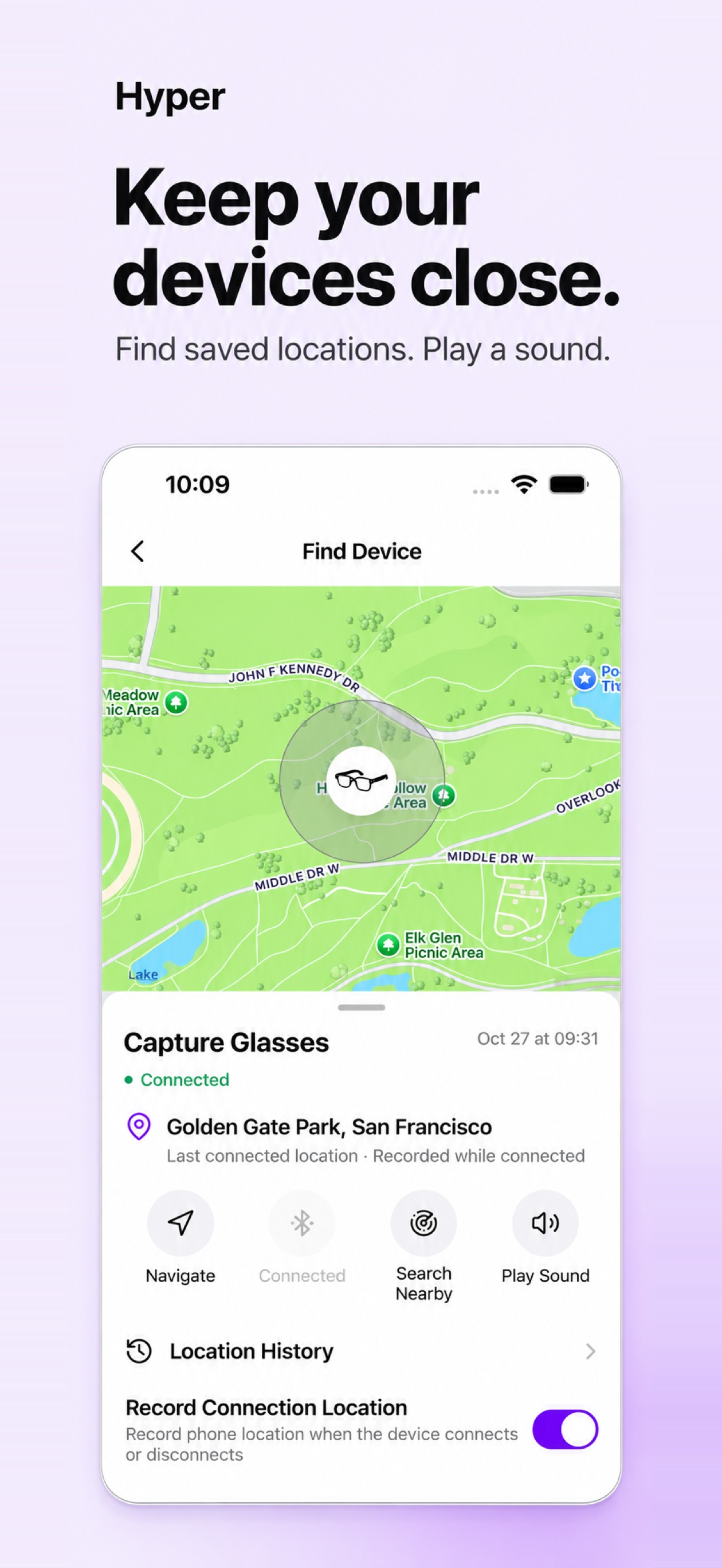
Расширенное управление устройствами и функция поиска: добавлена предварительная просмотр живого видео, разрешение видео, стабилизация и калибровка гироскопа для поддерживаемых очков; добавлена функция Find Device с историей мест подключения, навигацией по карте и звуковым оповещением длительностью 15 секунд (Руководство по домашнему экрану устройства, Руководство по настройкам устройства, Руководство по поиску устройства).

История версий

1.1.161 (build 84) 1. Optimize Ask AI 2. Fix othe 2026-11-20

Описание приложения

Hyper — Capture, communicate, and act seamlessly.
Hyper brings smart device connectivity, AI audio transcription, multi-mode translation, smart scheduling, and sound tools together in one app. You can use features directly on your phone, or connect compatible smart glasses, recording devices, Bluetooth headphones, or speakers for content capture, information organization, cross-language communication, and daily planning.
1. AI Recording & Note Organization
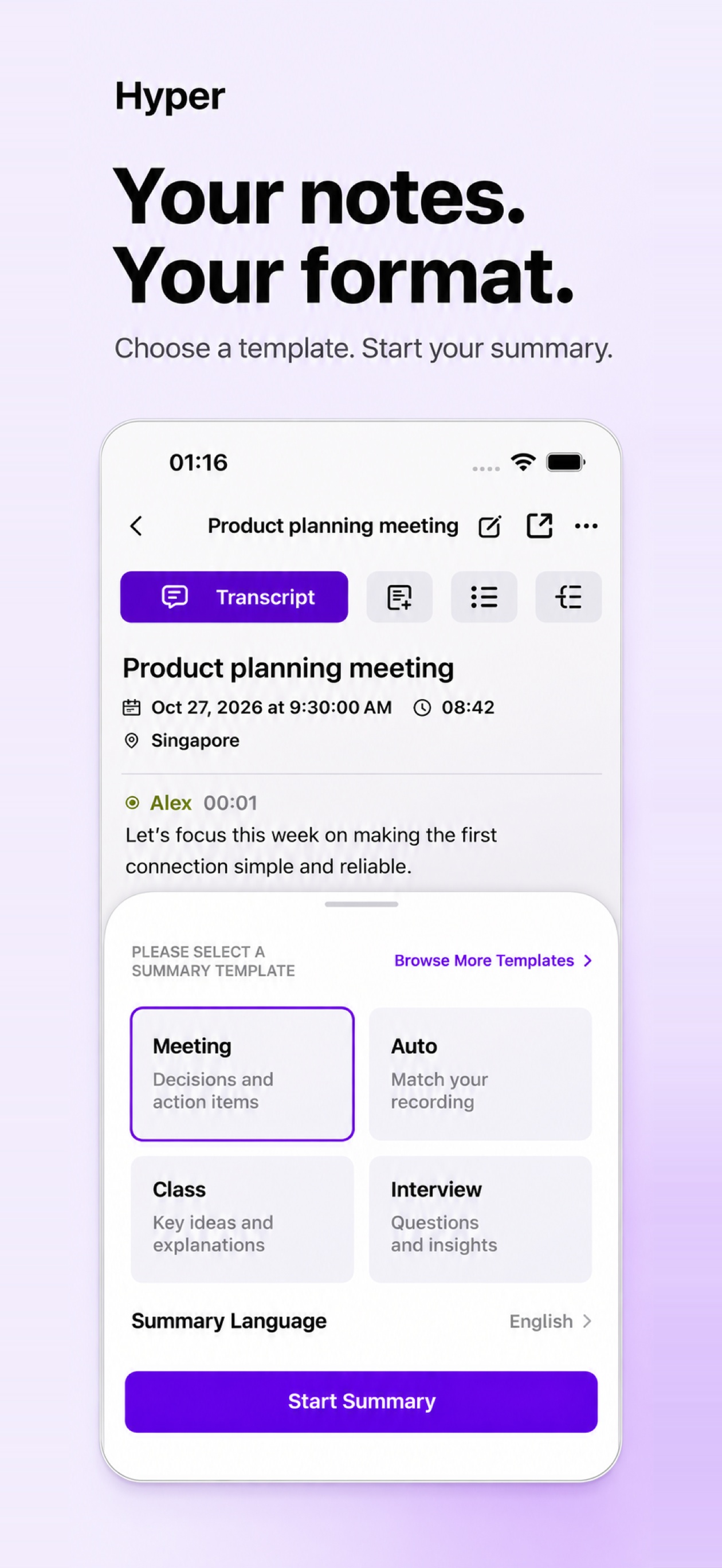
Record or import audio, convert speech into text, and select summary templates for scenarios such as meetings and interviews. View AI summaries, structured outlines, and mind maps, organize clips with custom folders, merge recordings, proofread transcripts, generate structured notes under AI Pulse, and easily share or export your content.
2. Multi-Mode AI Translation
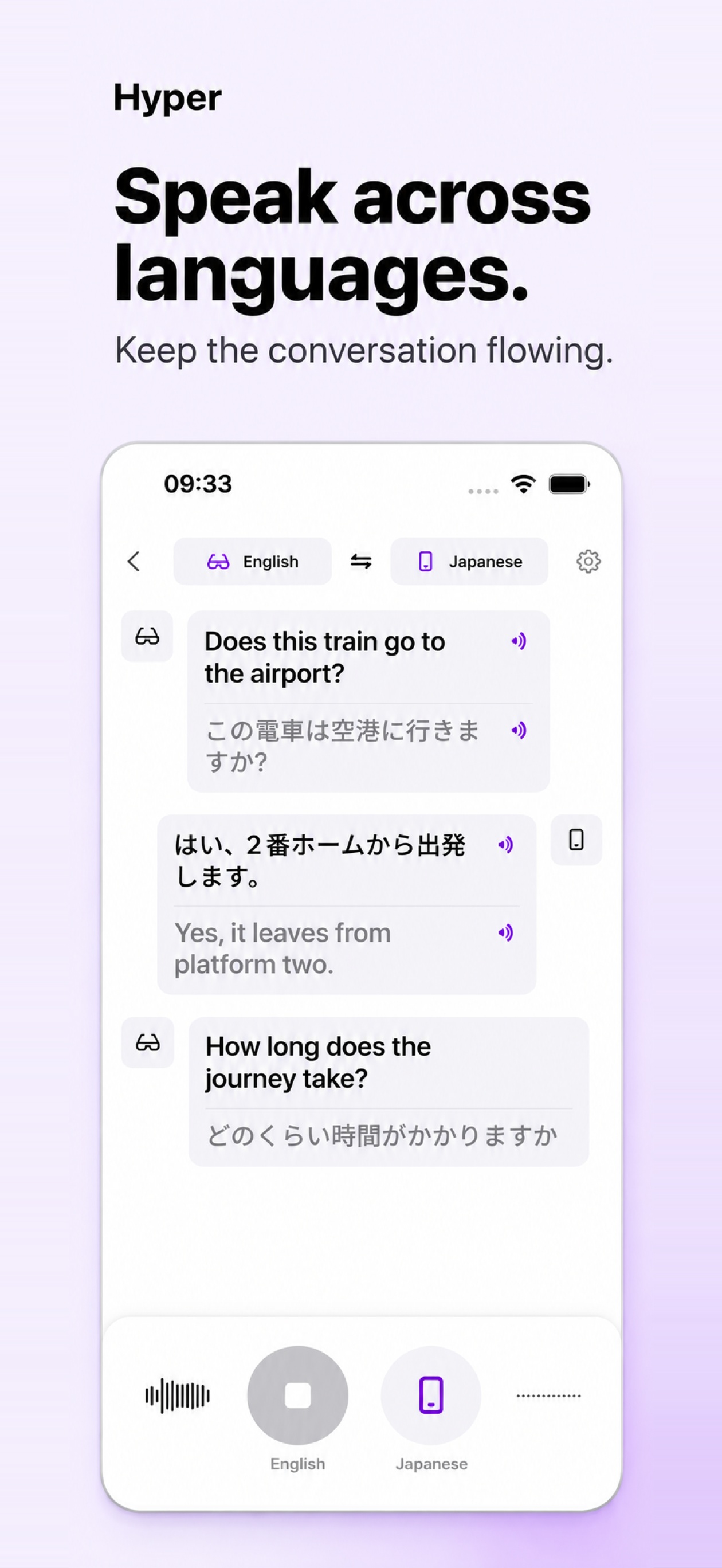
Offers Real-Time Translation, Simultaneous Interpretation, and Two-Way Mode for face-to-face conversations, listening to translations via Bluetooth devices, and turn-based push-to-talk translation. Select languages for both parties and check audio pickup and playback settings as needed; supported languages follow the current list in the app.
3. Ask AI Assistant
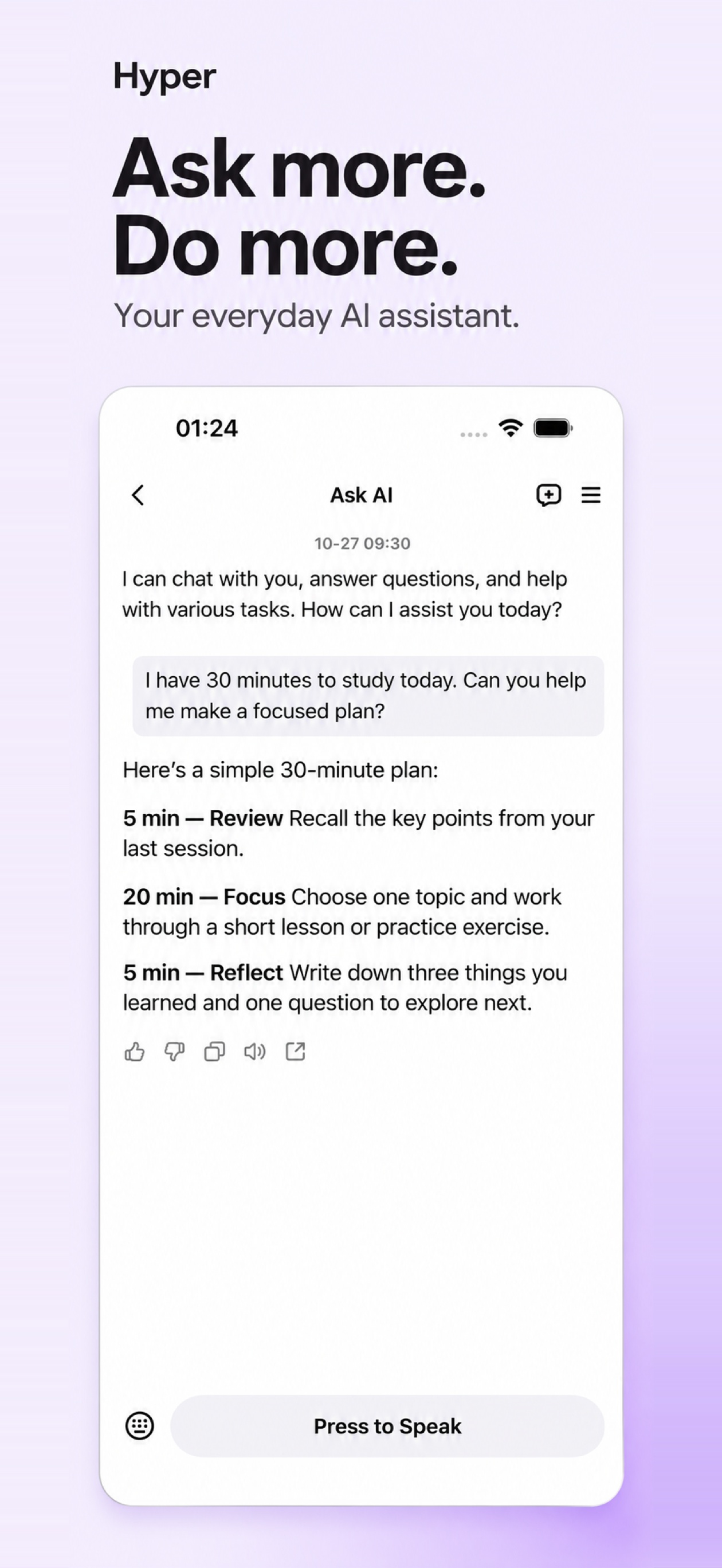
Ask questions via text or voice for everyday Q&A and task assistance, or ask follow-up questions around your recordings to further understand and organize information.
4. Flow Agent Smart Scheduling & To-Dos
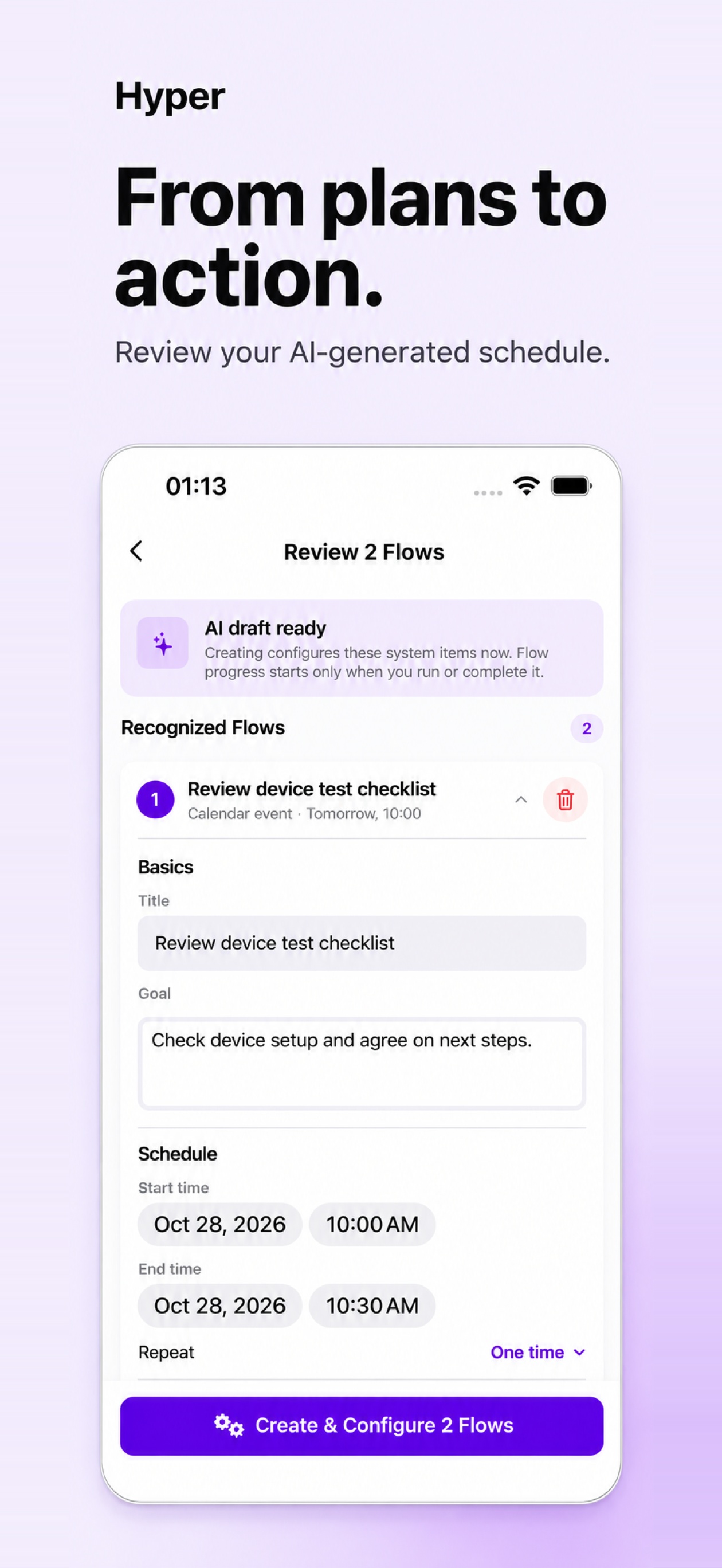
Describe your plans via text or voice to generate reviewable, editable drafts. Verify the title, date, time, and recurrence settings before confirming to create system Calendar events or Reminders. Supports manual creation, Batch Plan, and importing existing system Calendar events and Reminders.
5. Capture Items from Photos, Business Cards & Files
Take or select photos, or import supported files such as PDF, TXT, CSV, and JSON to extract schedules, to-dos, or contact details. Extracted results are displayed as drafts first so you can verify them before saving to Calendar, Reminders, or Contacts.
6. Smart Device Controls & Media Sync
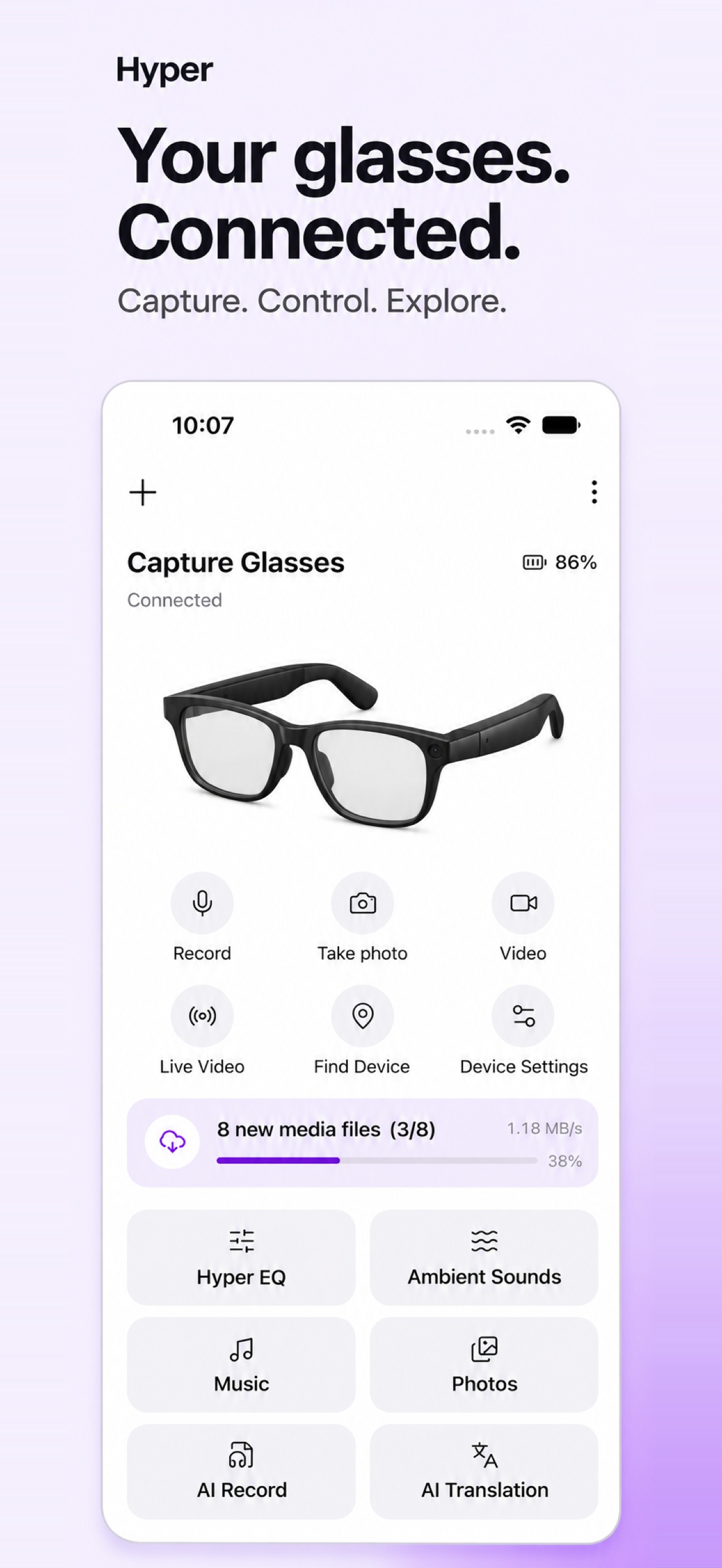
Sync recordings, photos, and videos from paired hardware, and access Live Video preview, video resolution settings, stabilization, and gyroscope calibration on supported smart glasses.
7. Music, Hyper EQ & Speaker Care
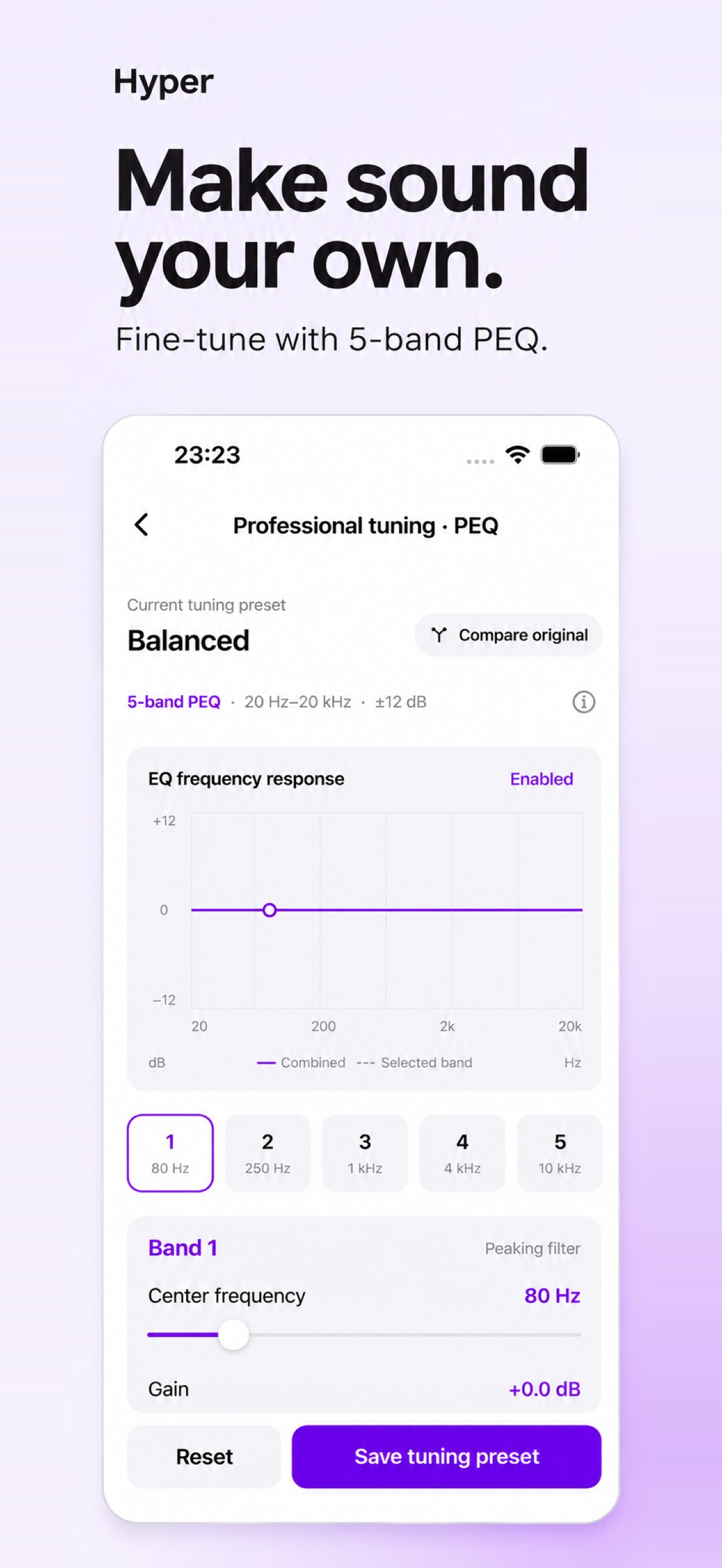
Import and play local music with a full player, customize sound via Hyper EQ with Harman reference presets and 5-band Professional Tuning (PEQ), and maintain speakers with Clean & Eject Water care.
8. Ambient Sounds & AI Mixes
Unwind or focus with ambient soundscapes and customizable multi-layer AI mixes equipped with a sleep timer.
9. Find Device
Track paired devices using connection location history, map navigation, and a 15-second sound alert.


Скриншоты приложения

Hyper скриншоты приложения1
Hyper скриншоты приложения2
Hyper скриншоты приложения3
Hyper скриншоты приложения4
Hyper скриншоты приложения5
Hyper скриншоты приложения6
Hyper скриншоты приложения7
Hyper скриншоты приложения8
Hyper скриншоты приложения9
Hyper скриншоты приложения10