Link WeChat to Your Pgyer Account
Link WeChat from Dashboard V2 for Pgyer sign-in and WeChat notifications.
After linking WeChat to Pgyer, you can use it for supported sign-in authorization and receive Pgyer notifications when the notification setting is enabled. Dashboard V2 manages linking, unlinking, and binding status from Account Security.
Prerequisites
- A registered Pgyer account and its current password. Change the password first if the account still uses its initial password.
- WeChat installed on your phone.
Steps
- Sign in to Dashboard V2, open the account menu in the upper-right, and choose Account Security.
- Under Third-party Accounts, choose Manage Bindings, find WeChat, and select Bind.
- Enter the current account password and select Continue Authorization. If the account still uses its initial password, return to Account Security and change it first.
- When Dashboard V2 displays the binding QR code, scan it with WeChat and follow the instructions in WeChat. The binding status updates automatically after completion.
If the page says that this WeChat account is already linked elsewhere, verify the ownership of the original Pgyer account and unlink it there first. Do not share account passwords to bypass the ownership check.
Follow the Pgyer Service Account
When available for the account, Follow Pgyer appears in the account menu and opens the official service-account QR code. You can also scan the following code in WeChat to follow "蒲公英开发者服务平台" (Pgyer Developer Services Platform):
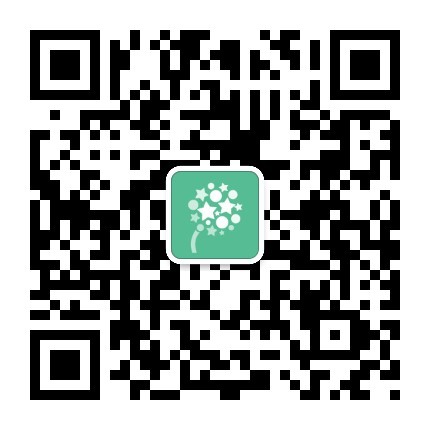
Following the service account alone does not link it to your Pgyer account. To use WeChat sign-in or receive account notifications, complete the binding under Account Security → Third-party Accounts.
Unlink WeChat
- Go to Account Security → Third-party Accounts → Manage Bindings;
- Select Unbind for WeChat;
- Enter the current account password and confirm.
Unlinking affects WeChat sign-in and notification delivery that depends on the binding. Before continuing, make sure the account still has a working email, phone number, password, or another sign-in method.