Remote App Launchikona

Remote App Launch

Wersja:1.0 (build 1)
Remote App Launchkod QR do pobrania
Instalacja aplikacji jest w toku
Instalowanie...
Instalacja aplikacji rozpocznie się wkrótce, proszę czekać. Jeśli nie pojawi się okno pobierania w przeglądarce, proszę kliknij tutaj, aby pobrać ręcznie
Zainstaluj

Lub zeskanuj kod QR za pomocą telefonu, aby zainstalować


Informacje o wersji Remote App Launch

Rozmiar
1.5 MB
Data aktualizacji
2024-07-21
Wersja
1.0
Build
1

Historia wersji Remote App Launch

1.0 (build ) 2016-11-14

Wprowadzenie do Remote App Launch

Launch apps on your android phone remotely using HTTP GET requests.

For example, to launch firefox, use your browser to request : http://yourPhoneIP:8888/start/org.mozilla.firefox

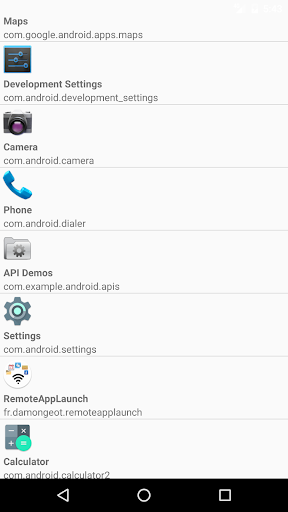
The app need to be requested by its package name (Remote App Launch will show the package name of each app on your phone, don't worry).

To stop the app remotely, you just need to switch from "start" to "stop" in the URL : http://yourPhoneIP:8888/stop/org.mozilla.firefox

Be aware that android doesn't allow a foreground app to be killed, only background processes. If you remotely launch an app that stays in foreground, it can't be killed remotely by Remote App Launch.

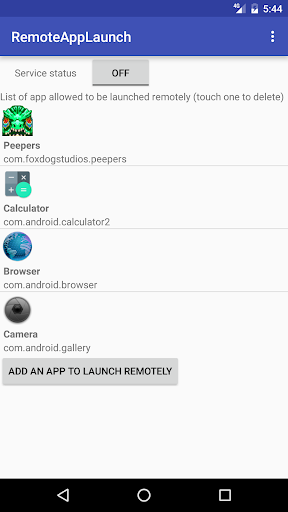
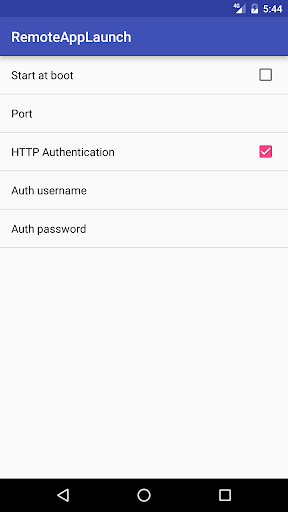
Each app you want to start remotely need to be added in a white list within RemoteAppLaunch (for security reasons). You can add one more security layer by using HTTP Authentication with a user/password needed to start/stop apps. In that case, to launch an app just use the following URL : http://username:password@yourPhoneIP:8888/start/org.mozilla.firefox
Rozwiń

Zrzuty ekranu Remote App Launch

Remote App Launchzrzuty ekranu aplikacji1
Remote App Launchzrzuty ekranu aplikacji2
Remote App Launchzrzuty ekranu aplikacji3

Opinie użytkowników

Prześlij deweloperom tej aplikacji problemy, z którymi się spotkałeś podczas korzystania z aplikacji lub sugestie dotyczące aplikacji, aby pomóc im w jej ulepszeniu.